Post more,
do less.
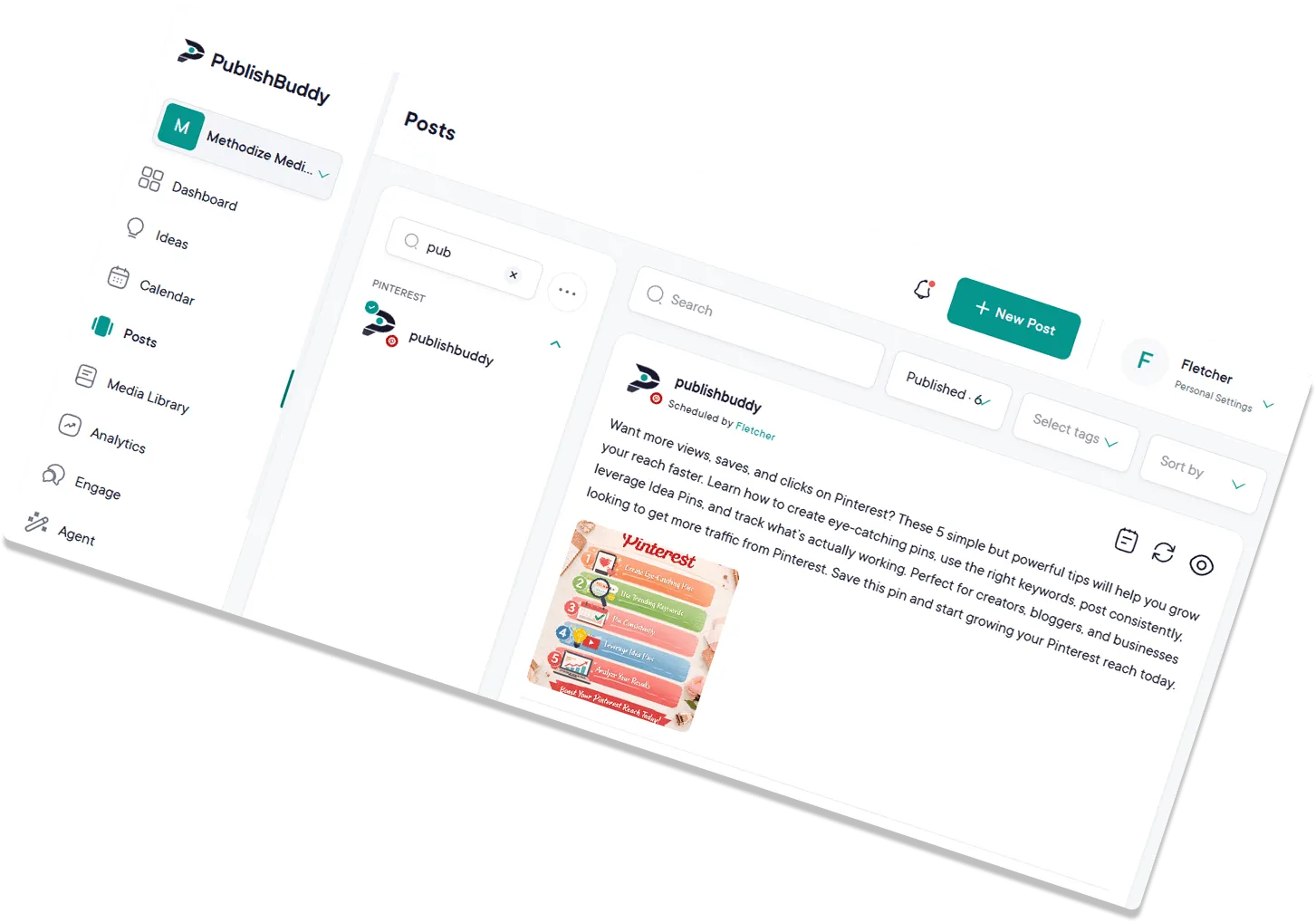
Write and schedule posts for every social account from one composer and calendar. No more juggling tabs.
Start for Free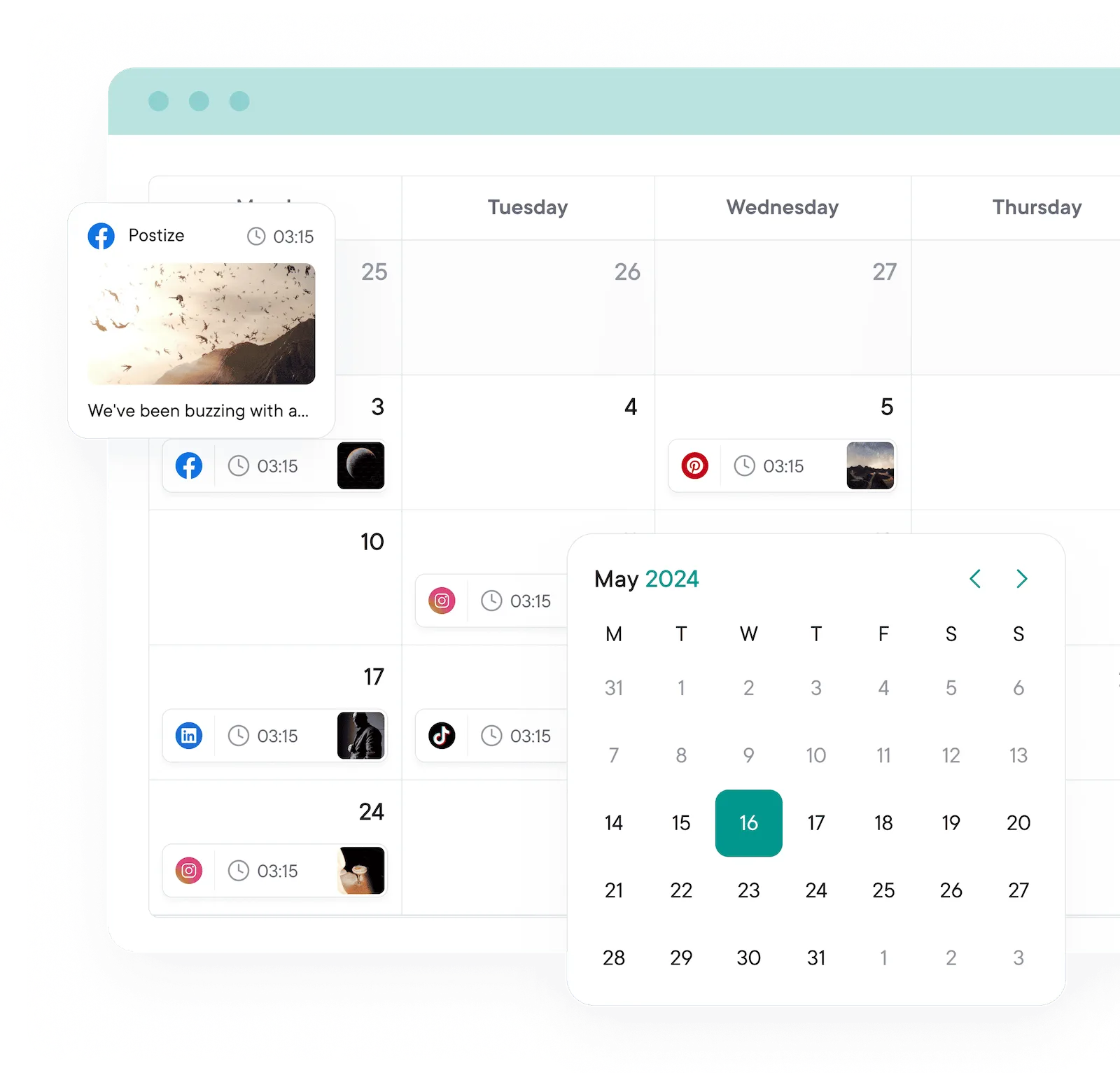
Goodbye, manual posting.
Hello consistency.
Post customization
One composer.
Every network.
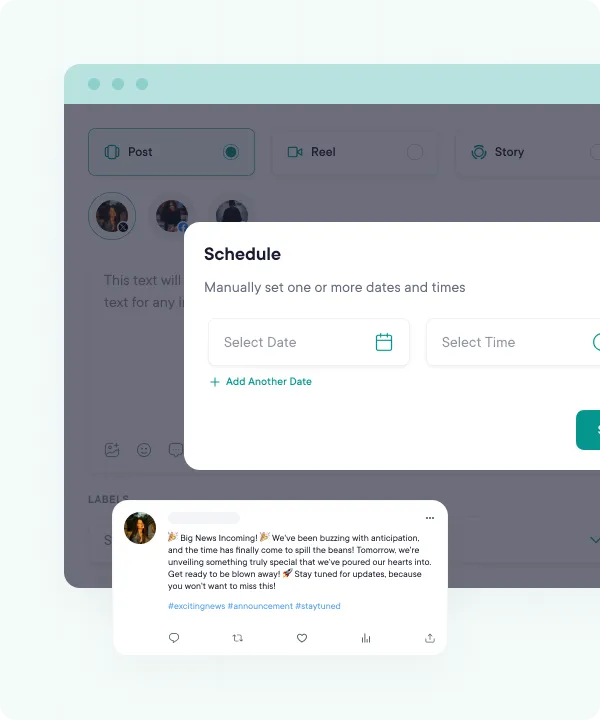
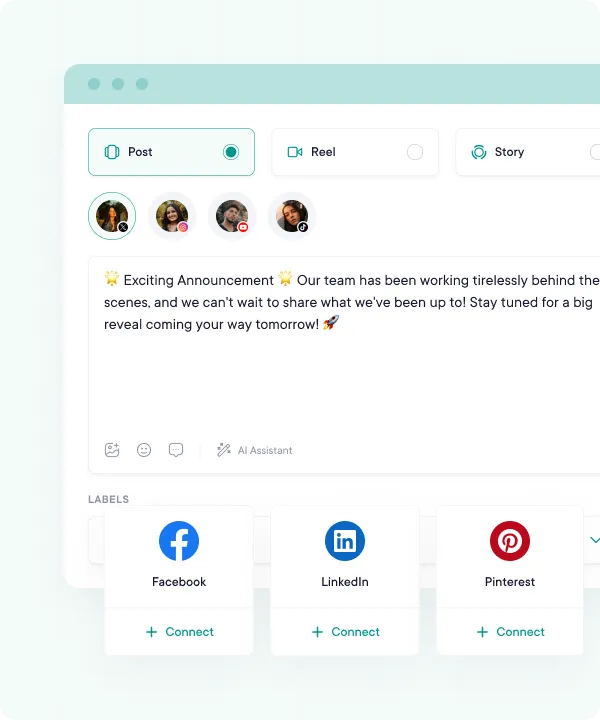
Tailor captions, hashtags, descriptions, and first comments per platform from a single screen. No copy-pasting between tabs, no re-uploading the same media five times.
- Every network you use. Schedule to Facebook, Instagram, X (Twitter), LinkedIn, Pinterest, TikTok, YouTube, Telegram, Threads, and Bluesky, Reels, Stories and YouTube Shorts included.
- Per-network tweaks. Change the caption, hashtags, title or first comment for one network without rewriting the whole post.
- Previews before it goes live. See how each post will look on each network, so you catch a cut-off caption or a bad crop first.
Bulk uploading & media library
Plan a month in minutes.
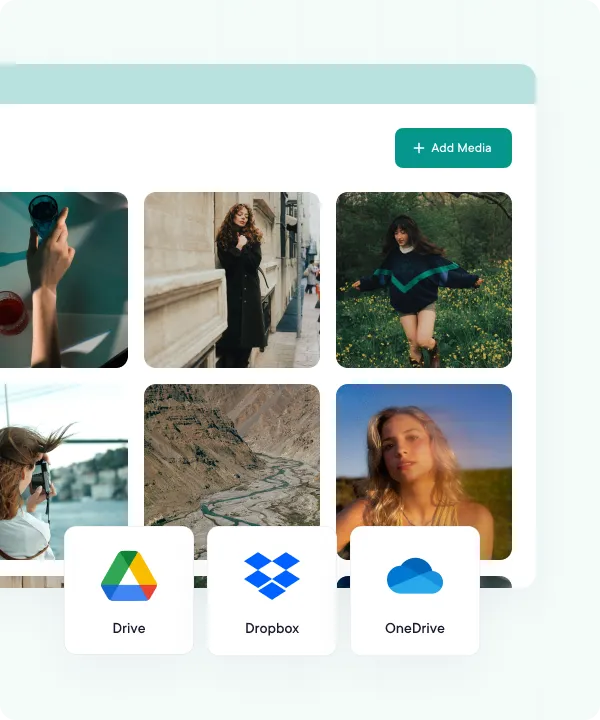
Drop in images, videos, and CSVs straight from your device, Google Drive, Dropbox, or OneDrive. Map captions to media in one go, then schedule the whole batch in a few clicks.
- Text, links, images and video. Text-only posts, links with a preview, image posts and videos, all from the same composer.
- Cloud storage built in. Pull files from your computer, Google Drive, Dropbox or OneDrive. No downloading and uploading again.
- CSV imports for the heavy lifting. Put up to 500 posts in a spreadsheet, import it, and schedule or queue them all at once.
Scheduling & cross-posting
Post once. Reach everywhere.
Take a single piece of content and tailor it for every connected profile in one composer. Publish now, drop into a queue, or pick the exact time it goes out.
- One network or all of them. Write once, then send it to one account or every connected account. Your call, every time.
- Posts, Reels, Stories and threads. Schedule them from the same composer, with no separate tool for each network.
- A queue that fills itself. Set posting times for each account once. Every post you add to the queue takes the next free time.
Drafts & collaboration
Drafts, reviews, approvals.
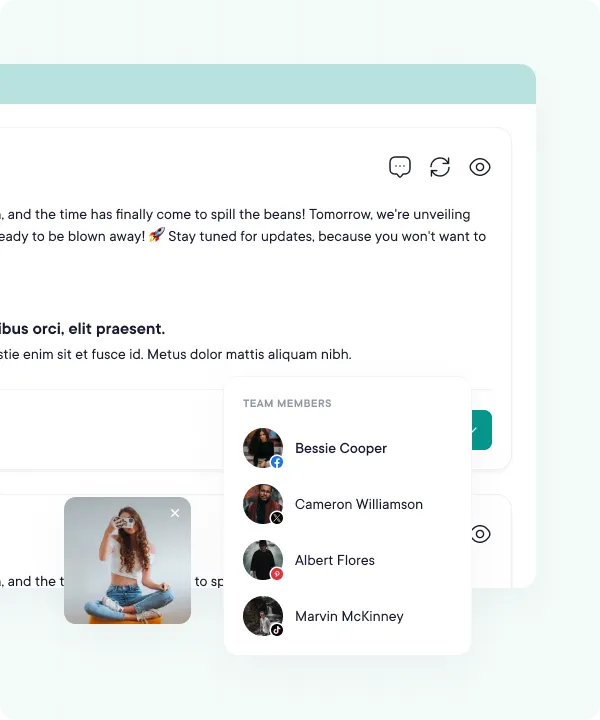
Work on drafts with your team before they go live. On Business, posts from people who need approval wait for an owner or admin, who schedules them or sends them back with a note.
Content calendar
A calendar that helps.
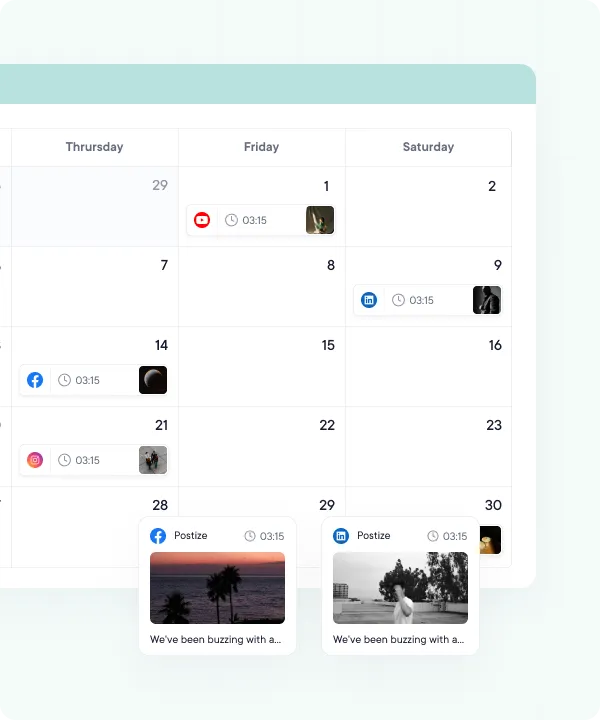
See your week or month at a glance. Drag posts to reschedule, spot gaps in your queue, and balance content types without juggling a separate spreadsheet.
Workspaces & access control
Built for teams. Controlled by you.
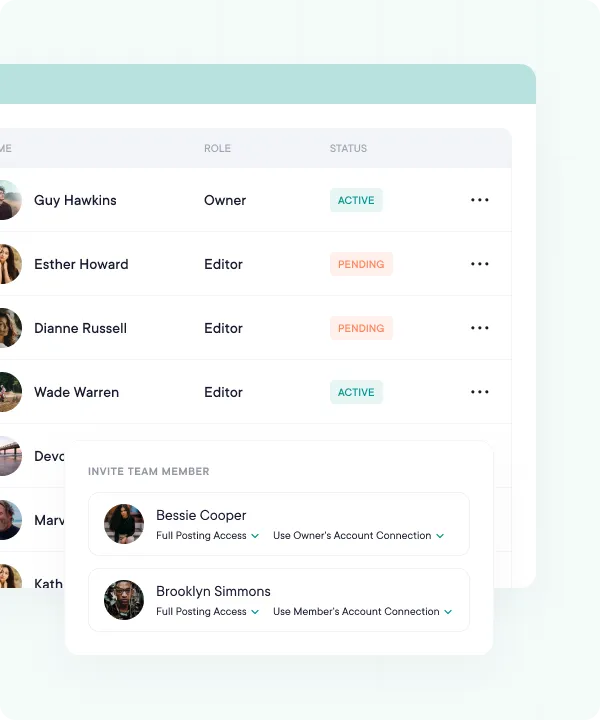
Keep each brand or client in its own workspace, and choose which accounts each team member can see and post to. The Dashboard shows who did what, so posts don't land on the wrong account.
FAQs
Quick answers to the questions we get asked most. Can't find what you're looking for? Reach out to our support team and we'll get back to you promptly.
Which networks can I schedule to?
Facebook, Instagram, X (Twitter), LinkedIn, Pinterest, TikTok, YouTube, Telegram, Threads, and Bluesky. On Facebook you connect Pages, on Instagram professional accounts, and on Telegram channels.
How does the queue work?
You set posting times for each account once, like 9:00 and 17:30 on weekdays. Every post you add to the queue takes the next free time. You can still pick an exact date and time for any post.
Do my posts publish on their own?
Yes. At the time you set, PublishBuddy posts to each network for you, Reels and Stories included. If a network turns a post down, you get an email and an alert with the reason, so you can fix it and send it again.
Can I upload a month of posts from a spreadsheet?
Yes, on Pro and Business. Save your posts as a CSV with a Date and a Message column, plus links and media if you like. One file holds up to 500 posts, and you can schedule or queue them in one go.
Can my team send posts for approval first?
Yes, on Business. Set a team member's access to an account to need approval, and nothing they write for it goes out until an owner or admin approves it. Approving means picking when it goes out.
How many posts can I schedule on the free plan?
10 scheduled posts per social account, 20 drafts and 3 accounts. Pro and Business remove the post and draft limits.

Your social media.
One platform.
See what's working. Do more of it.
Join creators, agencies, and businesses who manage their social media smarter. Start for Free, no credit card, no commitment.