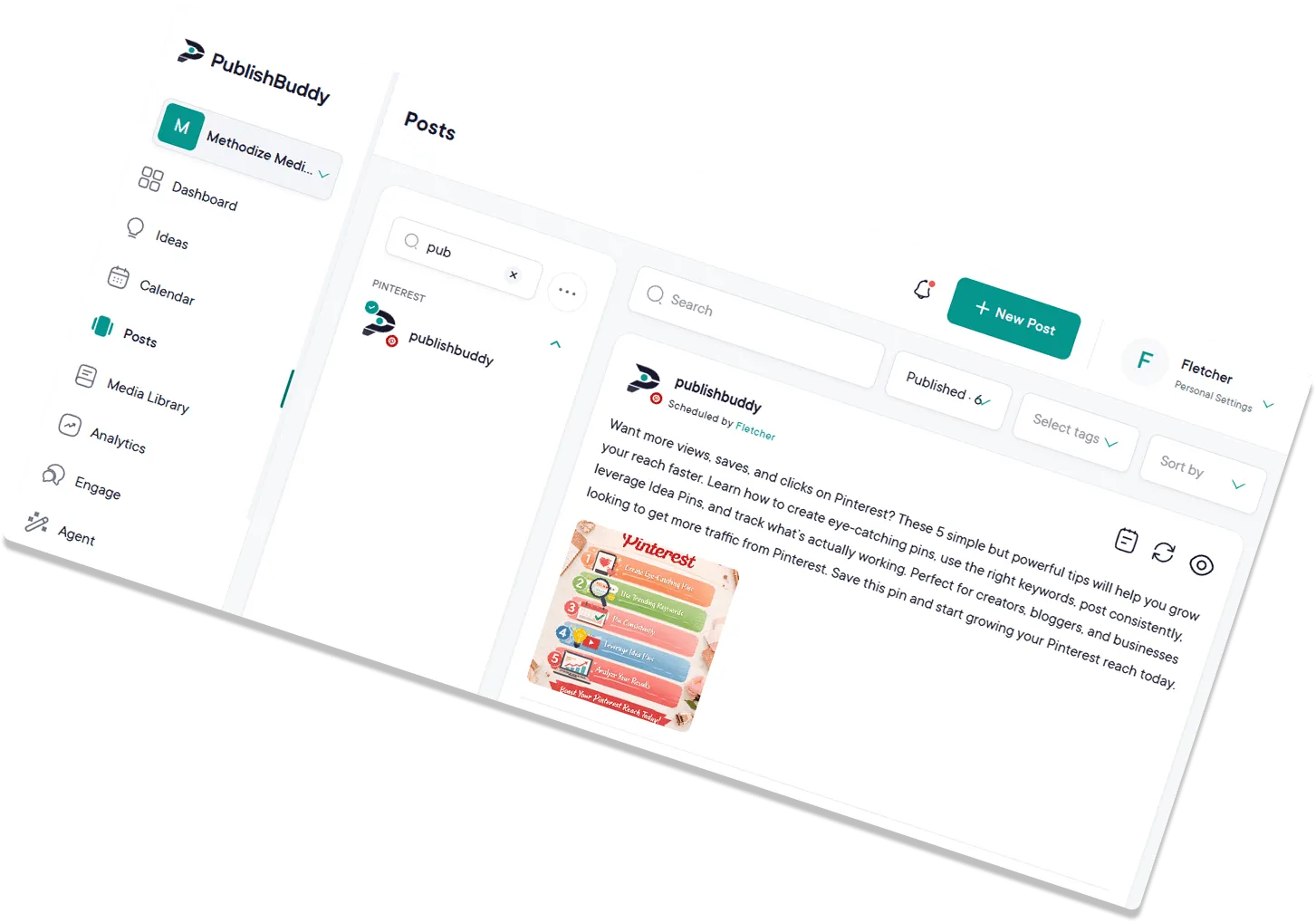
Magnetic content,
ready for posting.
Find ideas worth posting, draft them with AI, and schedule them everywhere. All from the same workspace.
Start for Free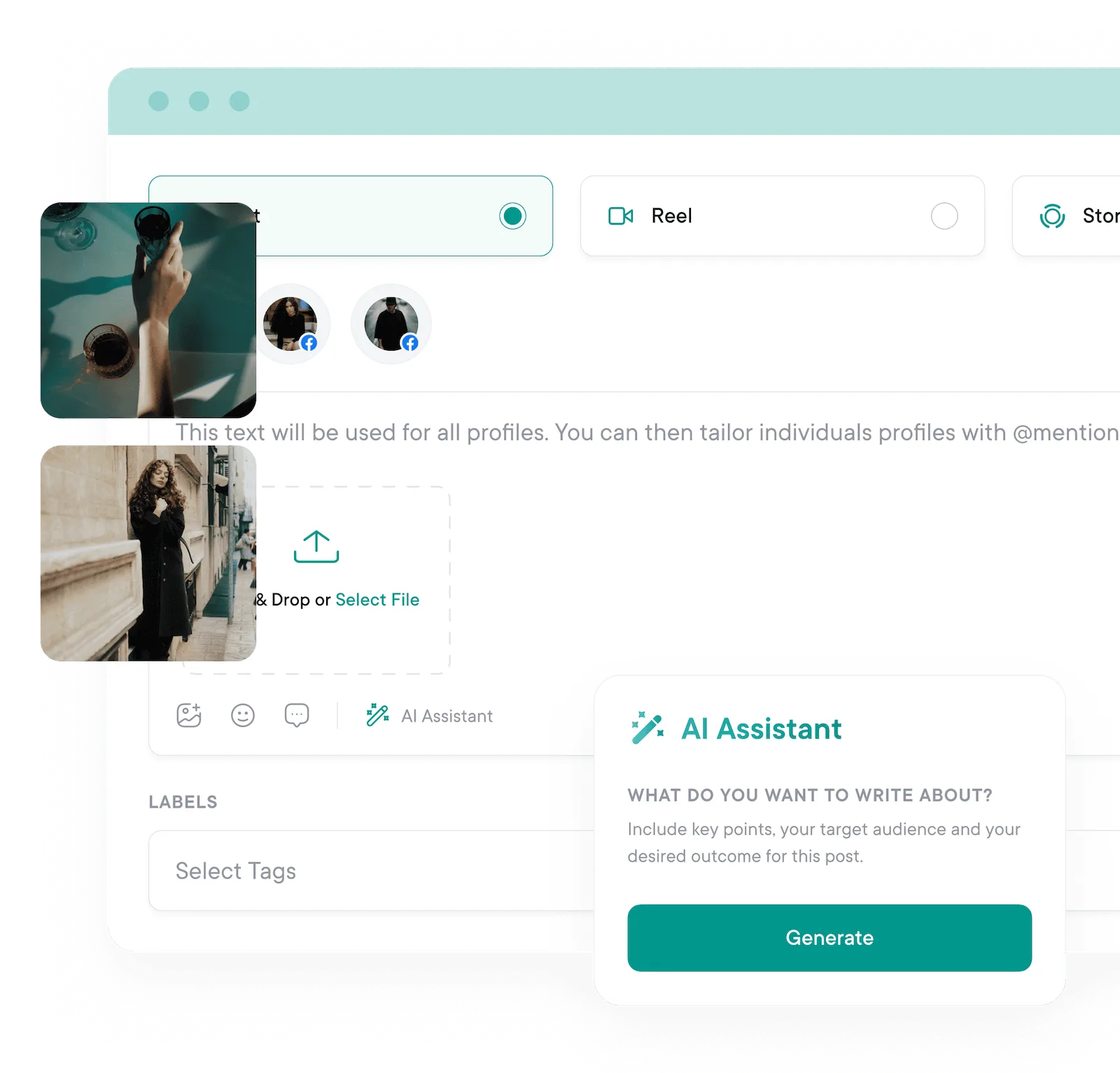
Never run out of
things to post.
AI Studio
Posts written
in a sentence.
Describe the idea and AI Studio writes the post for each network you pick. It makes images and videos too. When you don't even have an idea, ask for one.
- AI Studio writes the post. Describe the post in a sentence and AI Studio writes the text for each network you pick, ready to post or edit.
- Ideas when you're stuck. Answer a few questions about your business and get a post idea back. The AI Agent can also pitch ideas from your own top posts.
- Written for each network. Short and punchy for X, more formal for LinkedIn. Each draft fits where it's going.
AI hashtag & caption generator
Writer's block? What's that?
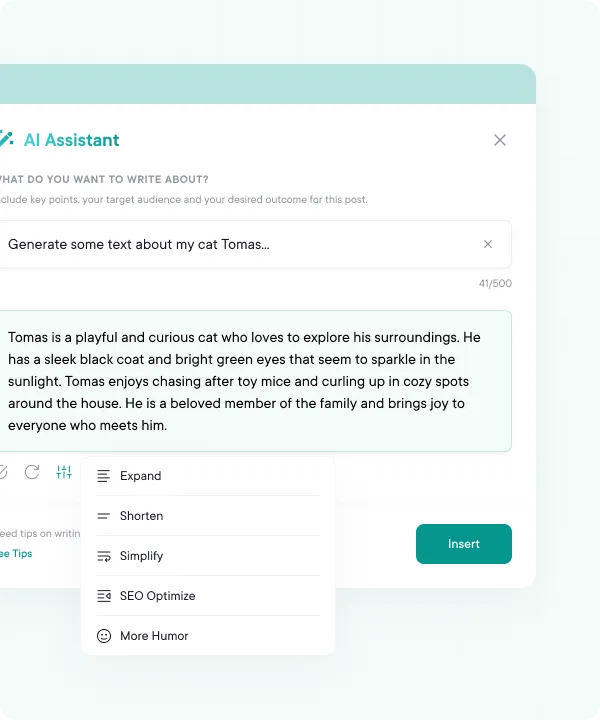
Describe your idea in the composer and get caption drafts and hashtag suggestions in seconds, without leaving the post you're working on.
- Caption drafts in seconds. Describe the post in a sentence and get a caption back, ready to post or edit.
- Hashtag suggestions. Get a set of hashtags with each draft, so you can stop keeping hashtag lists in a spreadsheet.
- Edit in place. Expand, shorten, simplify or add humor without leaving the composer.
Content import & integrations
Bring your work straight in.
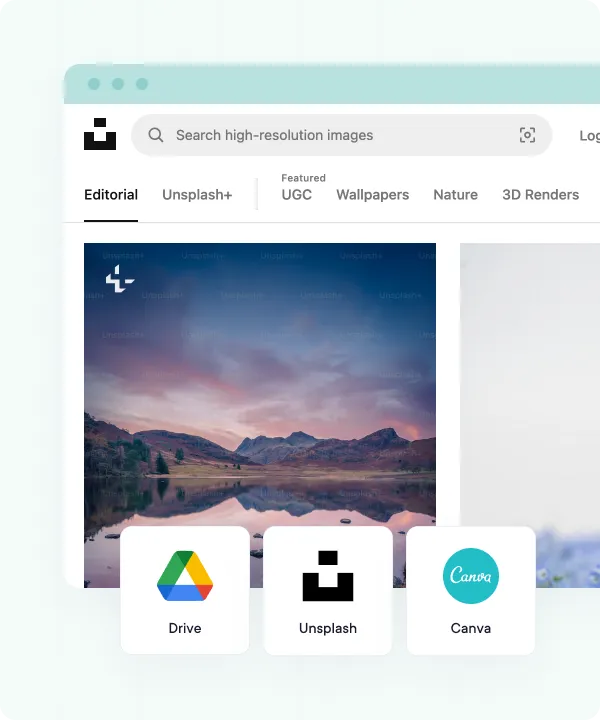
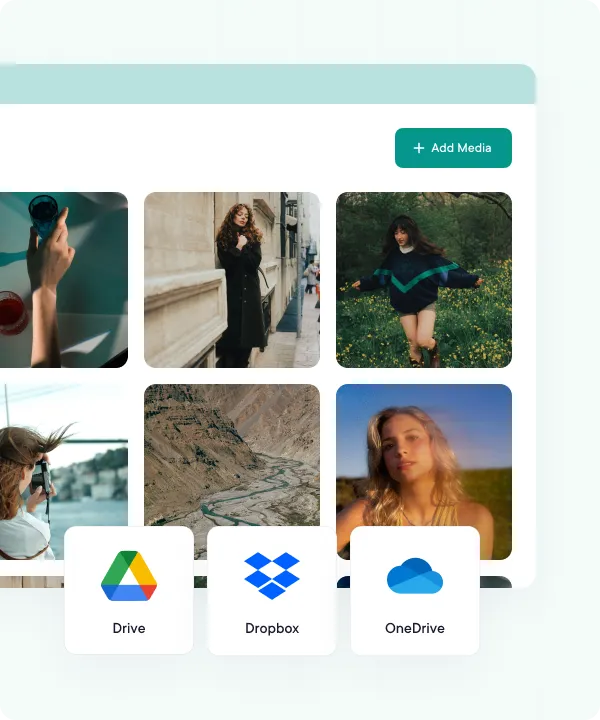
Import finished posts, images, and videos from your device, Google Drive, Dropbox, or OneDrive. Tweak per platform, then schedule across your whole stack from one calendar.
- Cloud storage on tap. Pull files from your computer, Google Drive, Dropbox or OneDrive without downloading anything first.
- Bring finished posts in bulk. Import up to 500 posts from a CSV file and plan a month of content in one go.
- Tweak once it's in. Change the text, hashtags or media for one network without going back to the source file.
Realistic previews
See it before
your followers do.
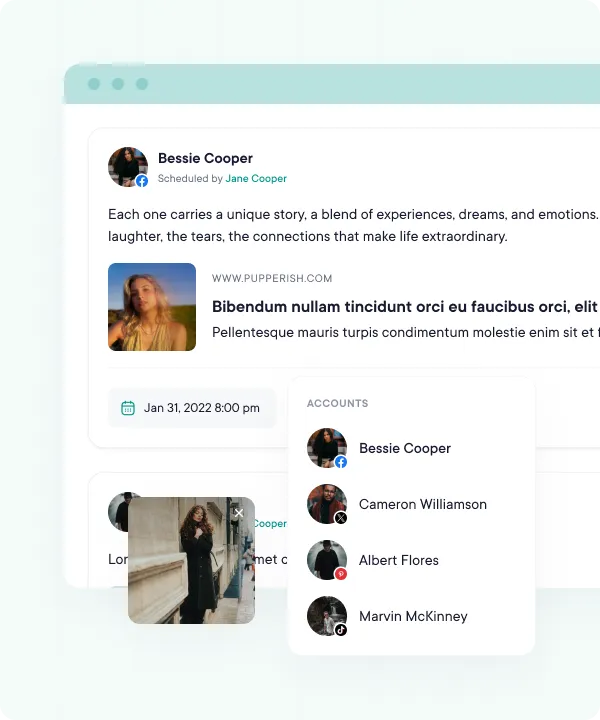
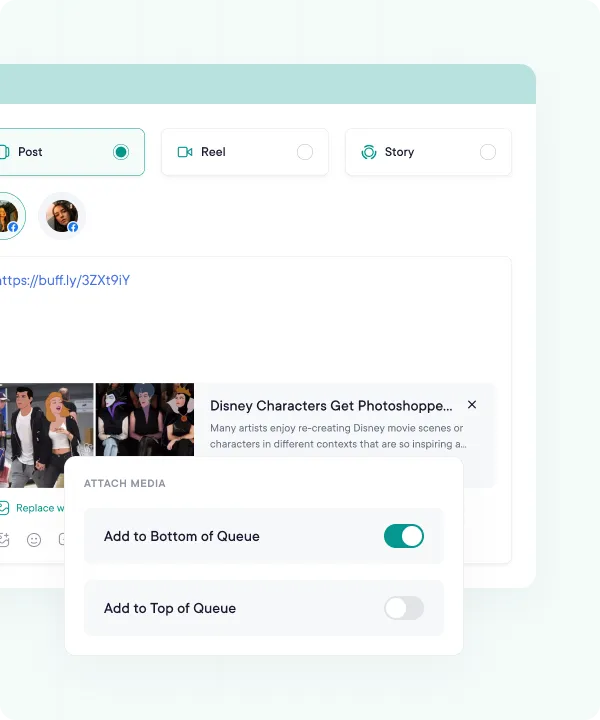
Every network shows posts differently. PublishBuddy shows you how each one will look before it goes out, so you catch the cropped image or cut-off caption while you can still fix it.
Content library
Save once.
Reuse forever.
Save ideas and media as you find them. Reuse them later, turn an idea into a post in one click, and stop hunting through bookmarks for that one image you swore you saved.
Drag-and-drop calendar
Your whole plan,
at a glance.
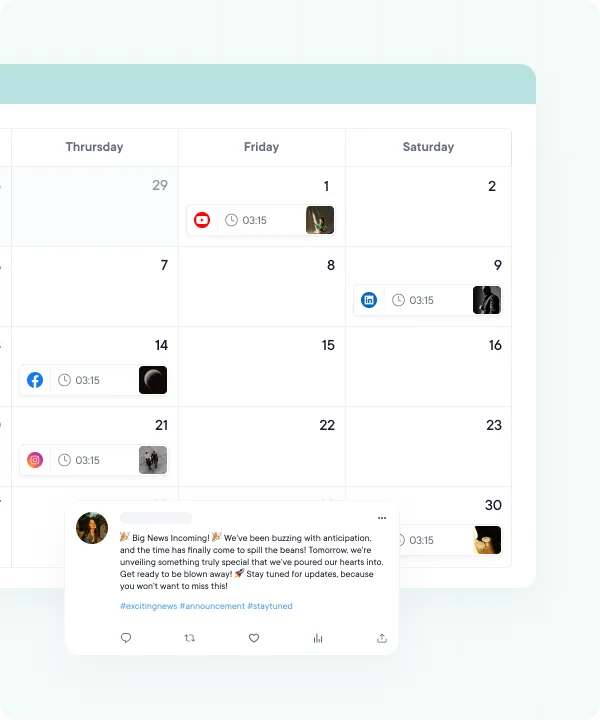
Map out weeks of content on a single calendar. Reschedule a post by sliding it to a new day, switch between month and week views, and see where your queue has gaps or where two accounts are stepping on each other.
FAQs
Quick answers to the questions we get asked most. Can't find what you're looking for? Reach out to our support team and we'll get back to you promptly.
What's the difference between AI Assist, AI Studio and the AI Agent?
AI Assist writes caption and hashtag ideas inside the post composer. AI Studio makes images, videos and text for your posts. The AI Agent is a chat that reads your own account data and can draft and schedule posts for you.
Which plans include the AI tools?
Pro and Business, and the 14-day free trial. Post ideas from the Ideas page work on every plan, the free one included.
Do I pay per AI request?
No. AI Assist, Ideas and chatting with the AI Agent use no credits. Images, videos and some Agent requests use AI credits: 500 a month on Pro, 2,500 on Business and 200 for the whole trial.
Can the AI write in my brand's voice?
Yes, with a Brand Kit on Pro and Business. Save your voice, words to use and avoid, example posts, colors and logo, and AI Assist, AI Studio and the AI Agent follow it.
Will the AI post anything without asking me?
No. The AI Agent can save drafts, but it asks you to confirm before it schedules, publishes, edits or deletes a post, or spends credits on an image or video.
Can I bring in posts and media I already have?
Yes. Upload from your computer or import from Google Drive, Dropbox or OneDrive into the media library. On Pro and Business you can also load up to 500 posts at once from a CSV file.

Your social media.
One platform.
See what's working. Do more of it.
Join creators, agencies, and businesses who manage their social media smarter. Start for Free, no credit card, no commitment.