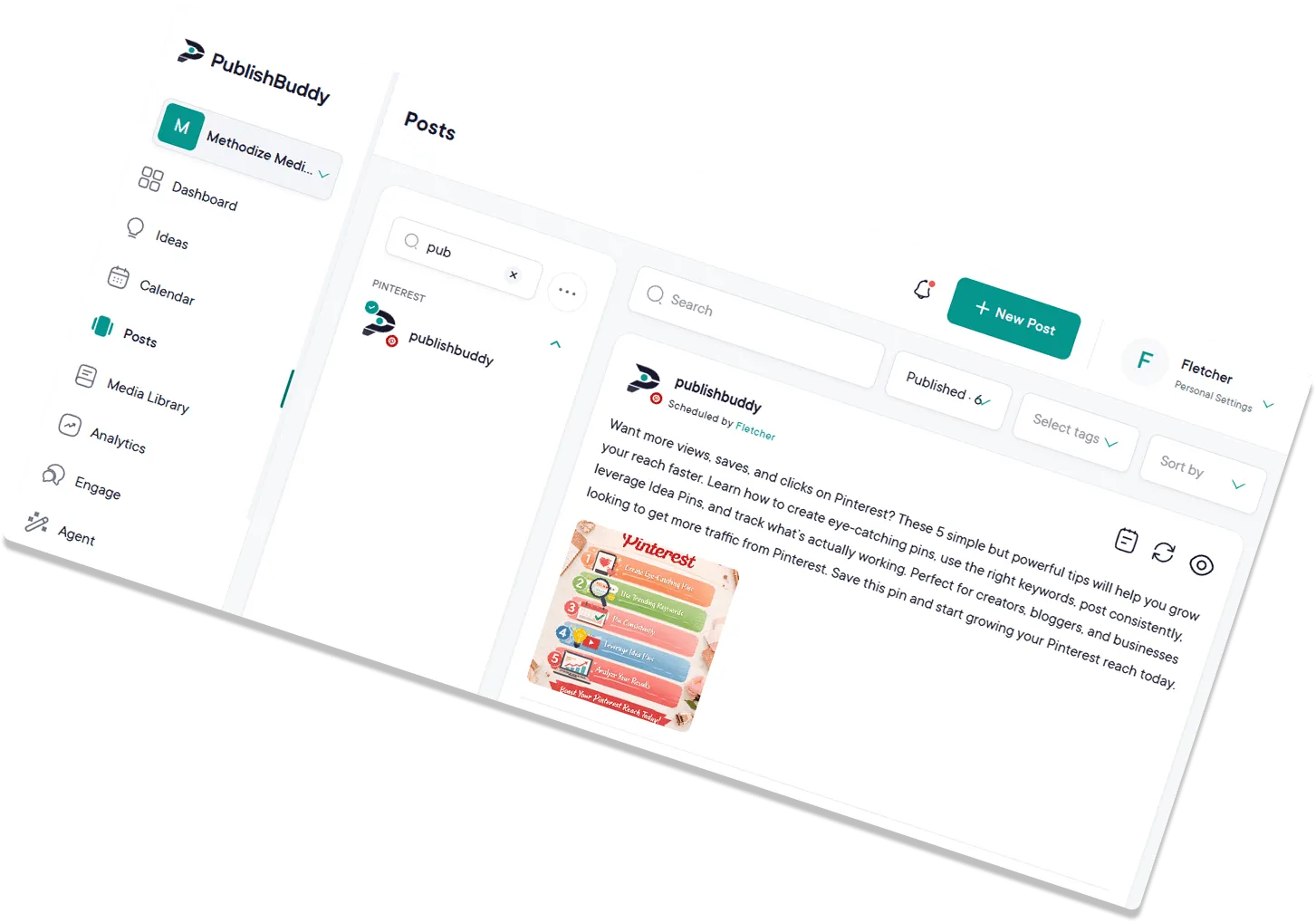
Show up on  Threads
without doubling your work.
Schedule Threads alongside Instagram, draft conversational takes with AI, and grow a presence that feels native. All from one composer.
Start for Free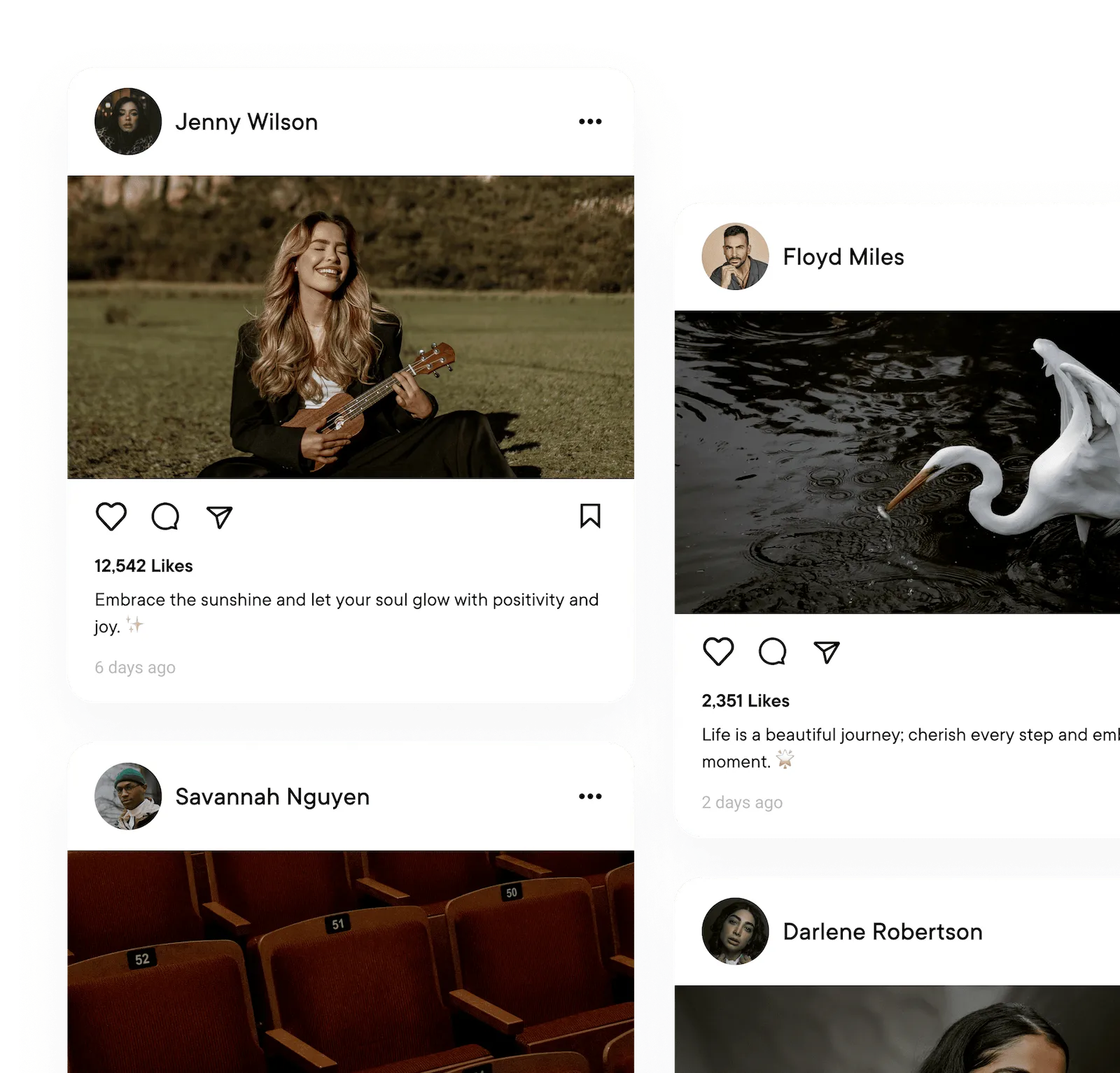
What you can post to Threads
| What you connect | Threads profiles. Instagram connects on its own, so add both if you use both |
|---|---|
| Text-only posts | Yes |
| Images | Yes, up to 8 |
| Video | Yes, up to 5 minutes |
| Photos and video in one post | Yes |
| Follow-up comments (Pro and Business) | Yes, text only. Each one replies to the one before, so they read as a thread |
Every post publishes for you at the time you set. Post types for every network
What analytics you get on Threads
| Follower growth | Not yet. New Followers shows 0 for now |
|---|---|
| Reach | Yes, as views |
| Likes | Yes, except on Last 7 Days |
| Age, gender and location (Business) | No |
| Link clicks | No |
| Video views | No |
| Numbers on each post | Likes, replies, reposts and views |
Numbers on each post show on every plan. The Analytics page comes with Pro and Business. Analytics for every network
Stake a Threads presence
without the extra workload.
Threads is the easiest new audience you can earn, as long as you post. PublishBuddy makes that the easy part: queue a week of takes, draft with AI, and let one composer feed Threads and Instagram in the same beat.
Upload more,
post smarter.
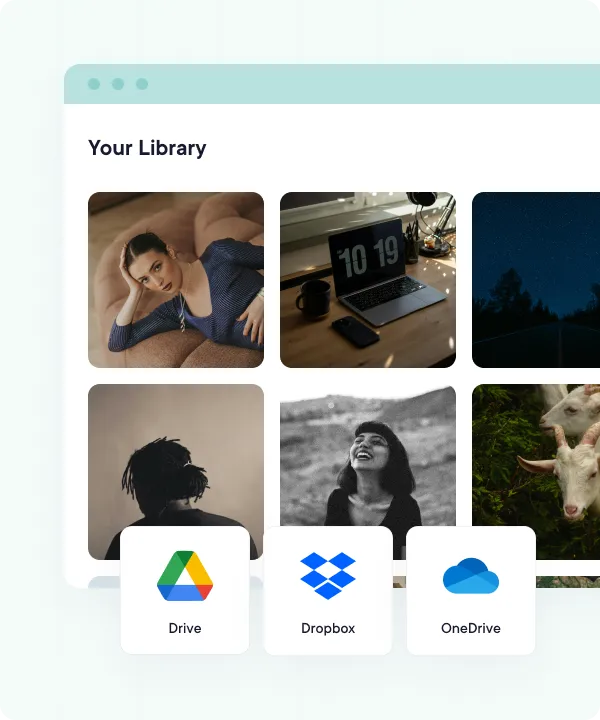
Bring images and videos in from your device, Google Drive, Dropbox, or OneDrive. Tailor each take per account, then schedule the whole batch and fine-tune it on a drag-and-drop calendar.
- Multiple Threads accounts in one workspace. Manage personal and brand accounts side by side without re-logging in.
- Cloud-integrated media library. Pull images and videos straight from your device, Google Drive, Dropbox, or OneDrive.
- Bulk uploads with CSV. Map post text and media in a spreadsheet, then queue a month of takes in one go.
- Drag-and-drop calendar. Reschedule with a drag, balance topics across the week, and catch quiet days before they hit.
Conversational posts,
queued and ready.
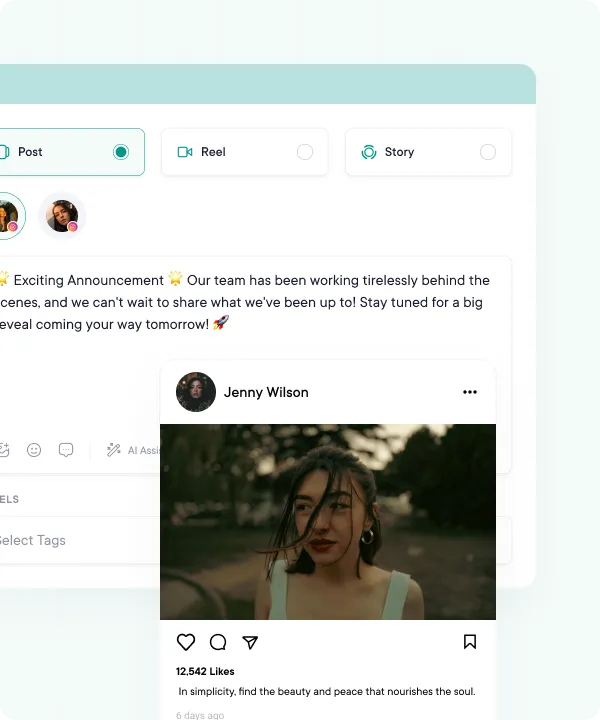
Threads rewards a steady, opinionated voice, which means showing up daily. Compose a week of takes, attach the visuals, preview how each will look, and let them auto-publish at the times you set.
- Conversational text-first posts, scheduled in advance
- Attach images and videos, or mix both in one post
- Realistic Threads preview before you post
- Auto-publish at the time you pick, or from your queue
Threads-ready takes,
in a sentence.
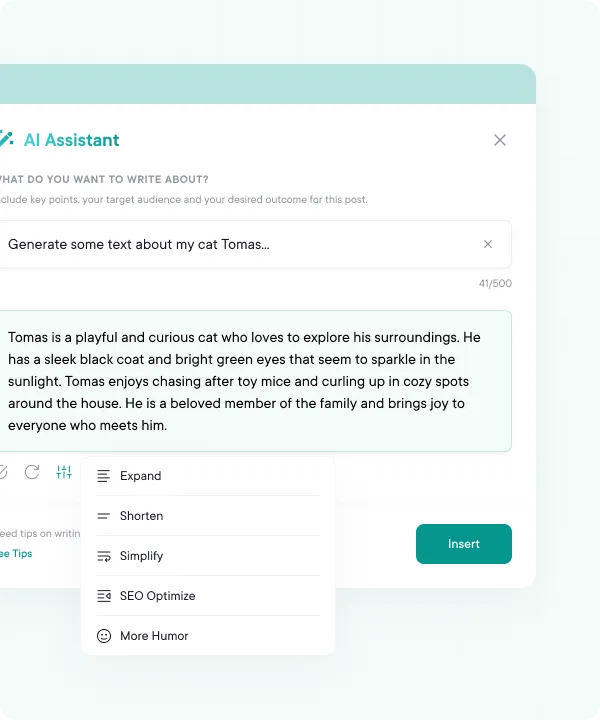
Threads punishes corporate, rewards human. AI Studio drafts posts in a conversational voice, Ideas suggests fresh angles when you've got nothing to say, and AI Assist trims a sprawling take down to Threads' 500-character limit. AI Studio and AI Assist come with Pro and Business.
- AI Studio drafts conversational posts in your voice
- Idea generation when the timeline goes quiet
- Punchy openers that earn the first scroll-stop
- Trim a long take down to Threads' 500-character limit
Post once.
Hit both Meta feeds.
Threads and Instagram share an identity, and now they share a composer too. Write the take once, add a photo or video (Instagram needs one), tweak the bits that need tweaking per network, and PublishBuddy fires it off to both feeds on the schedule you set.
- Post once to Threads and Instagram from the same composer
- Tweak per platform without retyping the whole thing
- Run them on the same calendar so cadence stays in sync
See which takes
actually land.
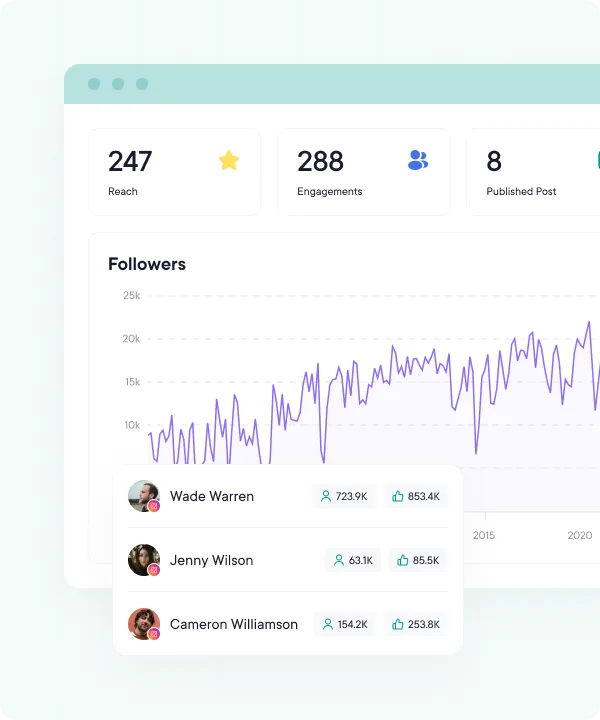
Threads is still finding its rhythm, and so are you. Track views, likes, replies, and reposts per post, switch between the last 7, 14, 30, or 90 days, and double down on the takes that pull a crowd.
- Views and likes, charted over time
- Likes, replies, reposts, and views per Threads post
- Best times to post, from your own posts (Business)
- Last 7, 14, 30, or 90 days, plus this week, this month, and last month
Reports ready
when they ask.
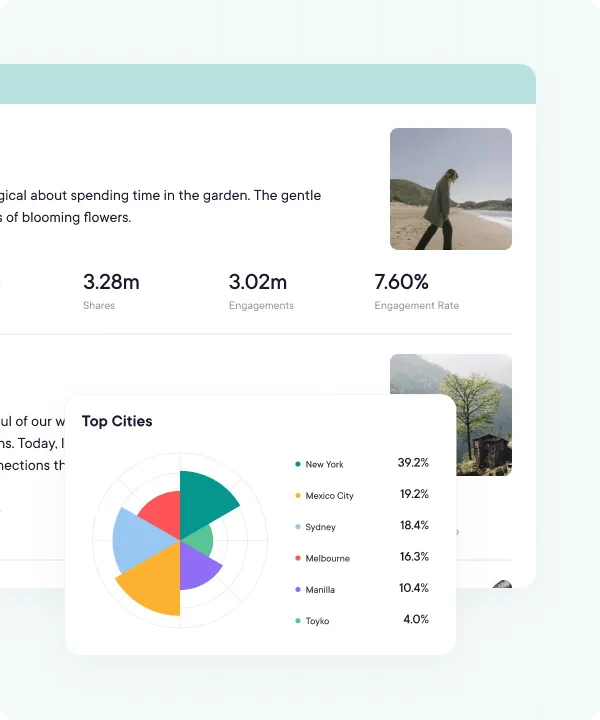
Open a clean Threads report on the Analytics page (Pro and Business) the moment a stakeholder or client wants the update. Use the numbers to tighten next week's plan.
- Polished charts and graphs
- View on demand inside PublishBuddy
- Views, engagement, and top-performing posts
- Sync Analytics for the latest numbers on demand
FAQs
Quick answers to the questions we get asked most. Can't find what you're looking for? Reach out to our support team and we'll get back to you promptly.
Does connecting Instagram connect Threads too?
No. Threads connects on its own, even when it belongs with an Instagram account. They count as two social accounts, and you can pick both in one post.
Can I schedule a thread on Threads?
Yes, on Pro and Business. Write the first post, then add follow-up comments. Each one replies to the one before, so they read as a thread. On Threads, comments are text only, up to 500 characters each.
What can I post to Threads?
Text, images, video up to 5 minutes, and photos and videos mixed in one post, up to 8 files.
Which Threads analytics do I get?
Likes, replies, reposts and views on each post, plus views and likes on the Analytics page. Follower growth shows 0 for now, and Threads audience details don't show in the app.
Can I reply to Threads comments in PublishBuddy?
Not yet. Your Threads account and its posts show in Engage, but replies from other people don't come in yet. Answer them in the Threads app for now.
How do I post the same thing to Threads and Instagram?
Pick both accounts in one post. Instagram needs a photo or video, so add one if the post should go to both. You can change the text for just one network before you schedule.

Your social media.
One platform.
See what's working. Do more of it.
Join creators, agencies, and businesses who manage their social media smarter. Start for Free, no credit card, no commitment.