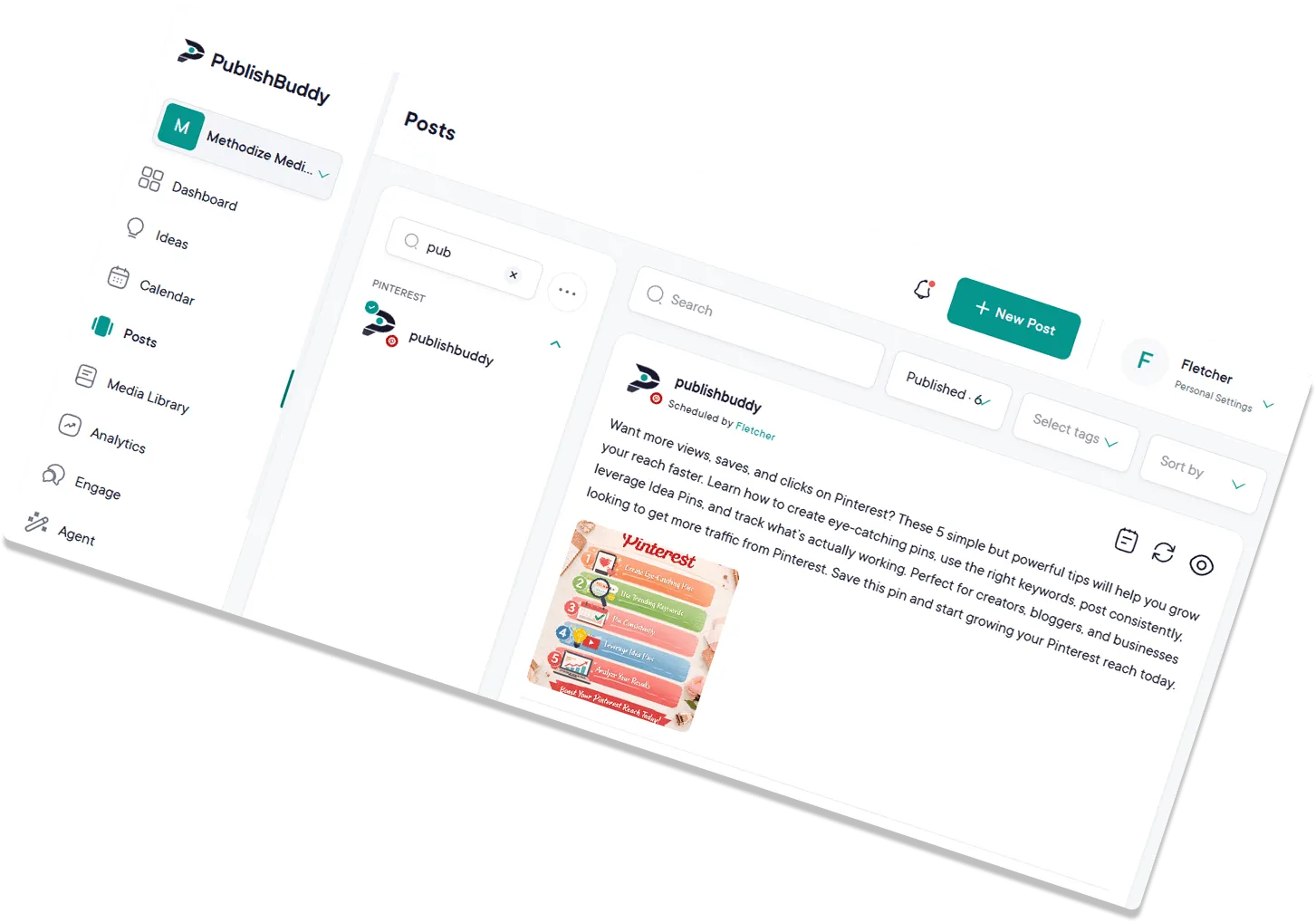
The art of simplified  Pinterest management.
Schedule Pins to any of your boards, plan a quarter at a time, and see which Pins people actually react to. No more bouncing between tabs.
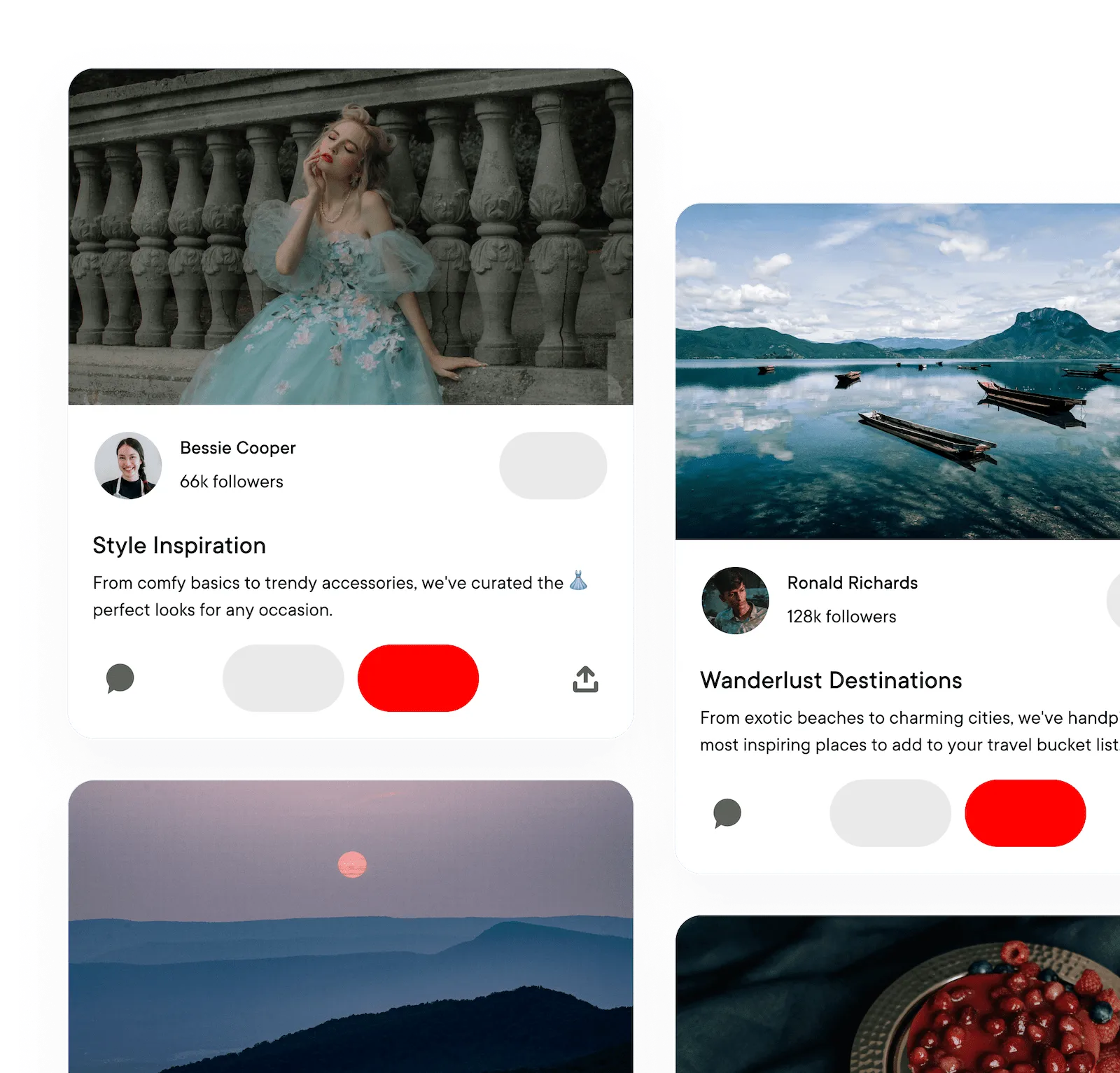
What you can post to Pinterest
| What you connect | Your Pinterest account. You pick the board on each Pin |
|---|---|
| Text-only posts | No, every Pin needs an image or video |
| Images | Yes, up to 5 in one Pin |
| Video | Yes, one per Pin |
| Photos and video in one post | No |
| Board | Yes, required. Boards you make in Pinterest show up after you reconnect |
| Title and link | Yes. Titles are cut at 100 characters and descriptions at 500 |
| Follow-up comments (Pro and Business) | No |
Every post publishes for you at the time you set. Pinterest options in the Help center
What analytics you get on Pinterest
| Analytics page | No. Pin numbers show on the Posts page, the Dashboard and the API |
|---|---|
| Follower growth | No |
| Age, gender and location (Business) | No |
| Numbers on each post | Reactions, comments, impressions and engagement rate |
Numbers on each post show on every plan. The Analytics page comes with Pro and Business. Analytics for every network
Magnetic Pinterest boards,
in fewer steps.
Pin to any of your boards, plan a quarter at a time, and see which Pins people react to. All in one workspace.
Ready, set,
impress!
Standing out on Pinterest takes a steady stream of strong visuals. Pull images and videos in from your device, Google Drive, Dropbox, or OneDrive, then schedule them across your boards and accounts from a single calendar.
- Cloud-integrated media library
- Quick bulk uploads with CSV files
- Drag-and-drop content calendar
Awaken your creative mojo.
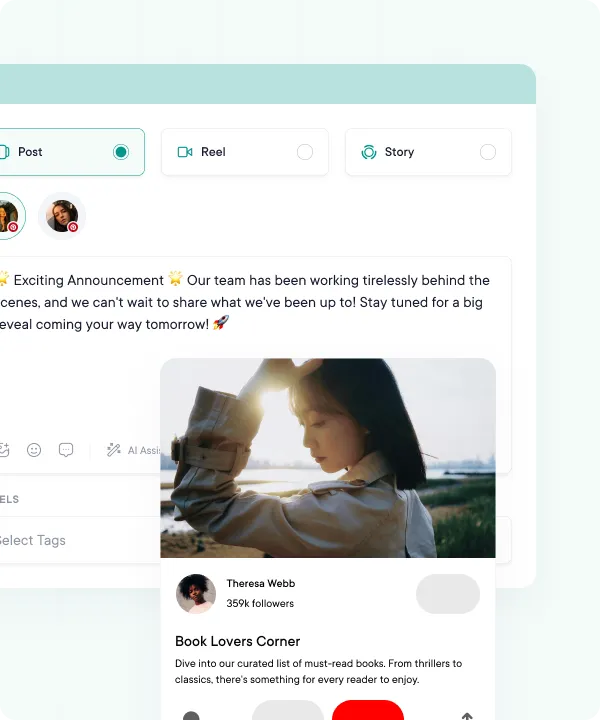
Our AI helps with the words, so you can focus on the visuals. Soon, you'll be pinning board after board of stunning visual content. Schedule your Pins to go live automatically at the time you pick.
- Realistic post previews
- Image and video Pins, up to 5 images each
- Titles, descriptions, links, and a board for every Pin
- Auto-publish at the time you pick, or from your queue
Pins that get found,
not just pinned.
Pinterest is a search engine in disguise, and good copy is half the win. AI Studio writes Pin descriptions and hashtags for you, and Ideas pitches fresh Pin ideas when you've run dry. AI Studio comes with Pro and Business.
- AI Studio writes Pin descriptions and hashtags for you
- Idea generation for new Pin concepts
- Copy written for Pinterest, not pasted from another network
- Shorten, expand or simplify without leaving the composer
Your Pin assets,
all in one library.
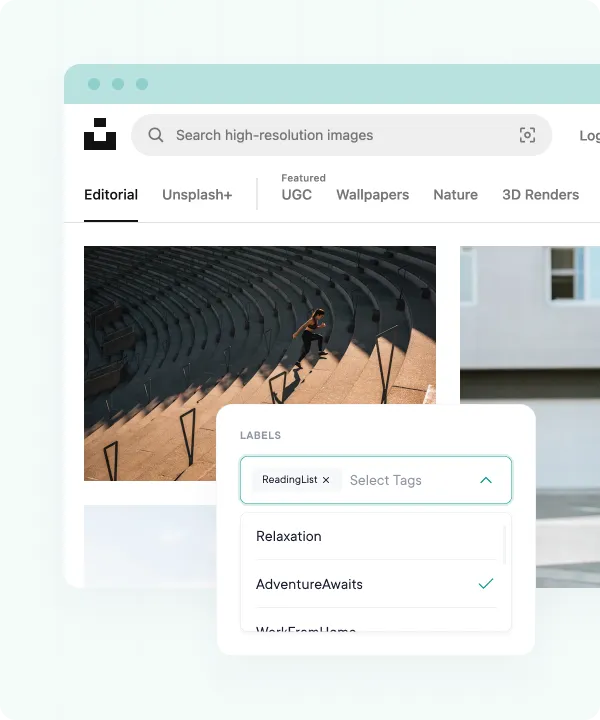
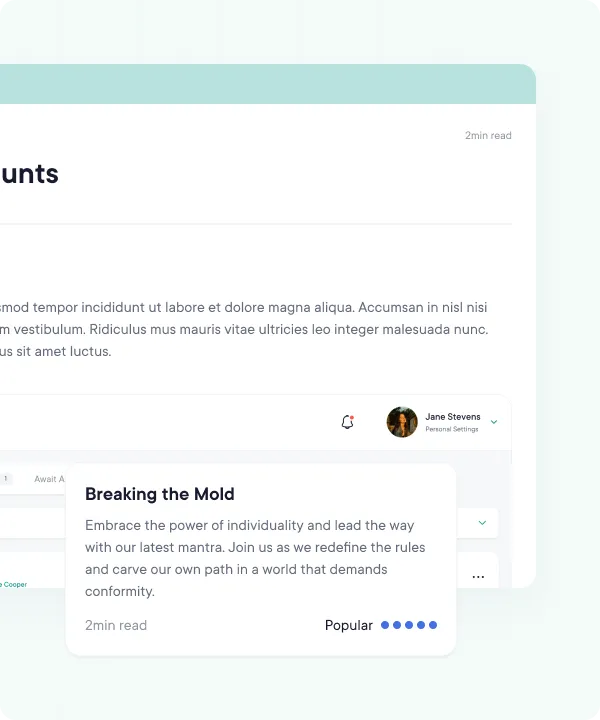
Pinterest is the most visual platform you publish to, and hunting for the right image kills momentum. PublishBuddy connects to your device, Google Drive, Dropbox, and OneDrive so every image and video is one click from the composer.
- Cloud-integrated library: device, Google Drive, Dropbox, OneDrive
- Every Pin asset in one place, ready to reuse
- Pull straight into the composer, no re-uploading
Decode the winning approach.
Pin impressions are nice. Knowing which Pins people react to is better. PublishBuddy shows reactions, comments, impressions, and engagement rate for every Pin, on the Posts page and the Dashboard.
- Pin numbers on the Posts page and Dashboard
- Reactions, comments, impressions, and engagement rate per Pin
- Best-performing Pins on your Dashboard
- Search and sort your Pins on the Posts page
Impress your clients, too!
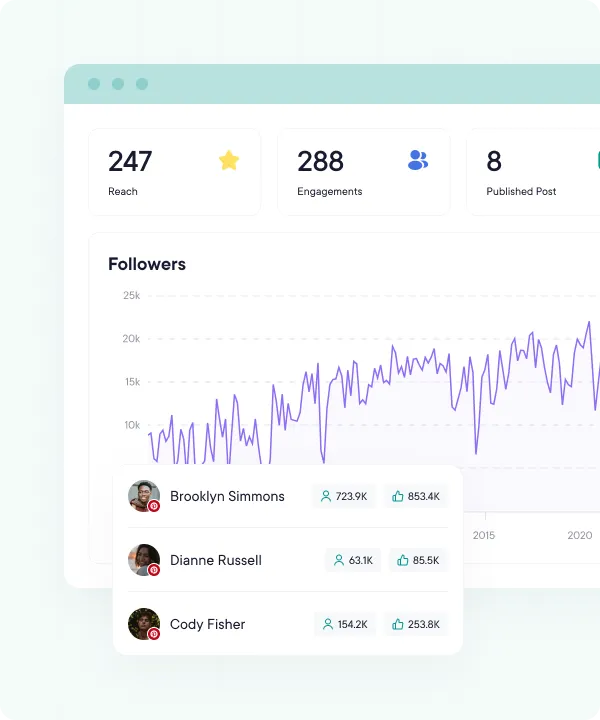
Pull up your Pin numbers whenever you need them, on the Posts page or the Dashboard, and show clients and teammates what's working. Use the insights to keep every board on-brand.
- Reactions, comments, and engagement at a glance
- View on demand inside PublishBuddy
- Engagement and top-performing Pins
- Pin numbers update every day
FAQs
Quick answers to the questions we get asked most. Can't find what you're looking for? Reach out to our support team and we'll get back to you promptly.
How do I choose which board a Pin goes to?
Pick your Pinterest account in the composer, then choose a board under Boards. Every Pin needs one, and you can pick a different board for each Pin.
Why is my new board missing?
PublishBuddy loads your boards when you connect or reconnect the account. Made a board since then? Reconnect the account and it shows up. PublishBuddy can't create boards, so make them in Pinterest first.
Can I add a title and a link to a Pin?
Yes. Type the title above the text box, which becomes the description, and add the web address under Link. Titles are cut at 100 characters and descriptions at 500.
Can a Pin have several images or a video?
Yes. Up to 5 images make one Pin with multiple images, or add one video. You can't mix images and a video in one Pin.
Do I get Pinterest analytics?
You get numbers on each Pin: reactions, comments, impressions and engagement rate. They show on the Posts page, the Dashboard and in the API. Pinterest isn't on the Analytics page yet.
Can I reply to Pinterest comments in PublishBuddy?
No. Pinterest accounts don't show in Engage, so answer comments in Pinterest itself.

Your social media.
One platform.
See what's working. Do more of it.
Join creators, agencies, and businesses who manage their social media smarter. Start for Free, no credit card, no commitment.