Low-effort, high-reward 
LinkedIn management tool.
Schedule company and personal LinkedIn posts, draft with AI, and track what's resonating on your company pages. All in one place.
What you can post to LinkedIn
| What you connect | Your personal profile, or a company page where you're a Super admin (one page each time you connect, for now) |
|---|---|
| Text-only posts | Yes |
| Images | Yes, up to 8 |
| Video | Yes, one per post, up to 10 minutes |
| Photos and video in one post | No |
| Follow-up comments (Pro and Business) | Yes, text plus one image or video |
Every post publishes for you at the time you set. Post types for every network
What analytics you get on LinkedIn
| Which accounts | Company pages. Personal profiles show no numbers |
|---|---|
| Follower growth | Yes, organic followers |
| Reach | Yes, unique impressions |
| Likes | Yes |
| Age, gender and location (Business) | No |
| Link clicks | Yes |
| Video views | Yes, on video posts |
| Numbers on each post | Reactions, comments, shares, reach and engagement rate (some posts only share reactions and comments) |
Numbers on each post show on every plan. The Analytics page comes with Pro and Business. Analytics for every network
Craft, schedule, influence.
In record time.
Schedule company and personal LinkedIn posts, draft with AI, and track what's getting traction on your company pages. All in one workspace.
Strategize your
ascent.
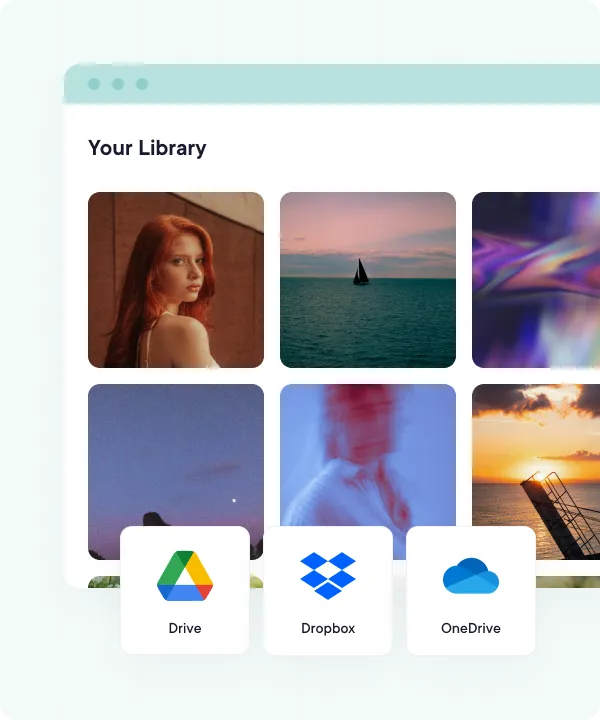
Text posts, multi-image posts, videos: upload them in bulk from your device or cloud storage, then queue up weeks of posts on the calendar so your presence stays consistent without daily effort.
- Cloud-integrated media library
- Quick bulk uploads with CSV files
- Drag-and-drop content calendar
Get the conversations started.
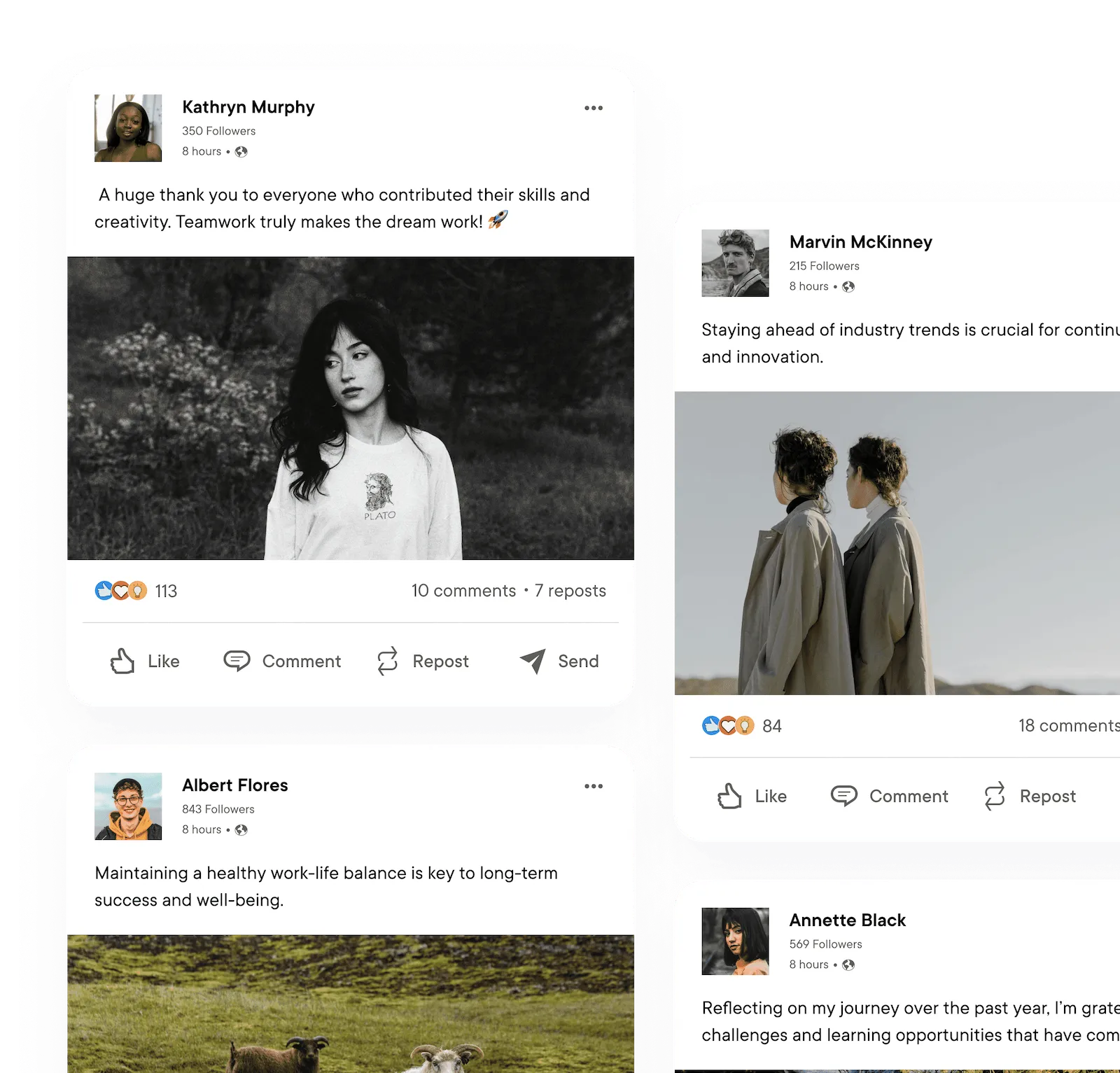
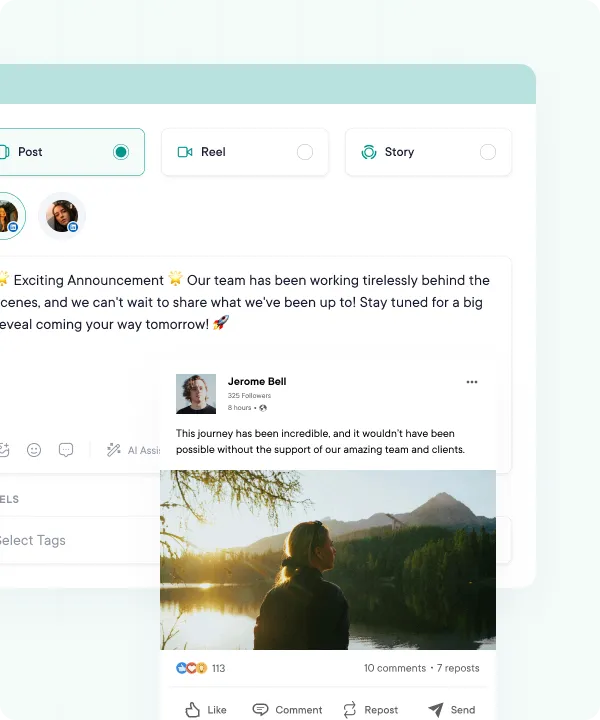
Use PublishBuddy's AI suggestions to write compelling headlines and posts that resonate with your target audiences. Schedule your posts to auto-publish at the time you pick, or let your queue fill the next free slot.
- Realistic post previews
- Text, link, image, and video posts
- Custom captions, hashtags, descriptions & first comments
- Auto-publish at the time you pick, or from your queue
Sound like a leader,
not a press release.
The hardest part of LinkedIn isn't posting. It's writing something worth posting. AI Studio drafts full posts in a credible, professional voice, suggests fresh angles when you're stuck, and helps you rewrite a weak hook into one that actually stops the scroll. AI Studio comes with Pro and Business.
- AI Studio drafts full posts in a professional voice
- Idea generation when the well runs dry
- Inline AI assistance to sharpen hooks, tone, and length
- Works for thought-leadership and B2B posts
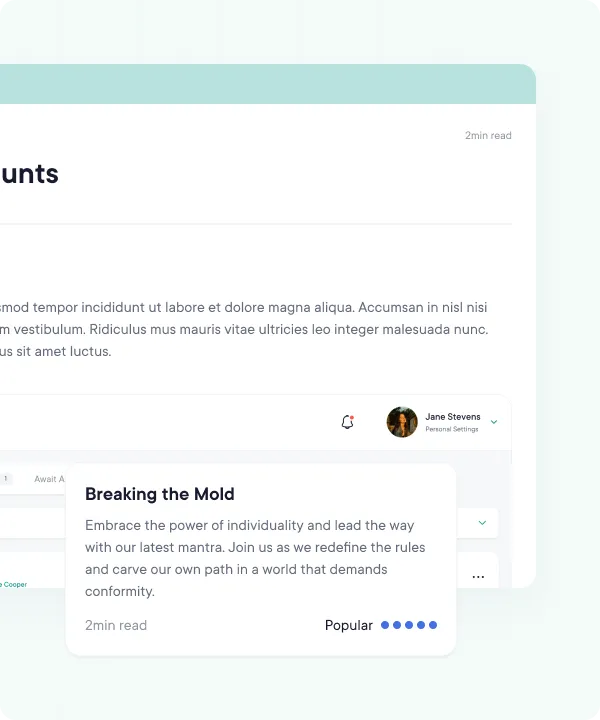
One workspace,
every LinkedIn account.
Run your personal profile, your Company Page, and every client account from the same calendar. No more tab juggling, no more logging in and out. Just schedule, switch, and move on.
- Personal profiles and Company Pages in one workspace
- Switch between accounts without re-logging in
- Built for agencies juggling multiple clients
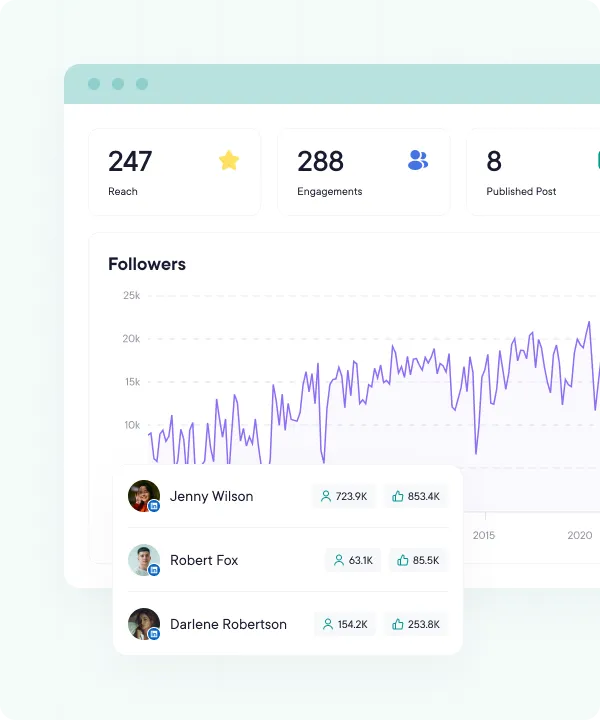
Master data to master LinkedIn.
See follower growth, post reach, and engagement for your company pages at a glance. Switch between the last 7, 14, 30, or 90 days to spot which formats and topics are building your authority, not just filling the feed.
- Follower growth, day by day
- Engagement and reach per post
- Company pages only. Personal profiles show no numbers
- Last 7, 14, 30, or 90 days, plus this week, this month, and last month
Make your success unmissable.
Open easy-to-read reports for your company pages on the Analytics page (Pro and Business) when a client or your team needs one. Use the insights to refine the next quarter's LinkedIn strategy with confidence.
- Polished charts and graphs
- View on demand inside PublishBuddy
- Follower growth, engagement, and top-performing posts
- Sync Analytics for the latest numbers on demand
FAQs
Quick answers to the questions we get asked most. Can't find what you're looking for? Reach out to our support team and we'll get back to you promptly.
Can I post to a LinkedIn company page?
Yes, if you're a Super admin of the page. Pick Company Page when you connect and log in with your own LinkedIn account. You can connect your personal profile as well.
Why does only one company page show up?
For now, PublishBuddy offers one company page each time you connect: the first one LinkedIn sends back for your login. There's no way to pick a second page yet. Email us if you need one.
What can I post to LinkedIn?
Text, links, up to 8 images, or one video up to 10 minutes. You can't mix photos and a video in one post.
Do I get analytics for my personal LinkedIn profile?
Not yet. LinkedIn numbers cover company pages: follower growth, reach, likes, link clicks and video views, plus numbers on each post. A personal profile shows no numbers.
Can I reply to LinkedIn comments in PublishBuddy?
Yes for company pages, on Pro and Business. Their comments come into Engage overnight. Posts from a personal profile don't load there.
Can I add a first comment with a link?
Yes, on Pro and Business. Add a follow-up comment with text and one image or video, and PublishBuddy posts it once your post is live.

Your social media.
One platform.
See what's working. Do more of it.
Join creators, agencies, and businesses who manage their social media smarter. Start for Free, no credit card, no commitment.