Grow faster on 
without the chaos.
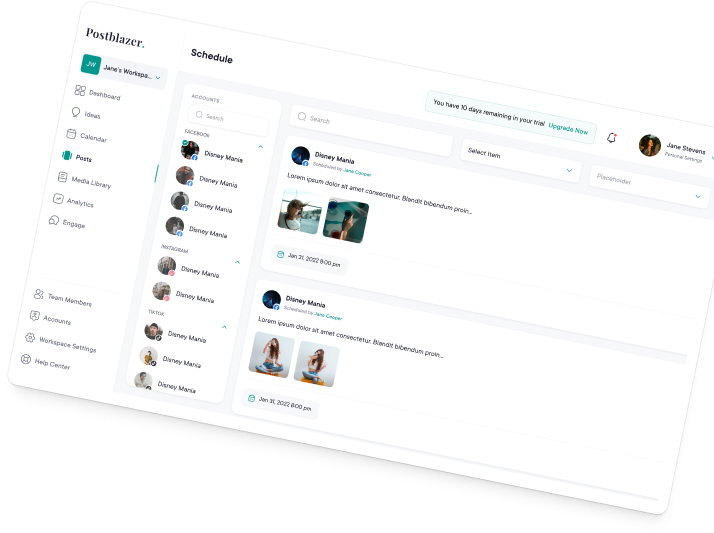
Plan Shorts and long-form uploads side by side, schedule across every channel, and see what's actually driving views.
Start for Free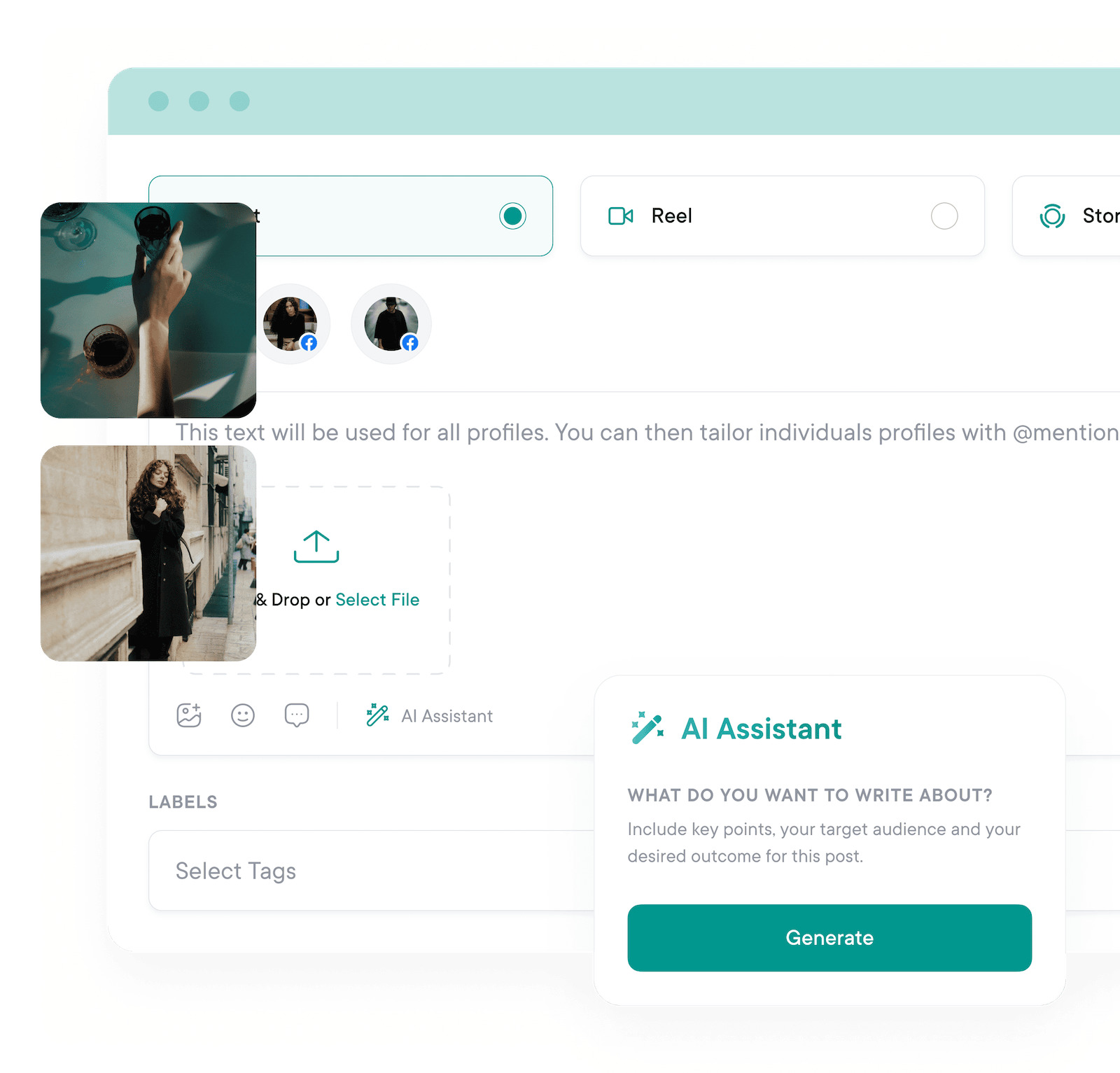
Publish, optimize, and grow.
In less time.
Build a repeatable
YouTube engine.
From Shorts to long-form uploads, keep your publishing pipeline full and consistent with one planning workflow.
- Shorts and long-form, planned together. See the full mix on a single calendar so your channel never runs dry between big uploads.
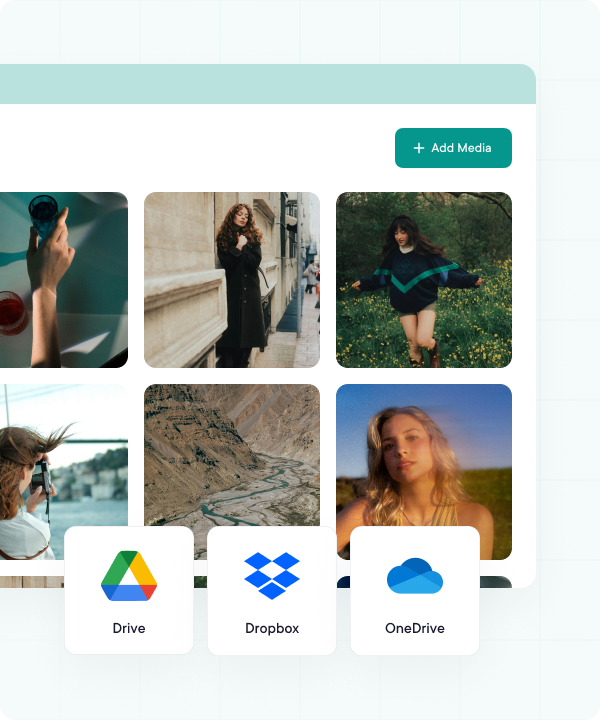
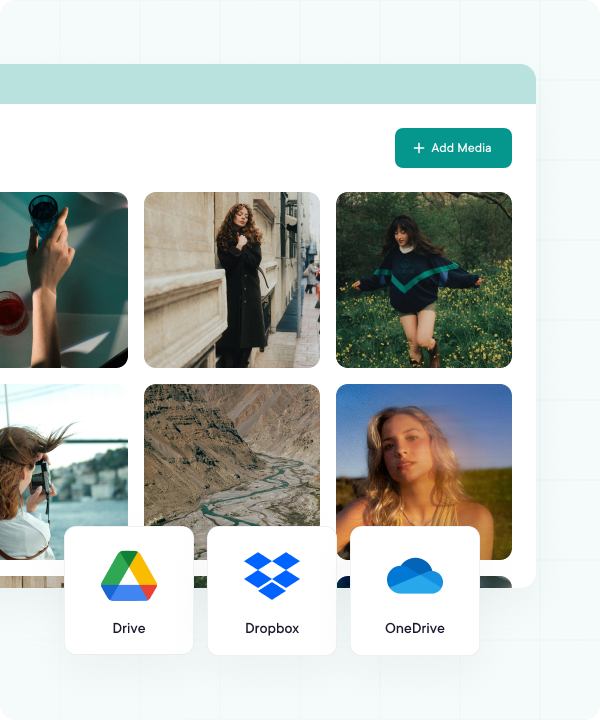
- Cloud-integrated media library. Pull videos straight from your device, Google Drive, Dropbox, or OneDrive without re-uploading.
- Bulk uploads with CSV. Map titles, descriptions, and tags in a spreadsheet, then schedule a month at a time.
- Drag-and-drop calendar. Reschedule with a drag, balance topics across the week, and spot gaps before they hit your queue.
Increase watch time and retention.
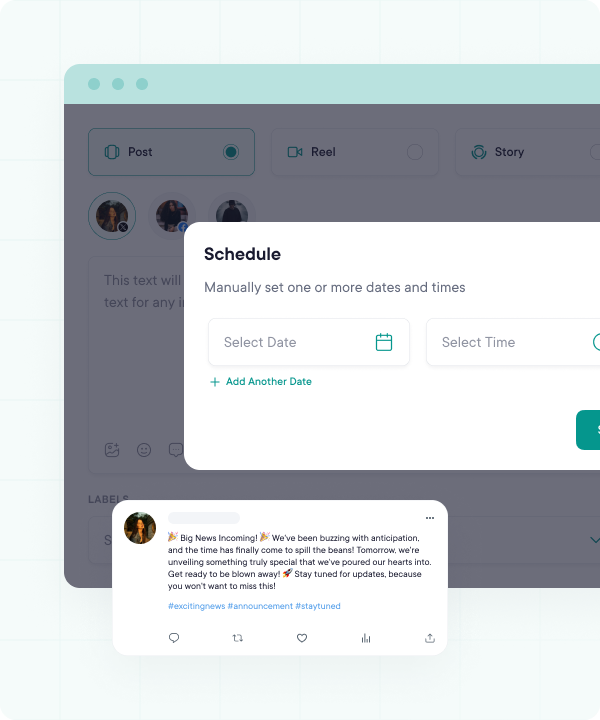
Use AI suggestions to sharpen titles, hooks, descriptions, and tags before you hit publish. Schedule each upload around the windows when your audience is actually watching, so every Short and long-form video gets the strongest possible start - and stays in front of viewers longer.
- AI-polished titles, hooks, and descriptions
- Tag and chapter suggestions that boost discovery
- Auto-publish during your channel's peak hours
- First-comment automation to seed engagement
Never run out of video ideas.
Stop staring at a blank doc between uploads. AI Studio turns a one-line brief into titles, descriptions, hooks, and outlines you can shoot in a single afternoon, and pitches fresh angles whenever your shot list runs dry. The Post Composer pitches in too, polishing copy and tone before you publish.
- AI Studio for end-to-end video planning
- On-demand idea generation when inspiration runs dry
- AI assistance built into the Post Composer
- Title, description, and hook drafts in seconds
Plan Shorts and long-form together.
Map every Short, every long-form upload, and every cross-promo on a single drag-and-drop calendar. Balance formats across the week, slide a video to a new day with one click, and switch between month, week, and day views to spot the gaps before they hit your queue - across every channel you manage.
- Drag-and-drop to reschedule any video in a click
- Month, week, and day calendar views
- See every channel you manage on one calendar
- Spot gaps and overlaps before they go live
Turn views into strategy.
Go beyond YouTube Studio's defaults to understand which hooks hold attention, which thumbnails earn the click, and which formats actually convert subscribers. Track retention, CTR, and engagement trends side-by-side so you can double down on what's working - and quietly retire what isn't.
- Subscriber growth, day by day
- Watch time, retention, and CTR trends
- Per-video engagement and click-through metrics
- Custom date ranges (7, 30, 60, or 90 days)
Share progress with confidence.
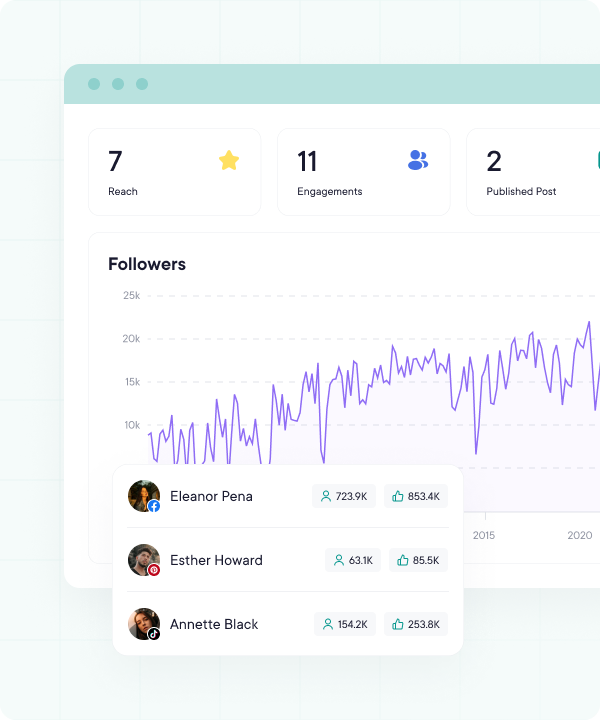
Generate detailed yet easily digestible YouTube reports on demand. View them inside PublishBuddy when you want to dig in, or export to PDF whenever a client, manager, or sponsor asks for an update - polished and ready for handover, no last-minute screenshotting required.
- Polished charts and graphs
- View on demand inside PublishBuddy
- Subscriber growth, watch time, and top videos
- PDF exports ready for handover
FAQs
Quick answers to the questions we get asked most. Can't find what you're looking for? Reach out to our support team and we'll get back to you promptly.
Yes. Pro and Business both come with a 14-day free trial, no credit card required. During the trial you get full access to scheduling, team collaboration, analytics, every supported platform, and that plan's monthly AI Agent credits to try the assistant. Prefer to take your time? There's also a free plan you can stay on as long as you like.
Your social media.
One platform.
See what's working. Do more of it.
Join creators, agencies, and businesses who manage their social media smarter. Start for Free, no credit card, no commitment.