Instagram 
management, (yes, even reels).
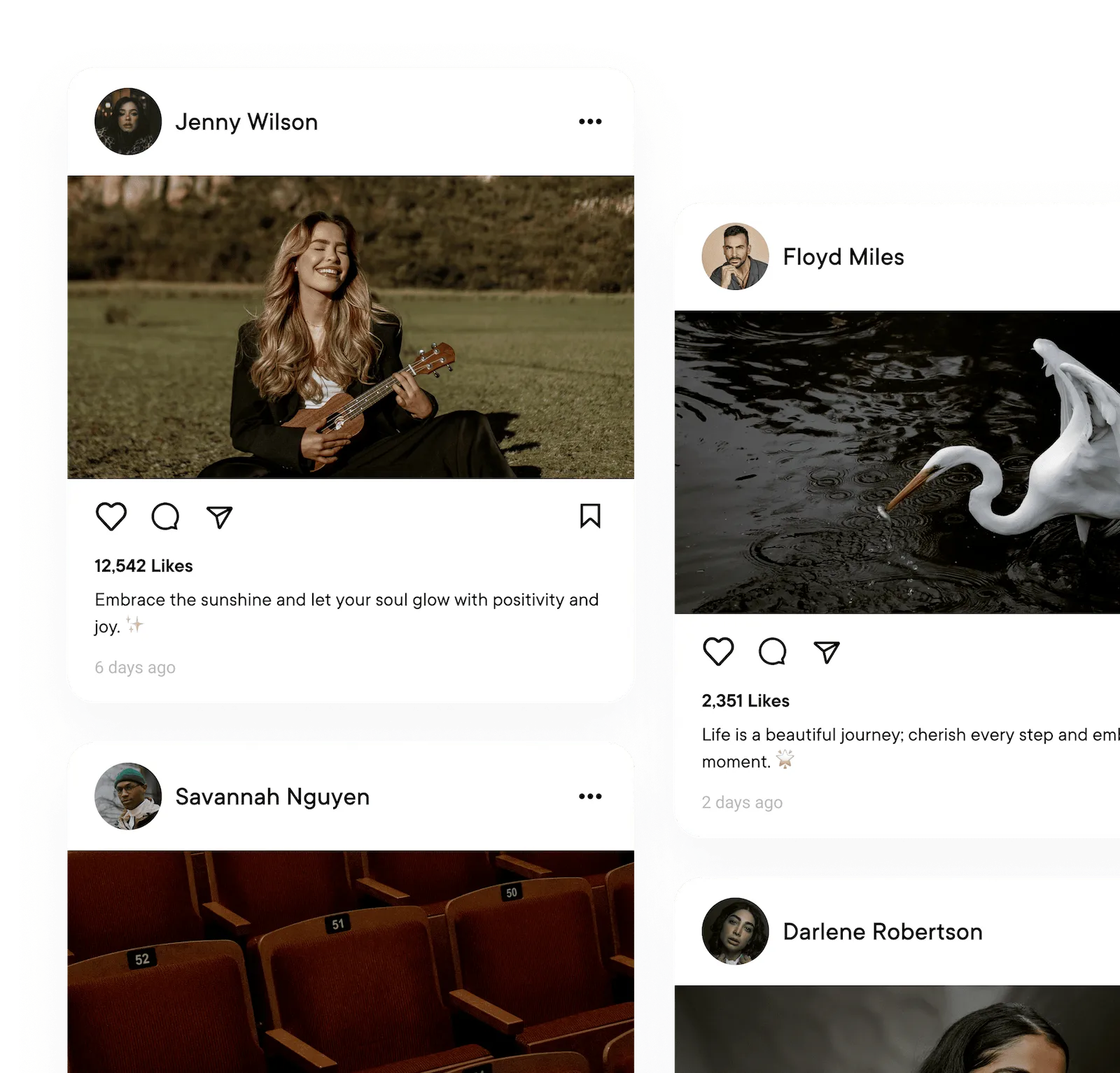
Schedule grid posts, Reels, and Stories from one composer. Preview every post before it goes live, and keep a consistent feed without juggling tools.
What you can post to Instagram
| What you connect | Professional accounts (Business or Creator), through Facebook or the Instagram login |
|---|---|
| Text-only posts | No, every post needs a photo or video |
| Images | Yes, one photo or a carousel of up to 8 files |
| Video | Yes, a video goes out as a Reel |
| Photos and video in one post | Yes, in a carousel |
| Reels | Yes, 3 seconds to 15 minutes |
| Stories | Yes, one photo or video, no caption |
| Follow-up comments (Pro and Business) | Yes, text only, on posts and Reels |
Every post publishes for you at the time you set. Instagram options in the Help center
What analytics you get on Instagram
| Follower growth | Yes |
|---|---|
| Reach | Yes |
| Likes | Yes |
| Age, gender and location (Business) | Yes, for This Week and This Month (the periods Instagram allows) |
| Link clicks | No |
| Video views | Yes |
| Numbers on each post | Likes, comments, shares, reach and engagement rate |
Numbers on each post show on every plan. The Analytics page comes with Pro and Business. Analytics for every network
Curate, schedule, engage.
All in less time.
One workspace for every Instagram account you run. Pro and Business add AI in the composer and the Analytics page.
Draft your Instagram
success.
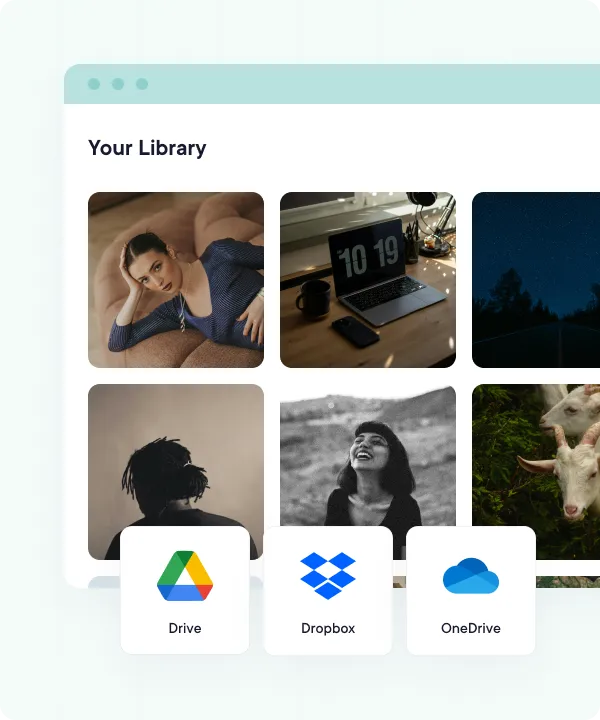
High-res photos and videos are the lifeblood of Instagram. Pull them in from your device, Google Drive, Dropbox, or OneDrive, then plan a balanced grid of posts, Reels, and Stories from a single calendar.
- Cloud-integrated media library
- Quick bulk uploads with CSV files
- Drag-and-drop content calendar
Never stare at a blank caption.
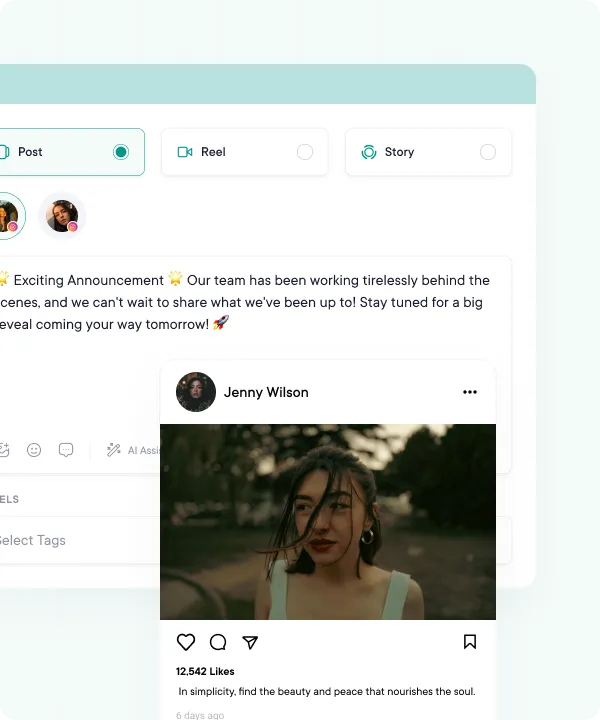
Writer's block? What's that? With our AI suggestions, you'll never run out of engaging captions, hashtags, and descriptions. Publish posts, stories, and reels that resonate with your audience. Schedule them to auto-publish at the time you pick.
- Realistic post previews
- Image, carousel, Reel, and Story posts
- Custom captions, hashtags, descriptions & first comments
- Auto-publish at the time you pick, or from your queue
Caption like a creator,
in seconds.
Describe what you're posting and AI Studio drafts the caption and hashtags for you, tuned to the format, whether it's a Reel hook or a feed post. Tweak the tone in a click and you're ready to publish. AI Studio comes with Pro and Business.
- AI Studio drafts full Instagram posts from a short brief
- Captions tuned for feed posts, carousels, and Reels
- Hashtag suggestions matched to your topic
- Refine tone, length, or angle without leaving the composer
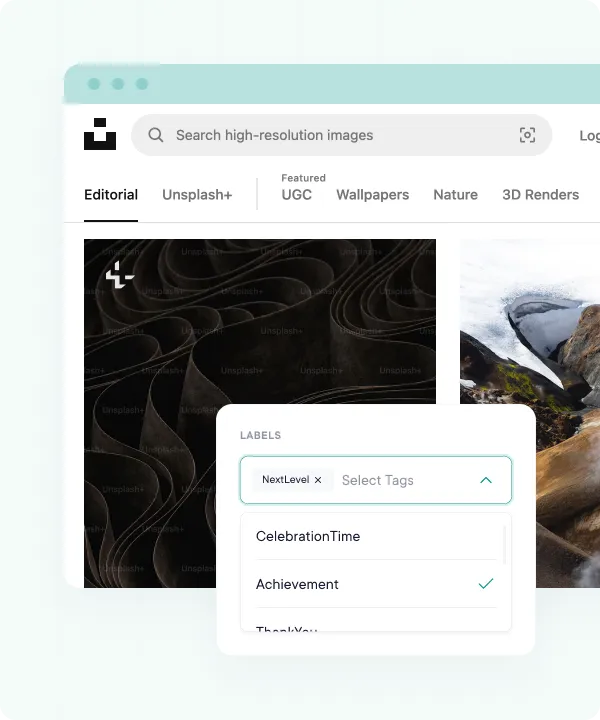
See it before
your followers do.
Instagram is visual-first, so we built the preview to match. Check how each post looks in the feed, as a Reel, or as a Story. Catch the wrong photo or a typo in the caption while you can still fix it.
- Previews for feed posts, Reels, and Stories
- See each account's version before you publish
- Catch typos and the wrong photo early
- Edit in place until it looks the way you want
Know what works on Instagram.
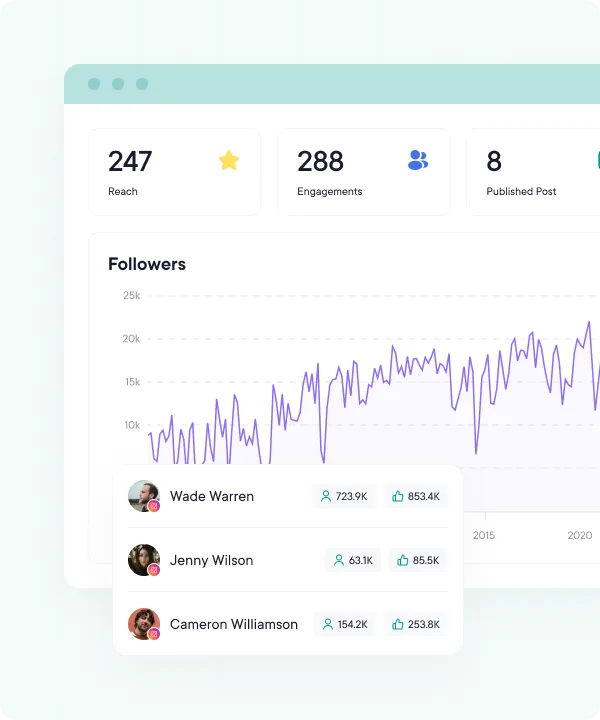
See follower growth day by day and which Reels and grid posts did best. On Business, see which hashtags pulled their weight too. Build the next post on evidence, not vibes.
- Follower growth, day by day
- Likes, comments, and reach on every post and Reel
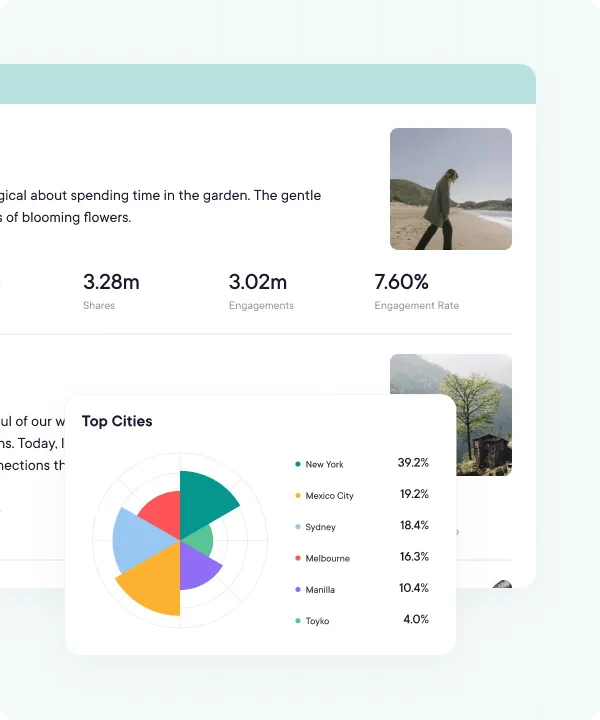
- Audience age, gender, and location (Business)
- Last 7, 14, 30, or 90 days, plus this week, this month, and last month
Share your success.
Open a clean, client-ready report on the Analytics page (Pro and Business) when a stakeholder asks, and use the numbers to sharpen the next month's plan.
- Polished charts and graphs
- View on demand inside PublishBuddy
- Follower growth, engagement, and top-performing posts
- Sync Analytics for the latest numbers on demand
FAQs
Quick answers to the questions we get asked most. Can't find what you're looking for? Reach out to our support team and we'll get back to you promptly.
Do I need a business account to post to Instagram?
You need a professional account: Business or Creator. Personal accounts can't be connected. Switching is free, and you do it in the Instagram app.
Do I need a Facebook Page to connect Instagram?
No. If the account is linked to a Page you manage, you can connect through Facebook. If it isn't, log in with Instagram instead. Both kinds post the same way once they're connected.
Can I schedule Reels, Stories and carousels?
Yes, all three, plus single photos. A carousel holds up to 8 files and can mix photos and videos. A Reel is one video from 3 seconds to 15 minutes. A Story is one photo or video.
Does PublishBuddy publish Stories for me, or just send a reminder?
It publishes them for you at the time you set. Stories go out without a caption, so put any text or stickers on the image or video before you upload it.
Can I add a first comment with hashtags?
Yes, on Pro and Business. Add a follow-up comment to a photo, carousel or Reel, and PublishBuddy posts it under your post once it's live. On Instagram, comments are text only.
Which Instagram analytics do I get?
Follower growth, reach, likes and video views, plus likes, comments, shares and reach on each post. Business adds age, gender and location, which Instagram only shares for This Week and This Month.

Your social media.
One platform.
See what's working. Do more of it.
Join creators, agencies, and businesses who manage their social media smarter. Start for Free, no credit card, no commitment.