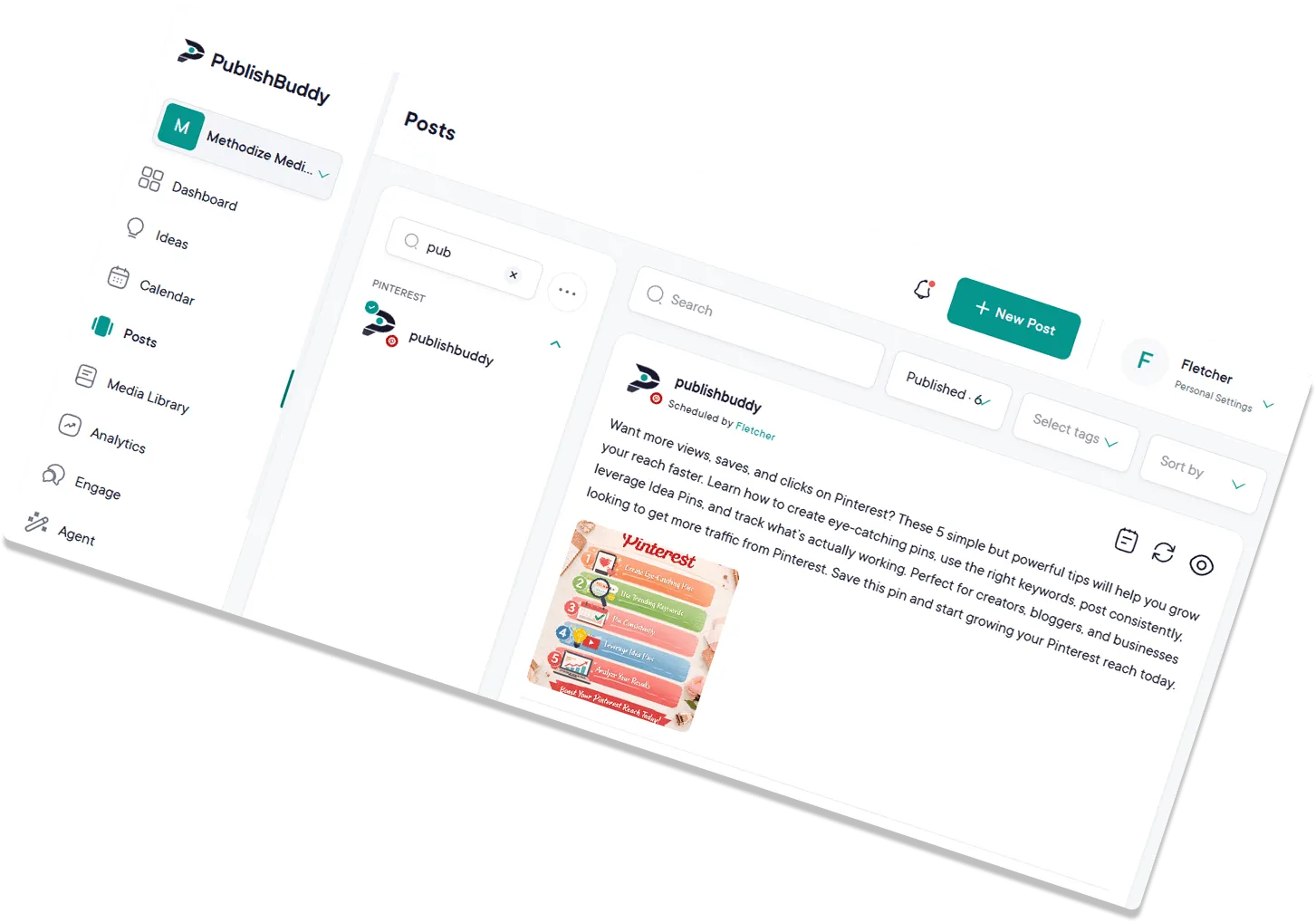
The easy way
to run  your Pages
on Facebook.
Schedule posts across every Page, draft with AI, and see what's working. All from one workspace.
What you can post to Facebook
| What you connect | Facebook Pages you manage. Personal profiles can't be connected |
|---|---|
| Text-only posts | Yes, with a link preview when you add a link |
| Images | Yes, one or several |
| Video | Yes, one per post, with your own thumbnail if you like |
| Photos and video in one post | No |
| Reels | Yes |
| Stories | Yes, one photo or video, no caption |
| Call-to-action button | Yes, on text and link posts (Shop Now, Call Now and more) |
| Follow-up comments (Pro and Business) | Yes, text plus one image or video |
Every post publishes for you at the time you set. Facebook options in the Help center
What analytics you get on Facebook
| Follower growth | Yes |
|---|---|
| Reach | Yes, the people who saw your posts |
| Likes | Yes, shown as Reactions (every reaction type) |
| Age, gender and location (Business) | Countries and cities. Facebook no longer shares age or gender |
| Link clicks | Yes |
| Video views | Yes, on video posts |
| Numbers on each post | Reactions, comments, shares, reach and engagement rate |
Numbers on each post show on every plan. The Analytics page comes with Pro and Business. Analytics for every network
Run every Facebook Page
from one place.
Plan posts, schedule across multiple Pages, draft with AI, and see what's working. No more bouncing between tabs.
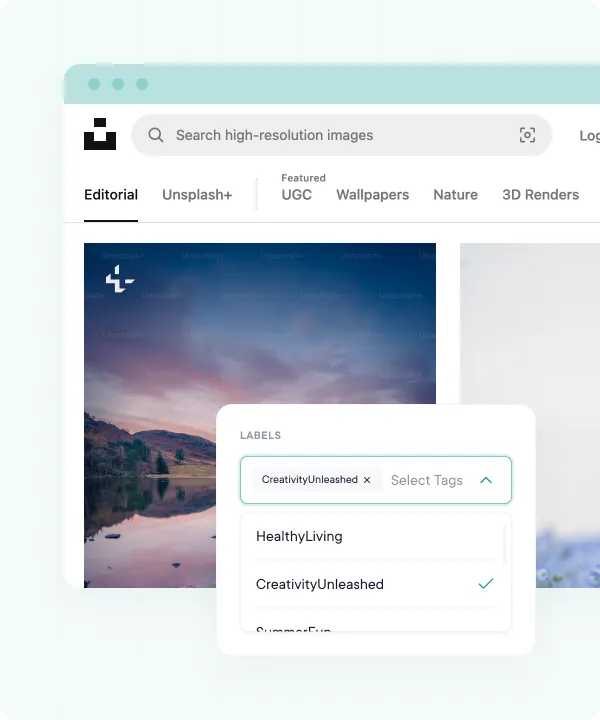
Upload more, post
smarter.
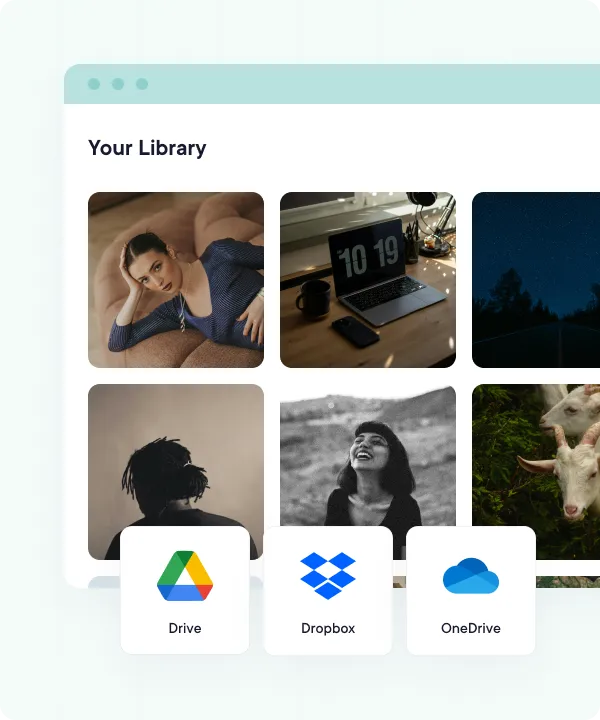
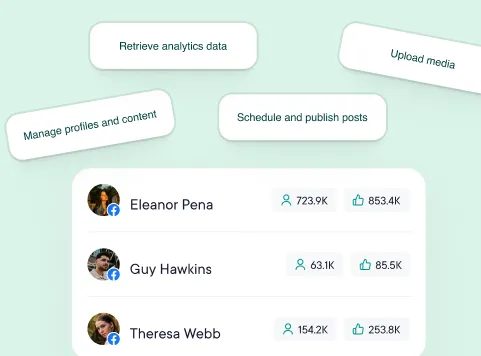
Drop in images and videos from your device, Google Drive, Dropbox, or OneDrive, or load a batch of posts from a CSV. Tailor captions and hashtags per Page, then schedule the whole batch and fine-tune it on a drag-and-drop calendar.
- Cloud-integrated media library
- Quick bulk uploads with CSV files
- Drag-and-drop content calendar
Get more engagement.
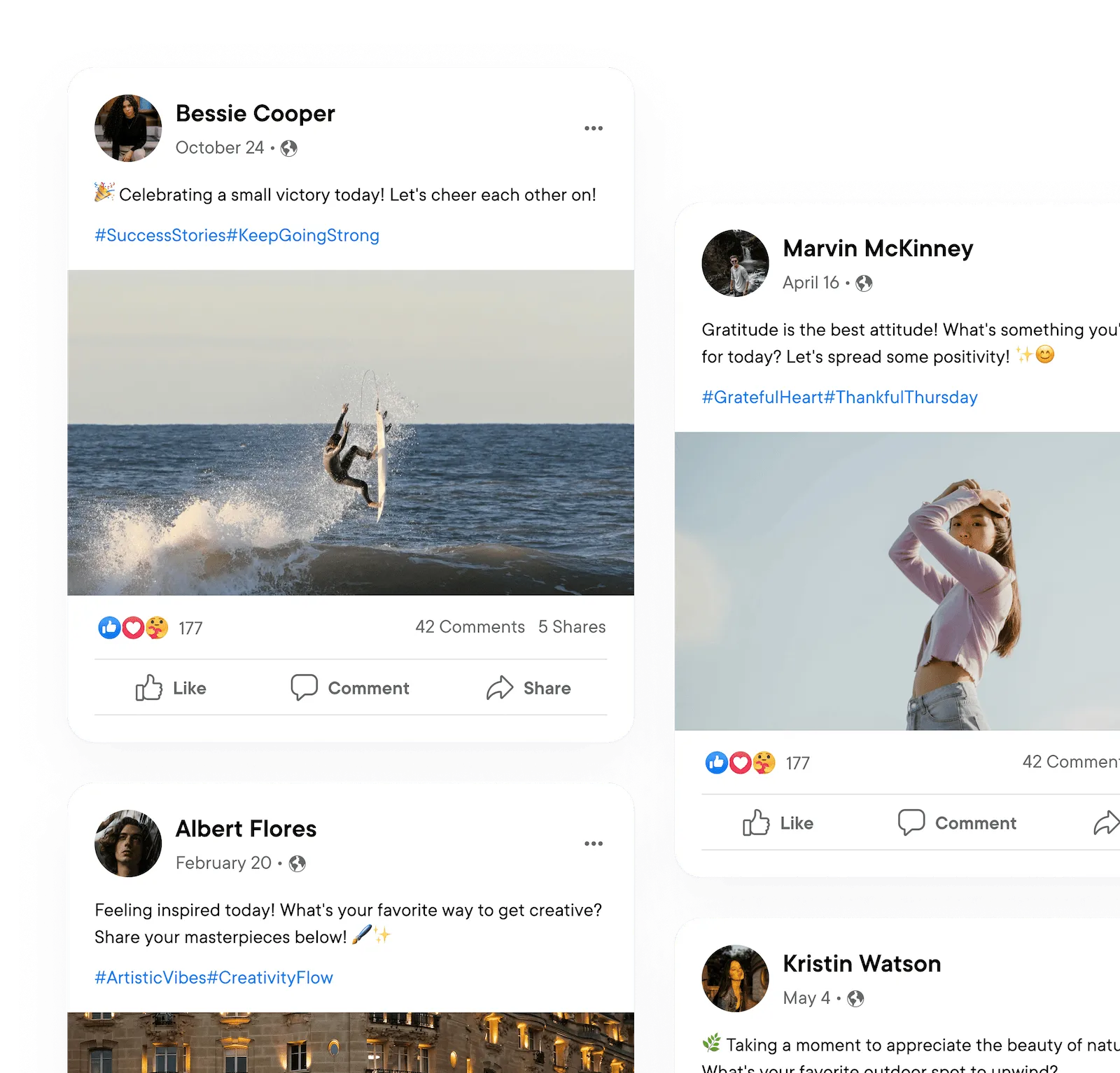
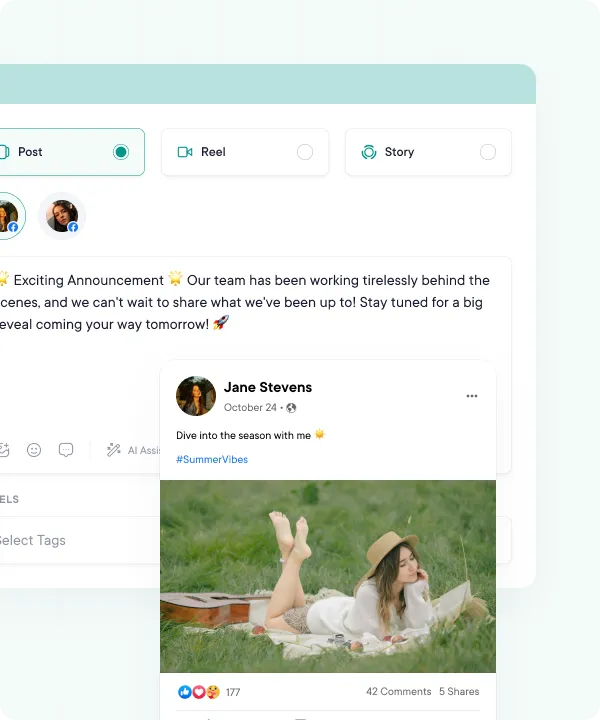
Make your posts more interactive, authentic, and audience-relevant with our AI suggestions and customization options. Schedule posts days, weeks, or months ahead, and they auto-publish at the time you pick.
- Realistic post previews
- Text, image, video, & reel posts
- Custom captions, hashtags, descriptions & first comments
- Auto-publish at the time you pick, or from your queue
Eliminate improvisation.
Stop staring at a blank composer. PublishBuddy's AI Studio drafts full Facebook posts for you, and Ideas suggests fresh content on demand. Right inside the Post Composer, AI Assist polishes captions, hashtags, and tone in seconds. AI Studio and AI Assist come with Pro and Business.
- AI Studio for post text, images, and video
- On-demand idea generation when inspiration runs dry
- AI assistance built into the Post Composer
- AI caption drafts in seconds
Your whole plan,
at a glance.
Map out weeks of Facebook content on a single drag-and-drop calendar. Reschedule a post by sliding it to a new day, switch between month and week views, and see where your feed has gaps or where two Pages are stepping on each other.
- Drag-and-drop to reschedule any post in a click
- Month and week views
- See every Page you manage on a single calendar
- Spot gaps and overlaps before they go live
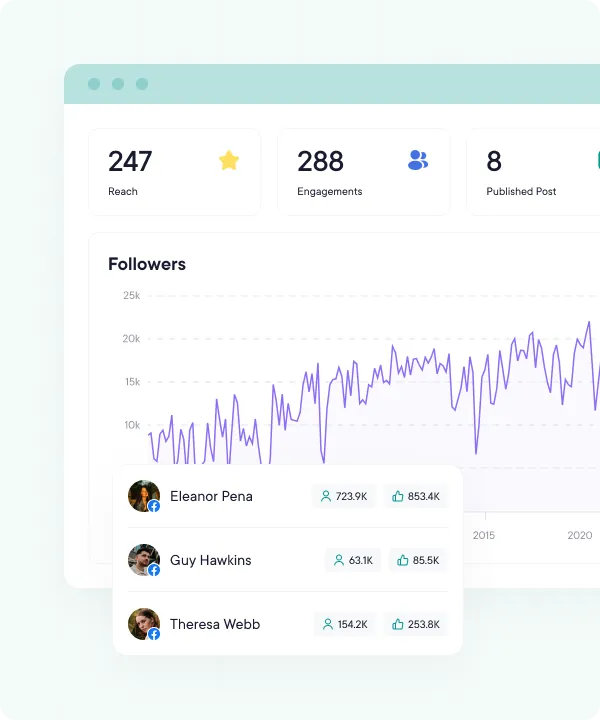
Turn numbers into know-how.
Track reach, reactions, and follower growth for every Page you run. On Business, you also see which countries and cities your followers are in. Watch other public Pages too, and learn from how their posts do.
- Follower growth, day by day
- Watch list to track posts on other public Pages
- Reach, reactions, and link clicks over time
- Last 7, 14, 30, or 90 days, plus this week, this month, and last month
Take the credits (we don't
mind).
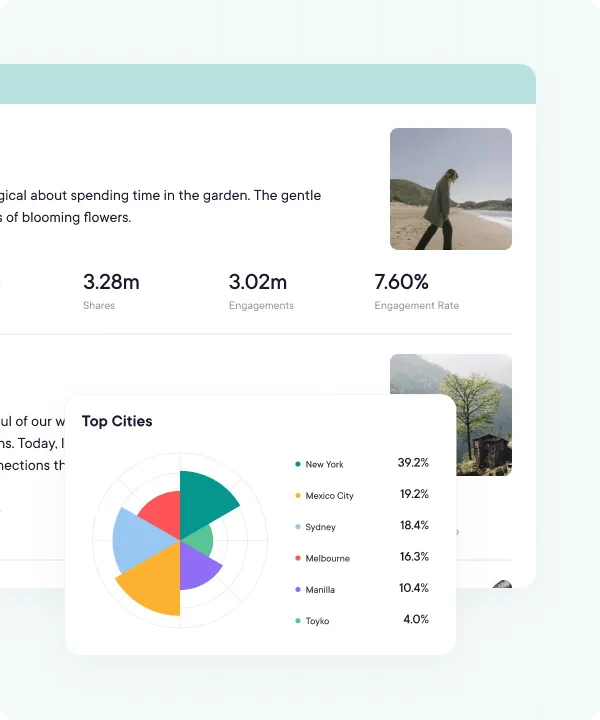
Open detailed yet easily digestible reports on the Analytics page (Pro and Business) whenever a stakeholder asks. Use the numbers to keep every Page you manage aligned with each brand's communication strategy.
- Polished charts and graphs
- View on demand inside PublishBuddy
- Follower growth, engagement, and top-performing posts
- Sync Analytics for the latest numbers on demand
FAQs
Quick answers to the questions we get asked most. Can't find what you're looking for? Reach out to our support team and we'll get back to you promptly.
Can PublishBuddy post to my personal Facebook profile?
No. Facebook only lets apps post to Pages, so you connect the Pages you manage. Each Page counts as one social account on your plan.
My Facebook Page doesn't show up when I connect. What now?
Usually the Page wasn't ticked when Facebook asked which Pages to share, or a permission was turned off. Connect again, tick the Page and keep every permission on. Pages already in your workspace don't show in the list again.
Can I schedule Facebook Reels and Stories?
Yes. Pick Reel or Story at the top of the composer. A Reel takes one video. A Story takes one photo or video and goes out without a caption.
Can I add a Shop Now or Call Now button to a post?
Yes, on text and link posts. Switch on Add a button, pick the button and add the link (and a phone number for Call Now). Posts with images or video go out without the button for now.
Can I reply to Facebook comments from PublishBuddy?
Yes, on Pro and Business. Comments on your Page's posts come into Engage, so you can read and answer them in one place. New comments come in a few times a day.
Which Facebook numbers can I see?
Follower growth, reach, reactions, link clicks and video views, plus reactions, comments, shares and reach on each post. Business adds the countries and cities your followers are in. Facebook no longer shares their age or gender.

Your social media.
One platform.
See what's working. Do more of it.
Join creators, agencies, and businesses who manage their social media smarter. Start for Free, no credit card, no commitment.