Run Telegram 
the calm way.
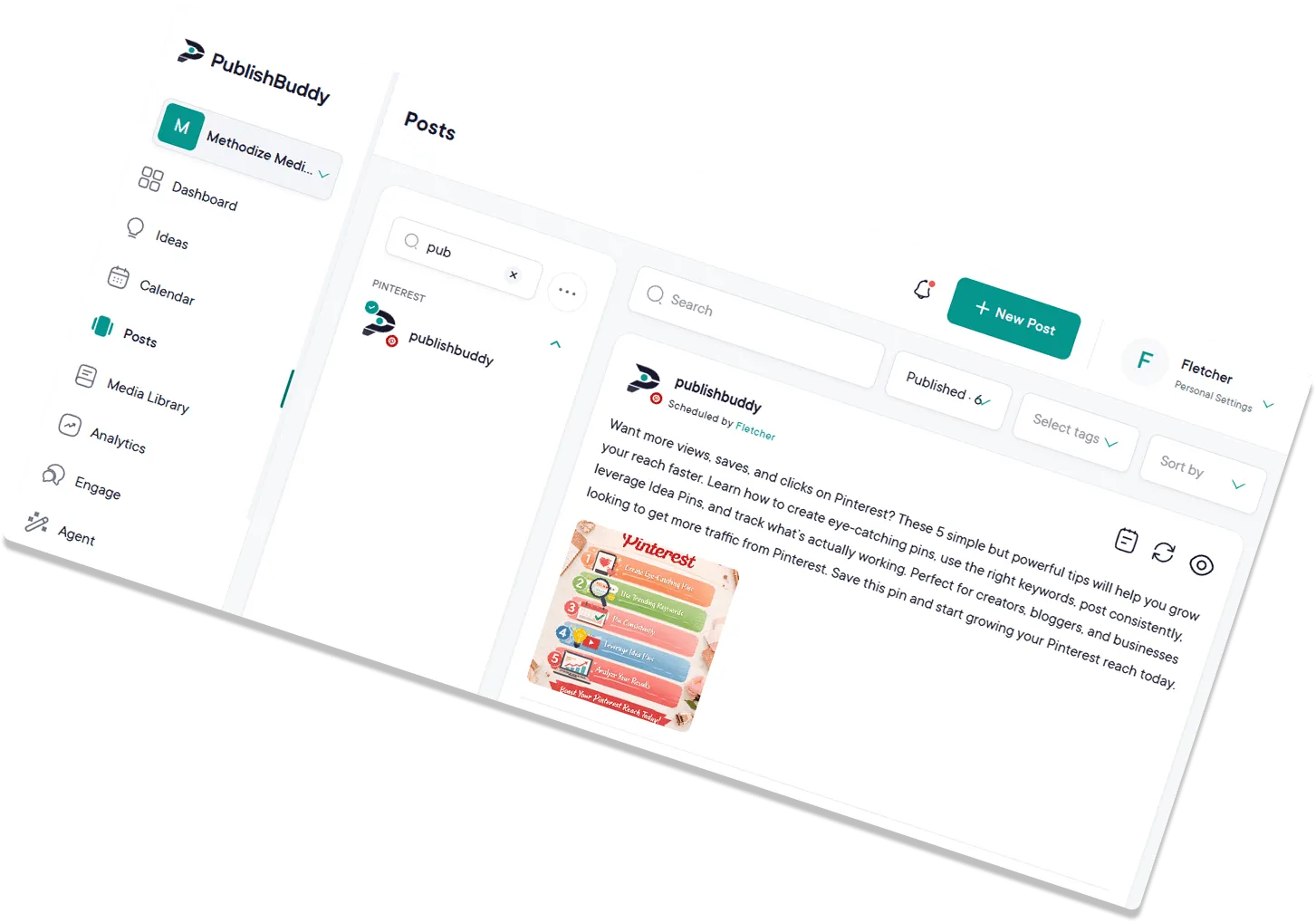
Schedule channel broadcasts, draft long-form posts with AI, and keep every channel posting on schedule. All from one workspace, without the late-night copy-paste.
Start for Free
What you can post to Telegram
| What you connect | Channels where you're an admin who can post. Groups aren't supported |
|---|---|
| Text-only posts | Yes, up to Telegram's 4,096 characters |
| Images | Yes, one or several, with a caption up to 1,024 characters |
| Video | Yes |
| Photos and video in one post | Yes, with MP4 videos that have sound |
| Bold, italics and other formatting | No, posts go out as plain text |
| Files and documents | No, images and videos only |
| Follow-up comments (Pro and Business) | No |
Every post publishes for you at the time you set. Post types for every network
What analytics you get on Telegram
| Subscriber growth | Yes, when Telegram shows statistics for your channel |
|---|---|
| Reach | Yes, as views |
| Likes | Yes, as reactions |
| Age, gender and location (Business) | No |
| Link clicks | No |
| Video views | No |
| Numbers on each post | Views, reactions, comments and forwards |
Numbers on each post show on every plan. The Analytics page comes with Pro and Business. Analytics for every network
Every channel,
one workspace.
Telegram rewards consistency, and consistency dies the moment you're juggling ten apps. PublishBuddy puts every channel you run on a single calendar, with AI in the composer and clean numbers when subscribers ask.
Upload more,
broadcast smarter.
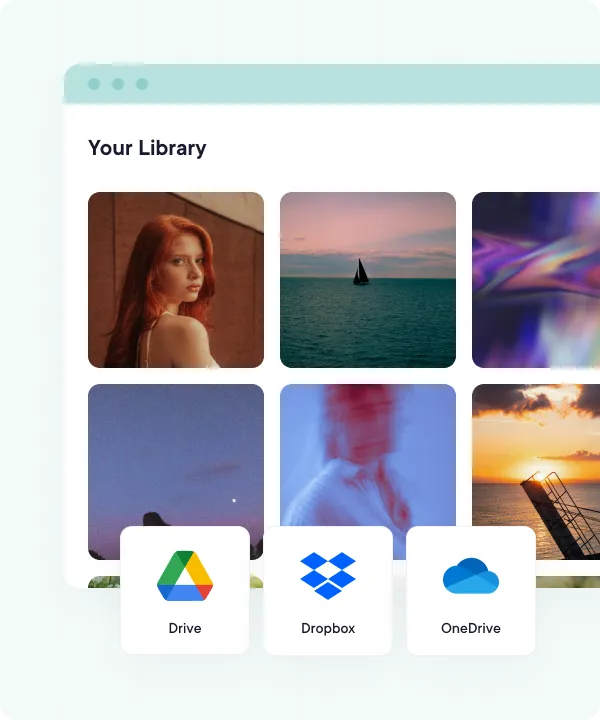
Drop in images and videos from your device, Google Drive, Dropbox, or OneDrive. Tailor copy per channel, then schedule the whole batch and fine-tune it on a drag-and-drop calendar.
- All your channels in one workspace. Manage every channel you run side by side, no per-channel logging in and out.
- Cloud-integrated media library. Pull photos and videos straight from your device, Google Drive, Dropbox, or OneDrive.
- Bulk uploads with CSV. Map post copy and media in a spreadsheet, then queue weeks of broadcasts in one go.
- Drag-and-drop calendar. Reschedule with a drag, balance topics across the week, and spot gaps before subscribers do.
Long-form, scheduled
to the minute.
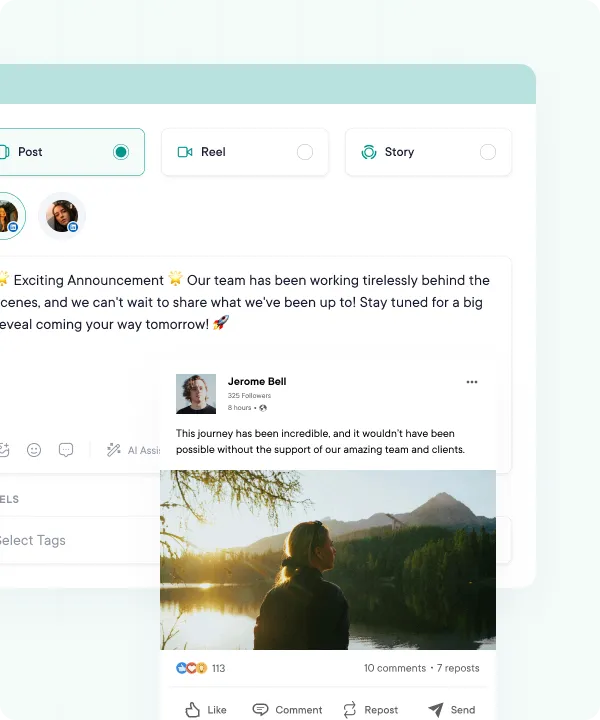
Telegram is one of the few networks where long-form thrives. Write the post, add images or video, preview it, and schedule the broadcast to the minute. Posts go out as plain text, so bold and headings don't carry over.
- Long text posts, up to 4,096 characters
- Images and videos, or both in one post
- Realistic previews before you broadcast
- Auto-publish at the time you pick, or from your queue
Write like a publisher,
in minutes.
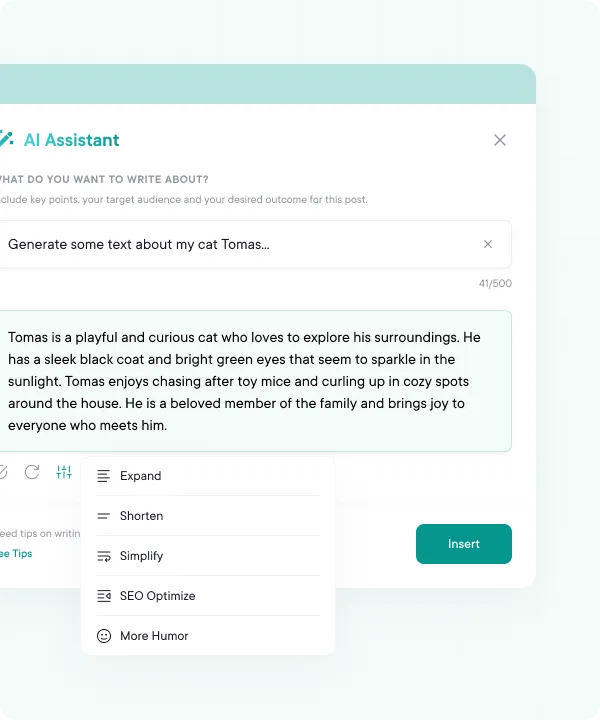
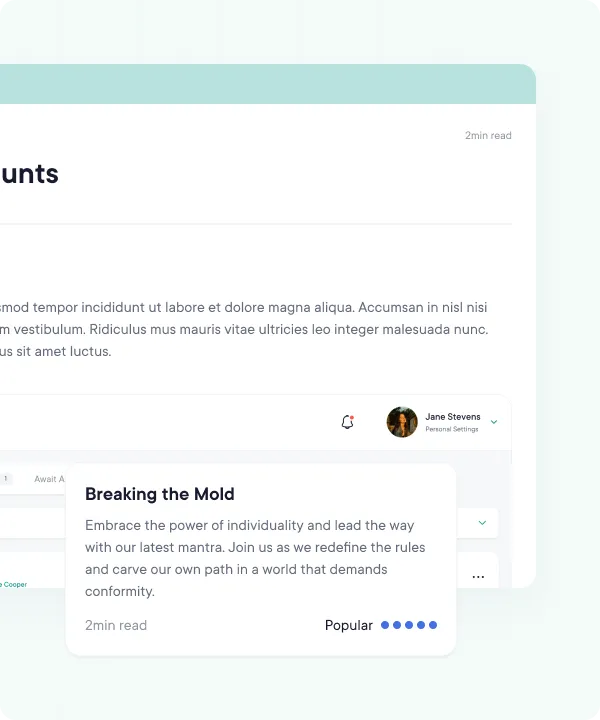
A great Telegram channel reads like a newsletter people actually finish. AI Assist drafts the post from a one-line brief, Ideas pitches fresh angles when you're stuck, and you can shorten or simplify a clunky lede without leaving the composer. AI Assist comes with Pro and Business.
- AI Assist drafts a post from a one-line brief
- Idea generation when your newsletter calendar runs dry
- Shorten, expand or simplify a paragraph in the composer
- Caption and hashtag suggestions
Dozens of channels,
no chaos.
Whether you're running one channel or a portfolio of client channels, PublishBuddy keeps them all on the same calendar. Switch between them without re-logging in and balance the cadence at a glance.
- Run dozens of channels from one calendar
- Switch between channels without re-logging in
- Built for agencies, creators, and multi-brand operators
Know which posts
get read.
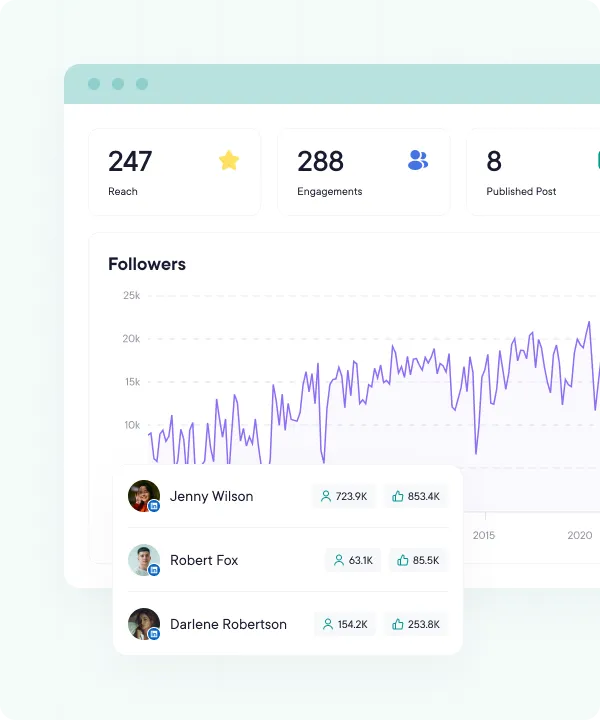
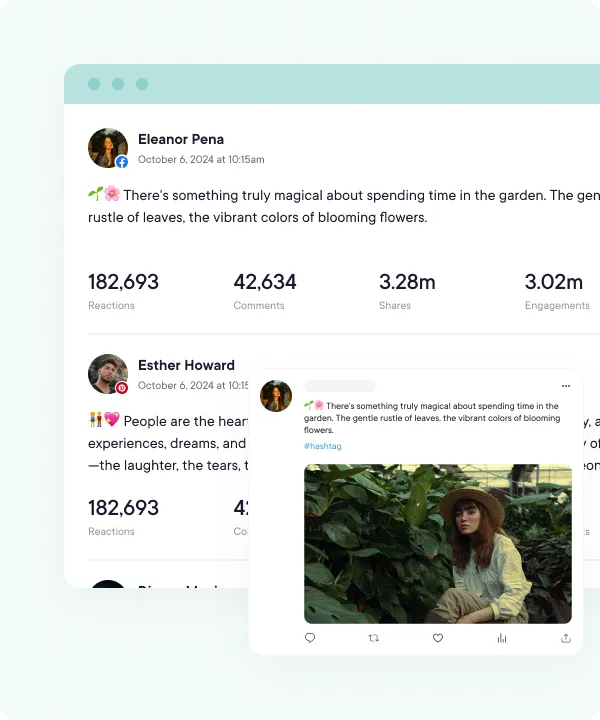
PublishBuddy shows views, reactions, and forwards on every post, and plots subscriber growth day by day when Telegram shares your channel's statistics. Switch between the last 7, 14, 30, or 90 days so trends show up.
- Subscriber growth, when Telegram shares your stats
- Views, forwards, and engagement per post
- Best times to post, from your own posts (Business)
- Last 7, 14, 30, or 90 days, plus this week, this month, and last month
Numbers ready,
whenever they ask.
Open a clean Telegram report on the Analytics page (Pro and Business) when a stakeholder, sponsor, or client wants the update. The numbers tell the story so you don't have to.
- Polished charts and graphs
- View on demand inside PublishBuddy
- Views, engagement, and top-performing posts
- Sync Analytics for the latest numbers on demand
FAQs
Quick answers to the questions we get asked most. Can't find what you're looking for? Reach out to our support team and we'll get back to you promptly.
How do I connect a Telegram channel?
Add @publishbuddy_bot to your channel as an admin, then confirm your own Telegram account once. Pick the channel from the list, or type its username or invite link.
Can I schedule posts to a Telegram group?
Not right now. PublishBuddy connects channels where you're an admin who can post. Groups aren't supported.
Can I post to a private channel?
Yes. Paste the channel's invite link when you connect it. The bot still needs to be an admin there, and so does your own Telegram account.
What can I post to Telegram?
Text, images, videos, and photos and videos mixed in one post. Posts go out as plain text, so bold and other formatting don't carry over, and files like PDFs aren't supported.
Which Telegram analytics do I get?
Views, reactions, comments and forwards on each post. Subscriber growth and views over time show once Telegram shares statistics for your channel.
What happens if someone removes the bot?
PublishBuddy can't post to the channel until the bot is back. Add @publishbuddy_bot as an admin again, then reconnect the channel. There's no login to redo.

Your social media.
One platform.
See what's working. Do more of it.
Join creators, agencies, and businesses who manage their social media smarter. Start for Free, no credit card, no commitment.