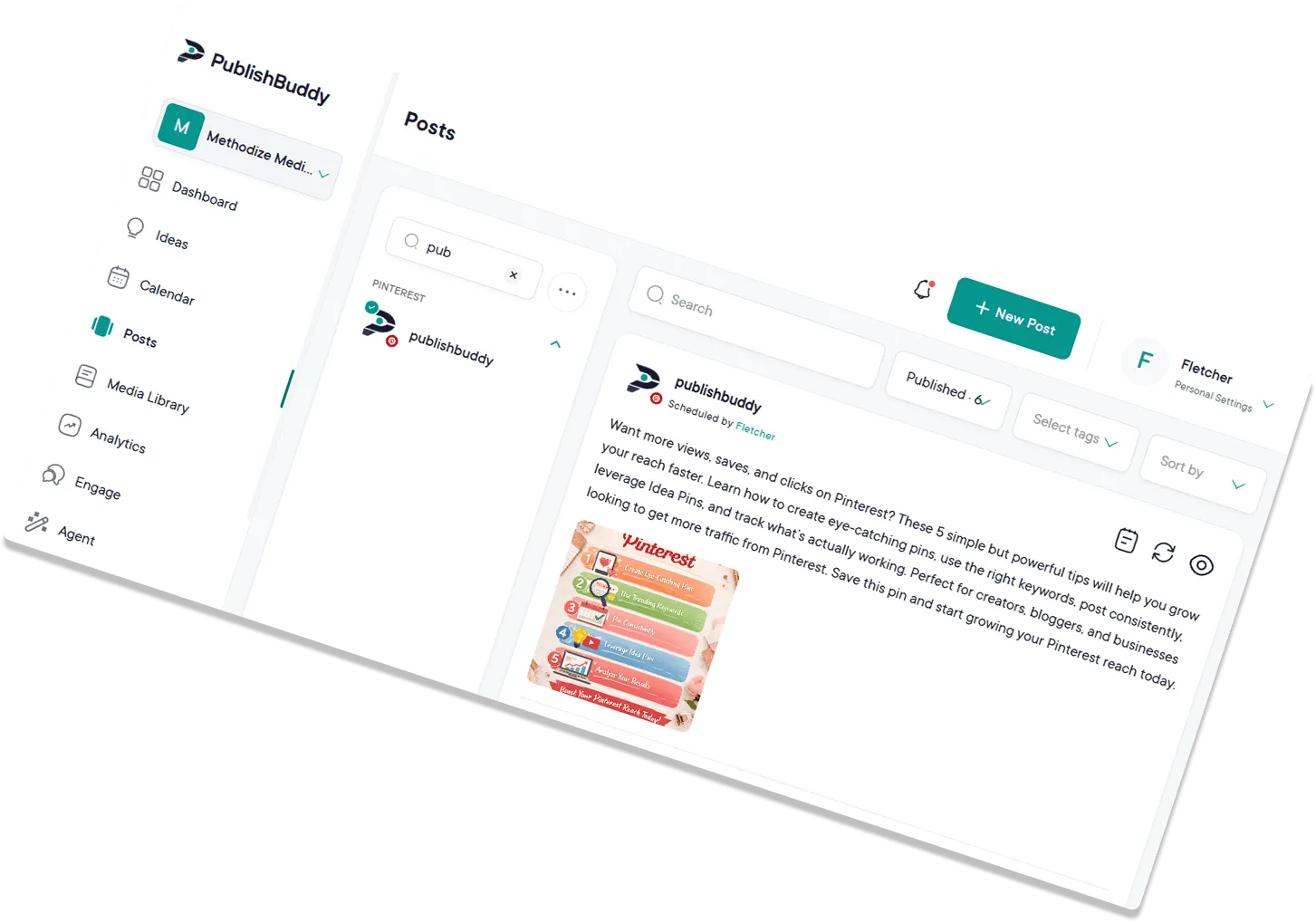
Publish from your CMS
Pipe posts from your CMS, a spreadsheet, or an internal tool straight into a profile's queue. Write it once, let the API handle the rest.
Public API
Schedule posts, upload media, and read analytics for every network PublishBuddy supports, from your own code. It is the same engine that runs the app, so what works in the composer works over HTTP.
Base URL: https://api.publishbuddy.com/v1
POST /v1/workspaces/{workspace}/posts
curl -X POST "https://api.publishbuddy.com/v1/workspaces/$WORKSPACE_ID/posts"   -H "Authorization: Bearer $PUBLISHBUDDY_TOKEN"   -H "Content-Type: application/json"   -d '{
    "posts": [{
      "profile_id": "3a4b5c6d-7e8f-9a0b-1c2d-3e4f5a6b7c8d",
      "content": "Launching today. Meet our new feature.",
      "media_ids": ["9b1f2c3d-5a6e-7f8a-9b0c-1d2e3f4a5b6c"],
      "status": "waiting",
      "publish_type": "schedule_using_fixed_datetime",
      "scheduled_for": "2026-10-01T09:00:00Z"
    }]
  }'
Response
HTTP/1.1 201 Created
{
  "data": [{
    "id": "9b1f2c3d-5a6e-7f8a-9b0c-1d2e3f4a5b6c",
    "group_id": "2f39921e-4c1a-4f3e-8f2a-6b7c8d9e0f1a",
    "profile_id": "3a4b5c6d-7e8f-9a0b-1c2d-3e4f5a6b7c8d",
    "status": "waiting",
    "publish_type": "schedule_using_fixed_datetime"
  }],
  "message": "Post(s) created successfully."
}
What you can build
Pipe posts from your CMS, a spreadsheet, or an internal tool straight into a profile's queue. Write it once, let the API handle the rest.
Move thousands of images and videos into the media library, sorted into folders, without dragging a single file.
Pull profile, post, and best-time metrics into your own BI dashboards. Every number the app shows is available as JSON.
Build approval flows, content dashboards, and agency client portals on the same data the app uses.
Anything that can make an HTTP request can post: workflow tools, cron jobs, or an agent you built yourself.
One token sees every workspace you have access to. Build the integration once and reuse it for every client.
Endpoints
Everything the app can do with a post, a file, or a metric is an endpoint. Timestamps are ISO 8601 in UTC, IDs are UUIDs, and list endpoints paginate the same way everywhere.
List the workspaces your token can see. Every other call is scoped to one of them.
Every connected social account in a workspace, with its network, connection status, and whether it has a posting queue.
Create up to 10 posts in one request, one per profile, linked by a shared group id. Publish now, schedule a date and time, or drop into the queue. Update, cancel, or retry a failed post. Per-network settings cover Reels, Stories, TikTok privacy, YouTube titles, Pinterest boards, and Facebook calls to action.
Upload straight to storage with pre-signed URLs, up to 10 files per request, then organize them into folders.
Workspace and profile summaries, per-profile metrics over time, best times to post, and which hashtags actually earn engagement.
# Create a token, then ask for your workspaces
curl https://api.publishbuddy.com/v1/workspaces \
-H "Authorization: Bearer aBcDeF..."
# Response headers
X-RateLimit-Limit: 60
X-RateLimit-Remaining: 59
{ "data": [ { "id": "9b1f2c3d-...", "name": "Acme Marketing" } ] }
Built for developers
No OAuth dance to get started, no SDK to install, no surprises in the response shape. Get a token, make a request, ship.
Included on Pro and Business
API access comes with Pro at $29 a month and Business at $49 a month, alongside everything else in the plan. The Free plan does not include it. Try either paid plan free for 14 days, no credit card required.
If you would rather have Claude or Cursor drive PublishBuddy than write the HTTP calls yourself, connect our MCP server. Same data, same actions, in plain language.
Full documentation, guides, and the OpenAPI spec live at docs.publishbuddy.com. Coding agents can read the whole site as Markdown from its llms.txt.
Quick answers to the questions we get asked most. Can't find what you're looking for? Reach out to our support team and we'll get back to you promptly.
Pro and Business. The Free plan does not include API access. If you start a 14-day trial of Pro or Business you can use the API during the trial, no credit card required.
Generate a personal access token in the app under User Settings, then Login & Security. Send it on every request as a Bearer token in the Authorization header. Tokens carry only the abilities you tick when you create them, so a reporting integration never needs permission to publish.
Yes. One request can carry up to 10 posts, one per profile, and the API links them with a shared group id so you can fetch the whole batch later. Each item can carry its own caption and per-network settings.
60 requests a minute on workspaces, profiles, analytics, and hashtags. 1,000 requests a minute on posts, media, and folders. Post creation through the API also has a rolling daily cap: 200 posts on Pro and 500 on Business. Every response includes X-RateLimit-Remaining, a 429 tells you how long to wait, and direct-to-storage file uploads do not count against the limit.
No. Connecting a profile goes through each network's own login flow inside the app. Once a profile is connected, the API can post to it, read its analytics, and manage its queue.
Not yet. The docs include curl, Node.js, and Python examples for every guide, and the OpenAPI spec works with any client generator. API calls never use your AI credits.

Join creators, agencies, and businesses who manage their social media smarter. Start for Free, no credit card, no commitment.