Explode on  TikTok
without burning out.
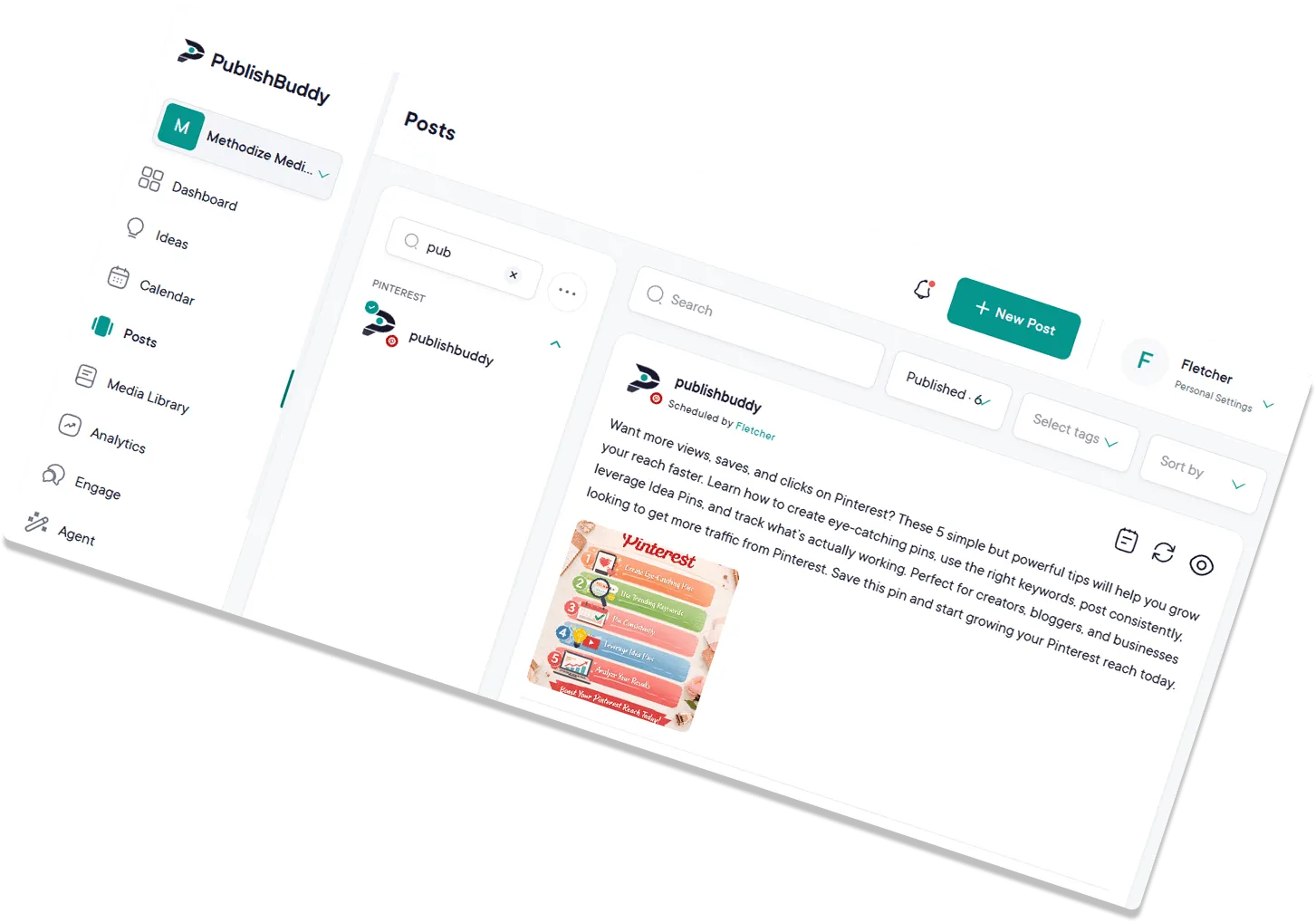
Plan and schedule videos, draft hooks and captions with AI, and track what's working across every account. All in one workspace.
What you can post to TikTok
| What you connect | TikTok accounts, one login each |
|---|---|
| Text-only posts | No, every post needs a video or images |
| Video | Yes, 3 seconds to 10 minutes, up to 1 GB |
| Images | Yes, one or more images make a photo post |
| Photos and video in one post | No |
| Who can see it | Yes, Everyone, Friends or Only Me, set on each post |
| Comments, Duet and Stitch | Yes, switched on or off per post |
| Branded content label | Yes, Your Brand or Branded Content |
| Follow-up comments (Pro and Business) | No |
Every post publishes for you at the time you set. TikTok options in the Help center
What analytics you get on TikTok
| Follower growth | Yes, from the day you connect |
|---|---|
| Reach | No |
| Likes | Yes, the account's total |
| Age, gender and location (Business) | No |
| Link clicks | No |
| Video views | Yes |
| Numbers on each post | Likes, comments, shares and views |
Numbers on each post show on every plan. The Analytics page comes with Pro and Business. Analytics for every network
Running a brand on TikTok
just got easier.
Plan and schedule videos, draft hooks and captions with AI, and track what's resonating across every account. All in one workspace.
Own the For You
page.
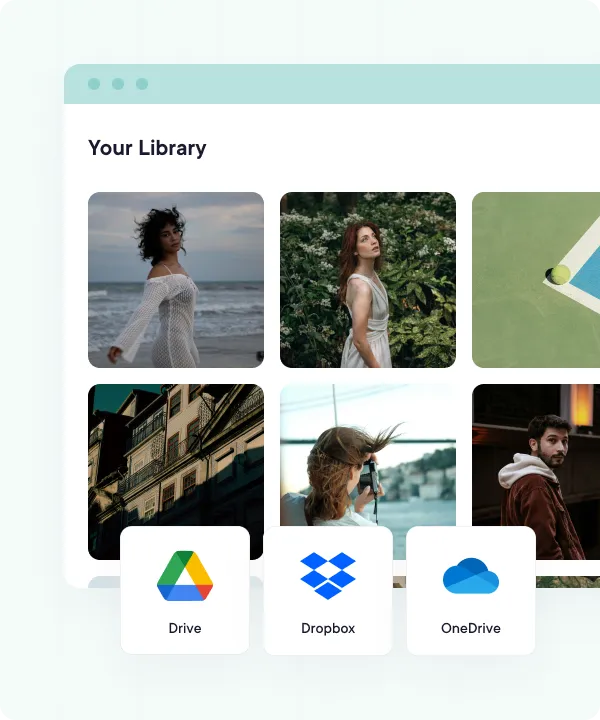
TikTok rewards consistency. Upload videos in bulk from your device or cloud storage, then queue weeks of content from a calendar that lets you reschedule with a drag.
- Cloud-integrated media library
- Quick bulk uploads with CSV files
- Drag-and-drop content calendar
Turn views into follows.
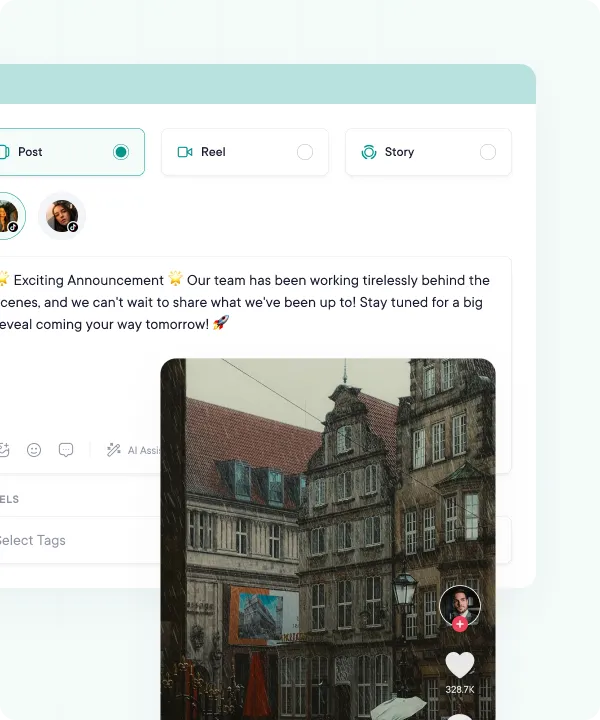
Let our AI suggest compelling captions and hashtags. Then schedule your winning TikToks to auto-publish at the time you pick, or from your queue.
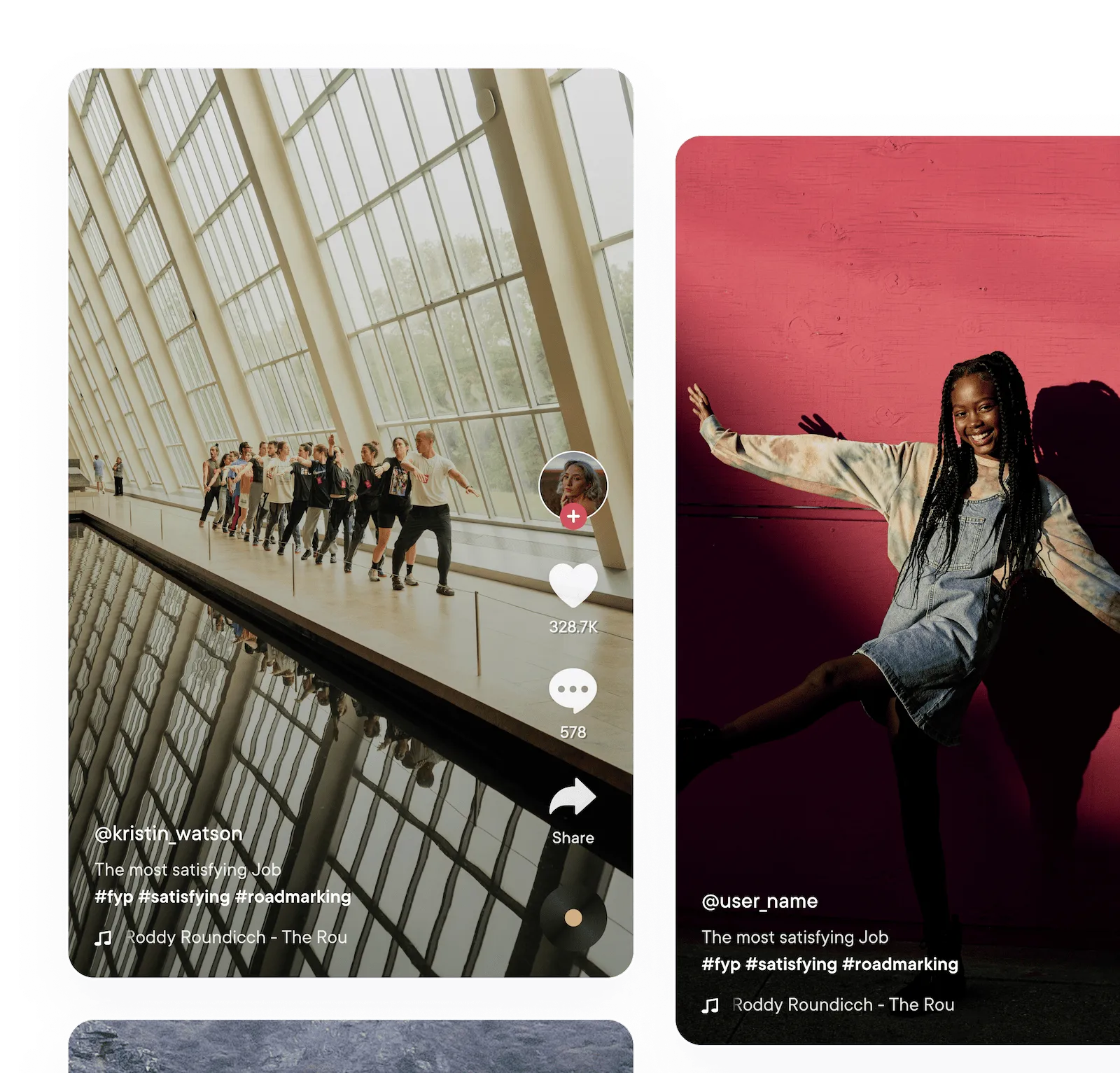
- Realistic post previews
- Video and photo posts
- Custom captions, hashtags, and per-post privacy settings
- Auto-publish at the time you pick, or from your queue
Hooks that hold,
captions that pop.
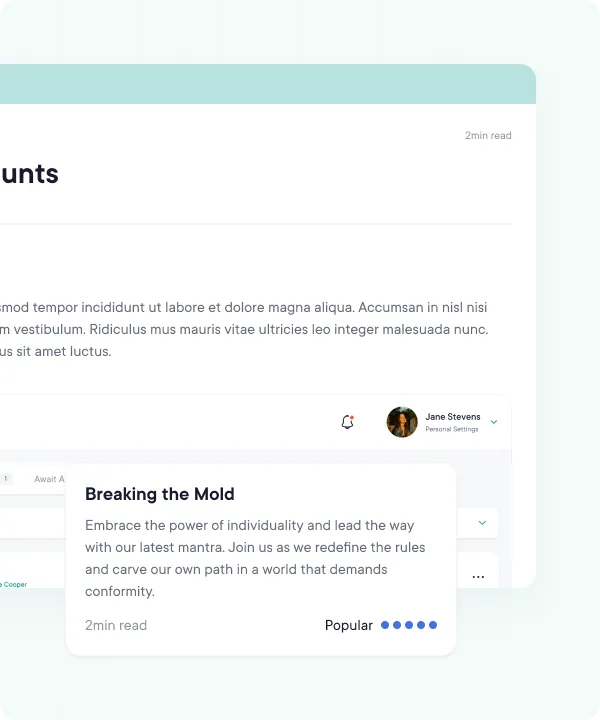
TikTok is won in the first three seconds. AI Studio drafts captions, hooks, and hashtags built for short-form pacing, and Ideas suggests fresh video ideas when the well runs dry, so your publishing calendar never stalls. AI Studio comes with Pro and Business.
- AI Studio writes captions and hooks for every video
- Idea generation for your next batch of shoots
- Punchy openers that earn the first three seconds
- Niche-aware hashtag suggestions
Pick the time.
We'll post it.
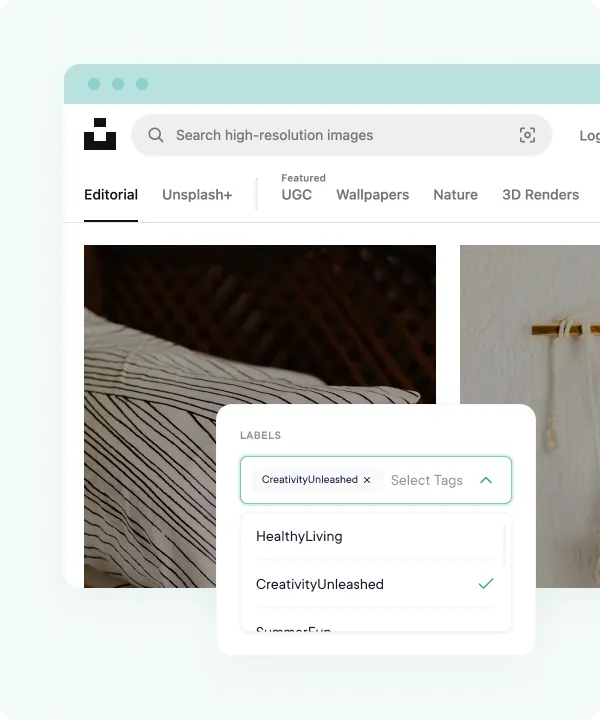
Timing makes or breaks a TikTok. Pick a time for each video, or set your queue times once and PublishBuddy posts each one at the next free slot. On Business, a best-times chart built from your own videos shows the hours they did best.
- Auto-publish at the time you pick, or from your queue
- Best-times chart from your own videos (Business)
- Schedule a week of drops in one sitting
- Set your queue times once, then just add videos
See what your audience actually watches.
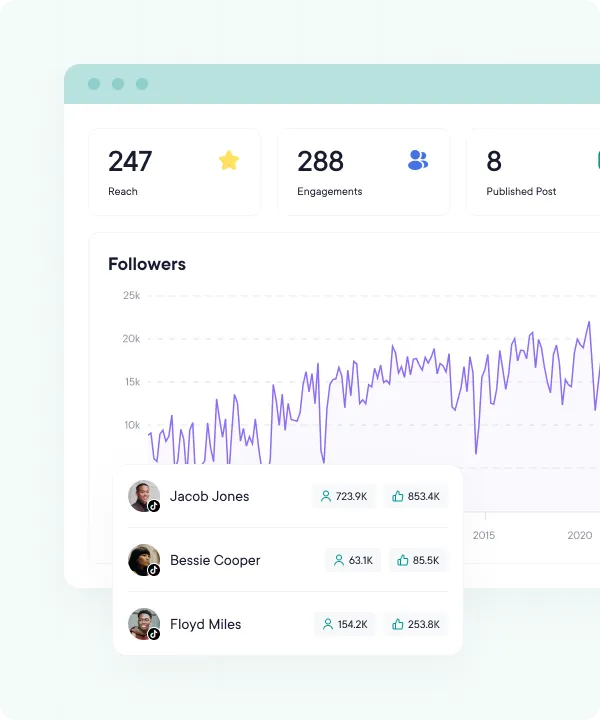
See exactly which videos drove the views and which fell flat. Track follower growth and engagement over the last 7, 14, 30, or 90 days, and double down on the formats that work.
- Follower growth from the day you connect
- Views, likes, comments, and shares per video
- Video views, charted over time
- Last 7, 14, 30, or 90 days, plus this week, this month, and last month
Reports the team will read.
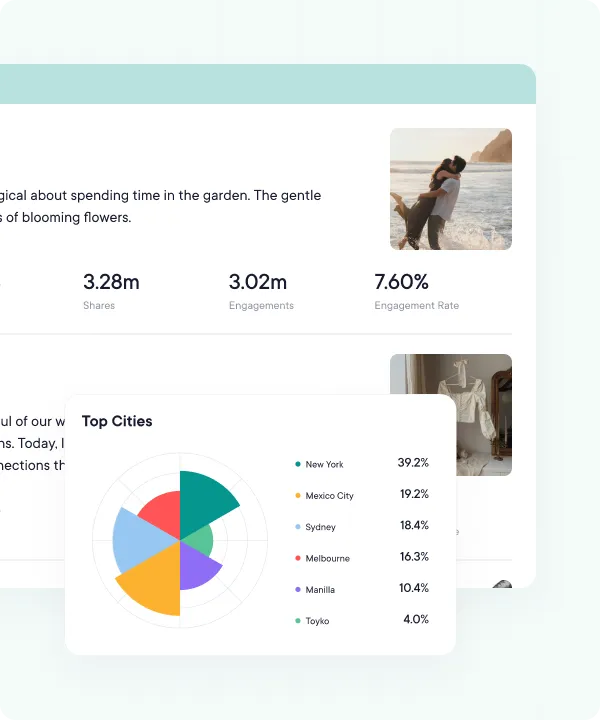
Pull up a data-rich TikTok report on the Analytics page (Pro and Business) whenever the team, the boss, or the client asks. Use the numbers to tighten the next batch of videos.
- Polished charts and graphs
- View on demand inside PublishBuddy
- Follower growth, engagement, and top-performing videos
- Sync Analytics for the latest numbers on demand
FAQs
Quick answers to the questions we get asked most. Can't find what you're looking for? Reach out to our support team and we'll get back to you promptly.
Does PublishBuddy post to TikTok for me?
Yes. At the time you set, the post goes straight to your TikTok account with the privacy and options you picked. There's no reminder to tap.
Can I schedule TikTok photo posts?
Yes. Add one or more images and they go out as a TikTok photo post. You can't mix photos and a video in one post.
How long can a TikTok video be?
PublishBuddy takes videos from 3 seconds to 10 minutes, up to 1 GB. TikTok also checks your account's own limit when the post goes out, and some accounts can only post shorter videos.
Can I choose who sees the post, and turn off comments, Duet or Stitch?
Yes, on every post. Pick Everyone, Friends or Only Me, and tick what people can do. If an option is off in your TikTok settings, it's grayed out here too.
Which TikTok analytics do I get?
Follower growth from the day you connect, your account's total likes and video views, and likes, comments, shares and views on each post. TikTok doesn't share reach or audience details.
Can I add a first comment or reply to TikTok comments?
Not yet. Follow-up comments aren't available on TikTok, and TikTok accounts don't show in Engage. Answer comments in the TikTok app for now.

Your social media.
One platform.
See what's working. Do more of it.
Join creators, agencies, and businesses who manage their social media smarter. Start for Free, no credit card, no commitment.