Post smarter on X.
Without the grind.
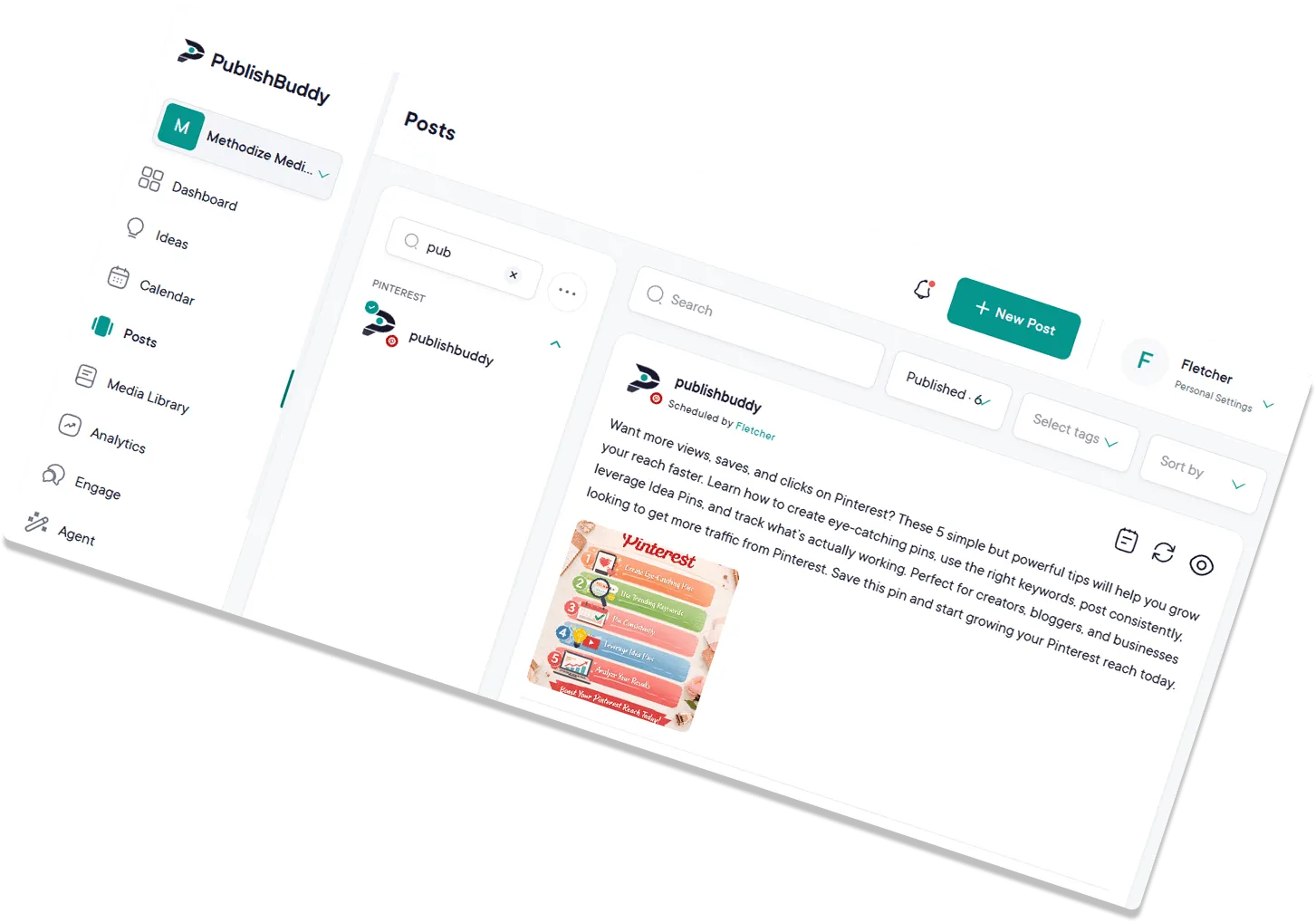
Plan single posts and full threads, schedule them across every account, and see what's resonating. All in one workspace.

What you can post to X
| What you connect | X accounts, one login each |
|---|---|
| Text-only posts | Yes |
| Images | Yes, up to 4 |
| Video | Yes, one MP4 or MOV, up to 140 seconds |
| Photos and video in one post | No |
| Follow-up comments (Pro and Business) | Yes, text plus one image or video. Each one replies to the one before, so they read as a thread |
Every post publishes for you at the time you set. Post types for every network
What analytics you get on X
| Follower growth | No, X doesn't share account numbers with apps like ours |
|---|---|
| Reach | No |
| Likes | Yes, added up from your posts |
| Age, gender and location (Business) | No |
| Link clicks | No |
| Video views | No |
| Numbers on each post | Likes, replies, reposts, impressions and engagement rate |
Numbers on each post show on every plan. The Analytics page comes with Pro and Business. Analytics for every network
Jump into your X
command center.
Plan single posts and full threads, schedule them across every account, and see what's actually resonating. All in one workspace.
Be smart(er)
about it.
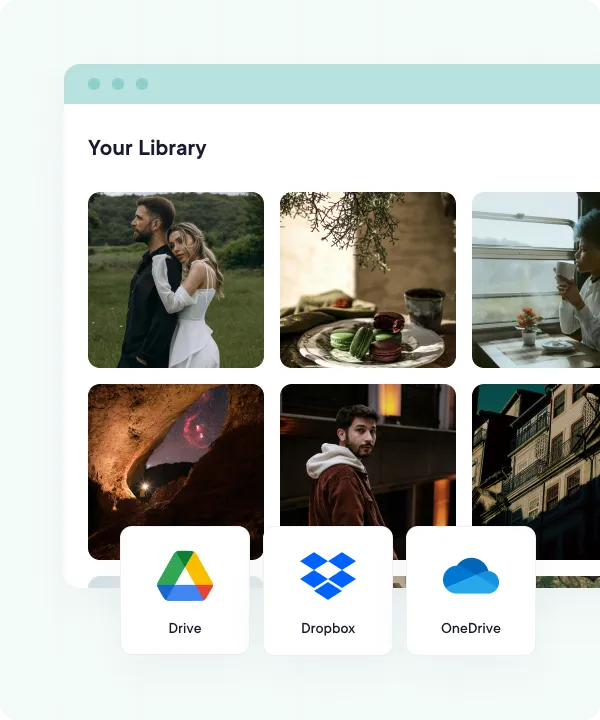
Pull images and videos in from your device, Google Drive, Dropbox, or OneDrive. Map them out on the calendar so your feed stays active even when your week gets busy.
- Cloud-integrated media library
- Quick bulk uploads with CSV files
- Drag-and-drop content calendar
Drive genuine engagement.
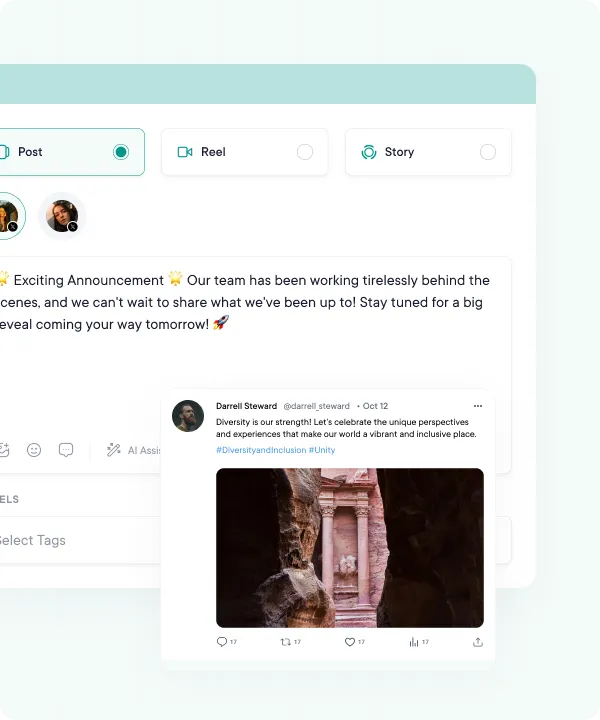
Use AI suggestions to craft content that resonates with your followers, no matter the character count. Schedule your posts and threads to auto-publish at the time you pick.
- Realistic post previews
- Text, link, image, and video posts
- Custom text, hashtags, and threads
- Auto-publish at the time you pick, or from your queue
Say more,
in fewer characters.
X rewards sharp, opinionated takes, and AI Studio helps you write them. Draft a tweet from a one-line prompt, trim a draft that's 40 characters too long, or pull a fresh angle out of thin air when you've got nothing to say. AI Studio and AI Assist come with Pro and Business.
- AI Studio drafts tweets that punch above their word count
- Idea generation when the timeline goes quiet
- Trim, sharpen, or rewrite without leaving the composer
- Inline AI assist for tone, length, and hooks
Schedule a month
in one sitting.
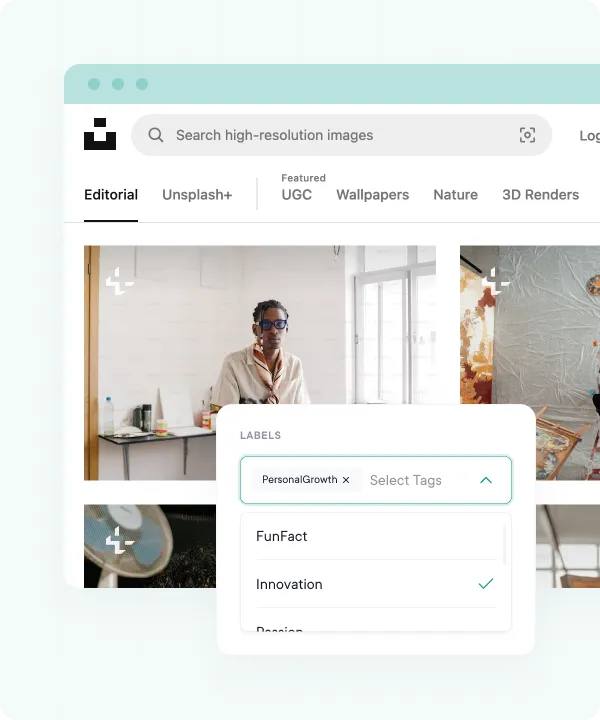
Active X accounts post a lot, so we made bulk easy. Drop a CSV, map tweet text and media, and queue hundreds of posts at once. Then reshuffle anything on the drag-and-drop calendar without redoing the spreadsheet. Bulk scheduling comes with Pro and Business.
- CSV bulk uploads: schedule hundreds of tweets at once
- Map tweet text and media in a spreadsheet you already use
- Plan a month across multiple X accounts in one go
- Drag-and-drop calendar to reshuffle on the fly
Get the backstage pass.
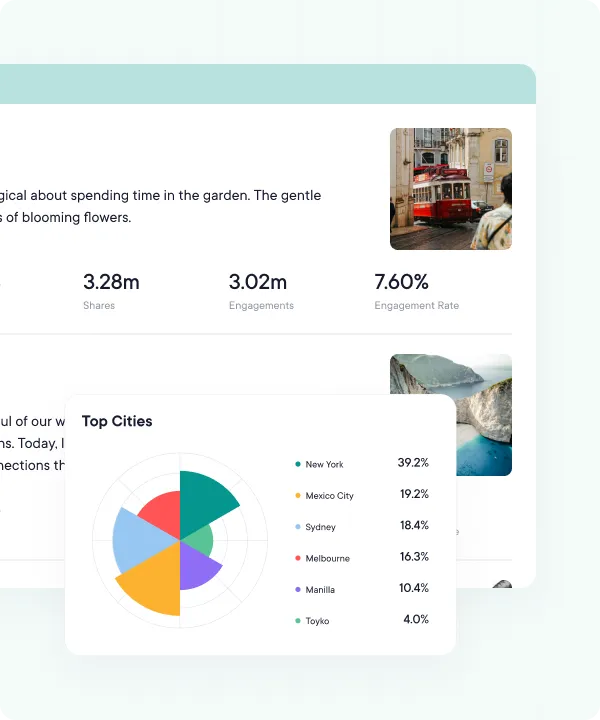
... and see the story behind every like and repost. Track impressions, likes, reposts, and engagement per post, then switch between the last 7, 14, 30, or 90 days to spot which formats carry your account.
- Engagement and likes, charted over time
- Impressions, likes, and reposts per tweet
- Every number comes from your posts
- Last 7, 14, 30, or 90 days, plus this week, this month, and last month
Don't be shy about it.
Open crisp reports on the Analytics page (Pro and Business) that your colleagues will appreciate and your clients will love. Make informed decisions to keep all of the X accounts you manage aligned with their broader goals.
- Polished charts and graphs
- View on demand inside PublishBuddy
- Engagement, likes, and top-performing posts
- Sync Analytics for the latest numbers on demand
FAQs
Quick answers to the questions we get asked most. Can't find what you're looking for? Reach out to our support team and we'll get back to you promptly.
How do I connect my X account?
Go to Accounts, click Add Social Accounts and pick X. Log in and authorize PublishBuddy. The window uses whichever X account is logged in, so switch first if you run more than one.
Can I schedule an X thread?
Yes, on Pro and Business. Write the first post, then add follow-up comments. Each one replies to the one before, so they read as a thread under your post. Each follow-up holds up to 280 characters.
How many images, or how long a video, can I post to X?
Up to 4 images, or one video. Videos must be MP4 or MOV files, up to 512 MB and 140 seconds. You can't mix photos and a video in one post.
Does PublishBuddy show my X follower growth?
No. X doesn't share account numbers with apps like PublishBuddy. You get likes, replies, reposts, impressions and engagement rate on each post, and totals added up from your posts.
Can I reply to X comments from PublishBuddy?
Not yet. Your X account and its posts show in Engage, but replies from other people don't come in yet. Answer them in X for now.
Can I post to more than one X account?
Yes. Connect each one on its own: switch accounts in X, then connect again. Each X account counts as one social account on your plan.

Your social media.
One platform.
See what's working. Do more of it.
Join creators, agencies, and businesses who manage their social media smarter. Start for Free, no credit card, no commitment.