Try Pro or Business free for 14 days. No credit card needed.
Tue
14
This week
M
T
W
T
F
S
S
Scheduled
Mon · 9:00 AM
9:00 AM
Reach
+24%
Posting to
Tue
14
This week
M
T
W
T
F
S
S
Scheduled
Mon · 9:00 AM
9:00 AM
Reach
+24%
Posting to
Every major platform. One place.
Uncomplicate your life by planning, organizing, and automating social media posting across all major platforms.
Plan a month in one sitting
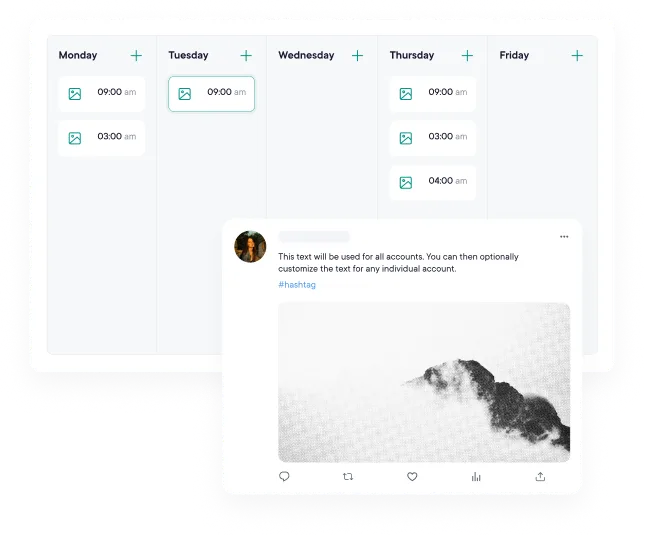
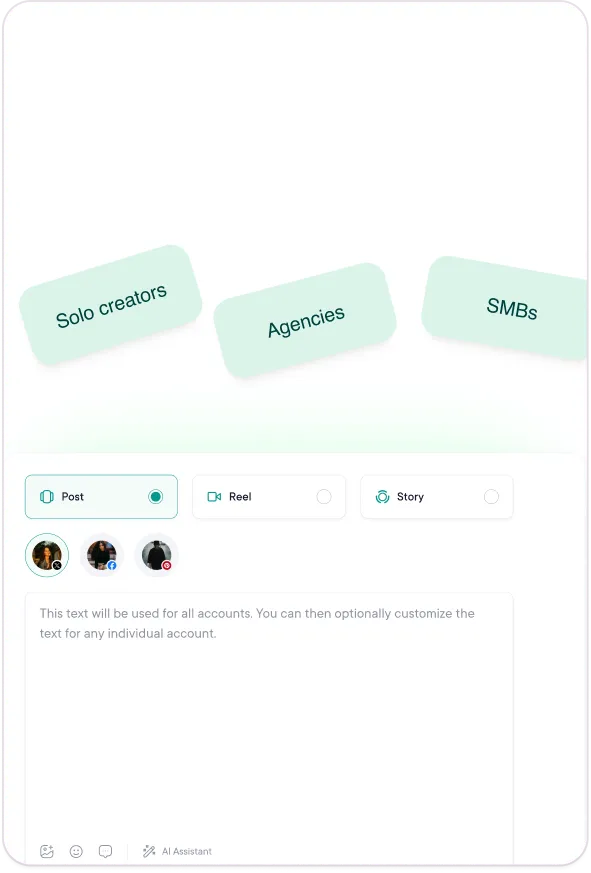
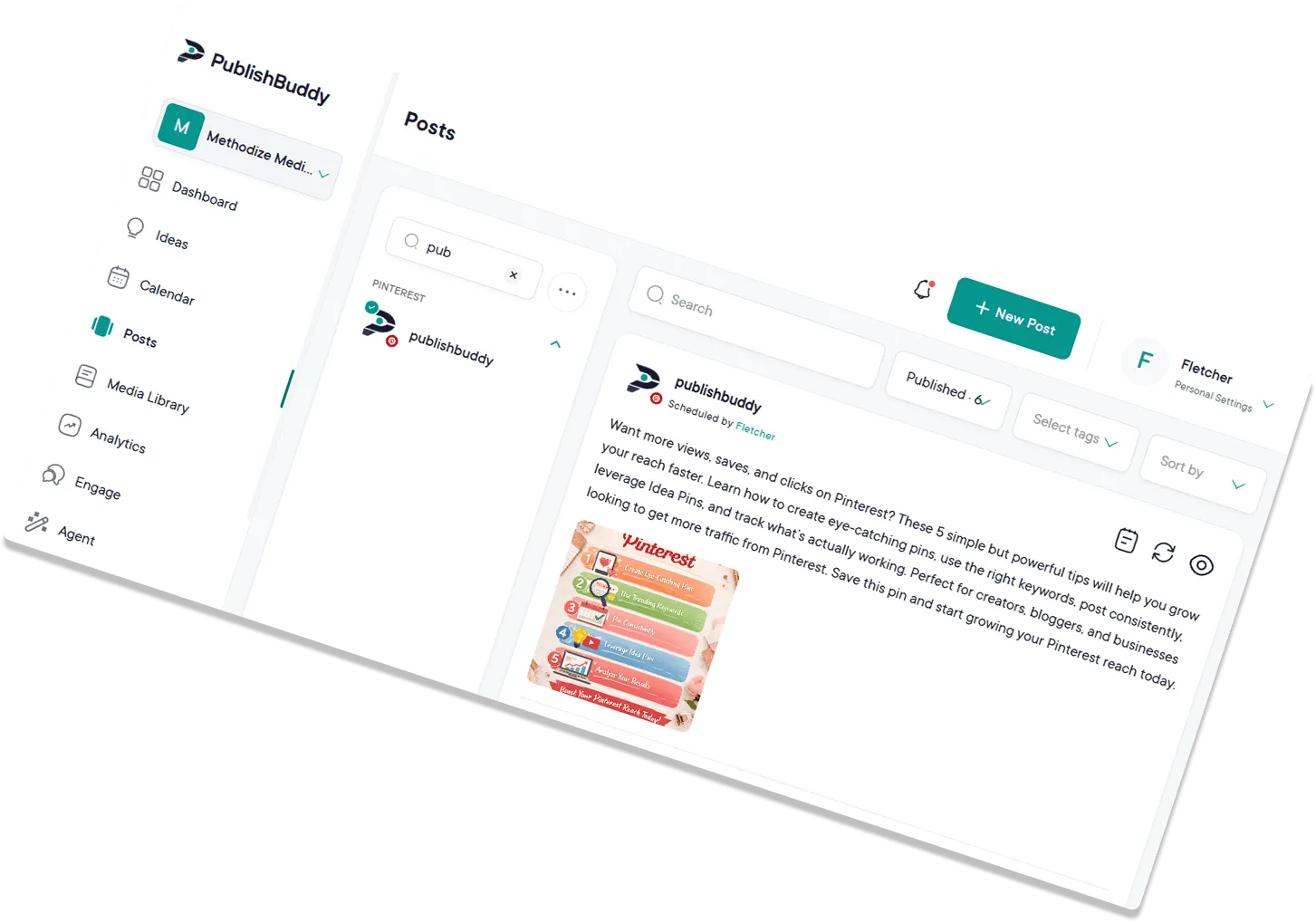
Create and schedule content for every connected profile from one composer and calendar, so you stop switching apps per network. Plan one post or batch out a full month, preview how each one looks before it goes live, and keep your queue full without maintaining a separate spreadsheet calendar.
Queue scheduling.Set your posting slots once, then add content whenever it's ready. PublishBuddy publishes on your schedule.
Bulk scheduling.Import via CSV or upload multiple files at once and map out a full week of posts in minutes, not hours.
Post previews.See native previews for each network, with formatting, crops, and links included, before anything goes live.
AI Assistant.Describe your idea in the composer; get caption drafts, hashtag suggestions, and refinements without leaving the flow.
Works across your entire
workspace or specific profiles.
Takes real actions,
not just answers questions.
Remembers your preferences
and past conversations.
Stop guessing. Start growing.
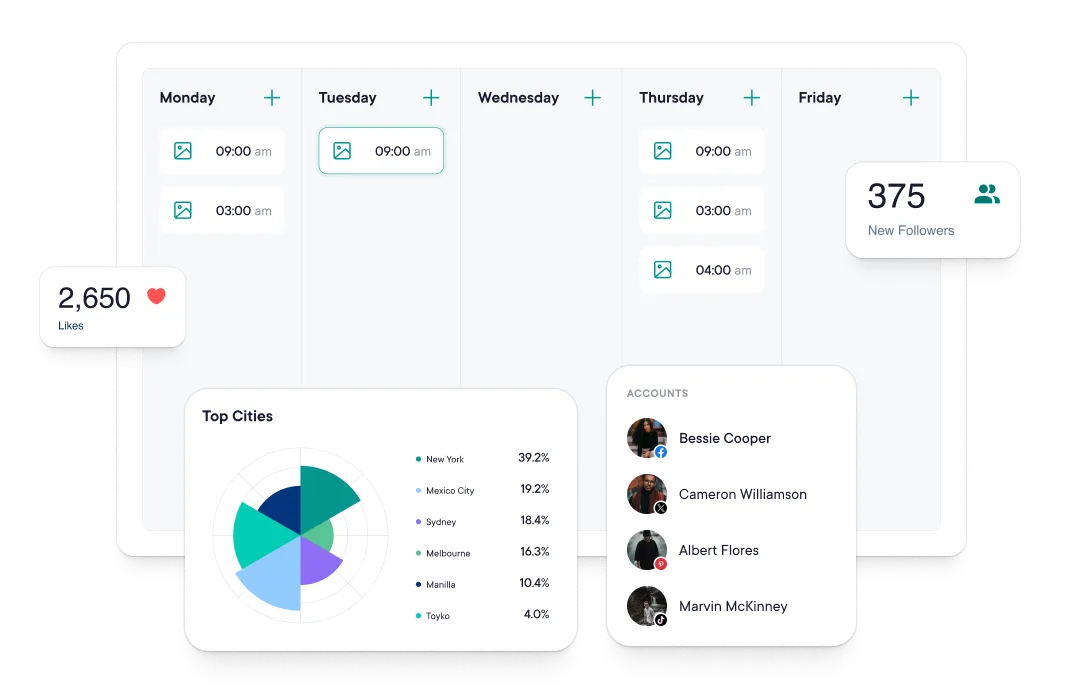
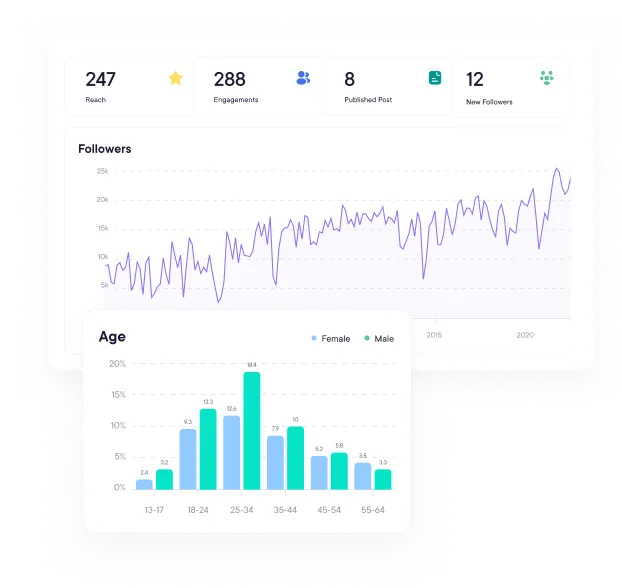
Track followers, reach, and engagement across every connected profile in one dashboard, then see which hashtags, content types, and posting times actually move the numbers. Keep an eye on the Facebook Pages you want to learn from, and export polished reports you can hand straight to clients or your team.
Know your numbers and your timing.Followers, reach, likes, comments and shares over the last 7, 14, 30 or 90 days. Business adds a chart of the hours and days your posts did best.
Double down on what works.See which post types and hashtags (on Business) get the most engagement, so you can stop guessing and start repeating the wins.
Keep an eye on the competition.Add public Facebook Pages to a watch list and see the reactions, comments and shares on their posts, so you can learn from what works for them.
Get a plan, not just data.On Business, suggestions built from your own numbers flag a drop in engagement or posting, a jump in followers, and the times your posts do best.
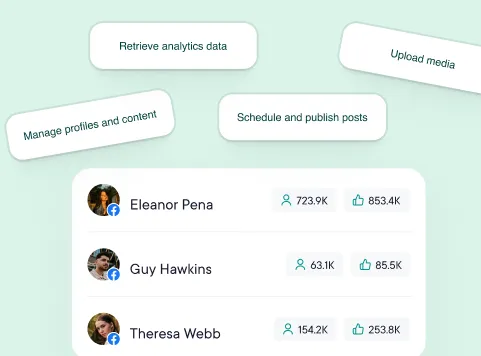
Build on PublishBuddy, or hand it to your AI. A REST API covers posts, media, and analytics. An MCP server lets Claude, Cursor, and other clients do the same by chat. Included on Pro and Business.
For developers wiring social into their own tools, agencies automating reporting, and anyone who would rather ask than click.
Whether you're a team of one or twenty PublishBuddy fits your workflow.
Integrations
Works with the tools you already use.
Collaboration & Workflows
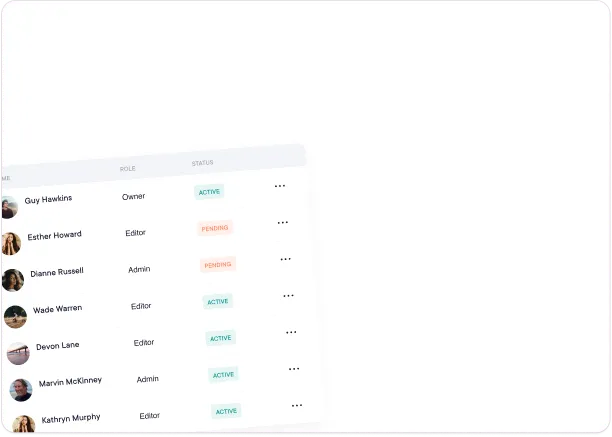
Built for teams. Controlled by you. Whether you're solo or a team of ten, PublishBuddy gives you the structure to keep the content moving and quality high.
Fine-grained access control
Draft and approval workflows
Multiple workspaces
Publishing credentials control
Team activity tracking
For developers and AI users
Everything the app does, two more ways.
A REST API for your code and an MCP server for your AI assistant. Both are included on Pro and Business, with no developer tier and no per-call fees.
Public API
Build on it.
Post, upload media, and pull analytics from your own code. REST, JSON, and personal access tokens you scope yourself.
Quick answers to the questions we get asked most. Can't find what you're looking for? Reach out to our support team and we'll get back to you promptly.
Can I try PublishBuddy before committing?
Yes. Pro and Business both come with a 14-day free trial, no credit card required. During the trial you get full access to scheduling, team collaboration, analytics, every supported platform, and 200 AI credits to try the AI tools. Prefer to take your time? There's also a free plan you can stay on as long as you like.
What happens after my trial, and can I cancel anytime?
No surprises. If you don't upgrade, you simply move to our free plan and keep 3 social accounts, the composer, and the calendar, and nothing gets deleted. There are no contracts and no cancellation fees, so you can upgrade, downgrade, or cancel anytime from your account settings.
How is PublishBuddy different from other social media tools?
You get the scheduling you'd expect, plus things many tools charge extra for or leave out: an AI Agent that knows your accounts, approval workflows, a public API and MCP server, and 10+ networks. Pro costs $29 a month with 10 accounts included.
How is the AI Agent different from ChatGPT?
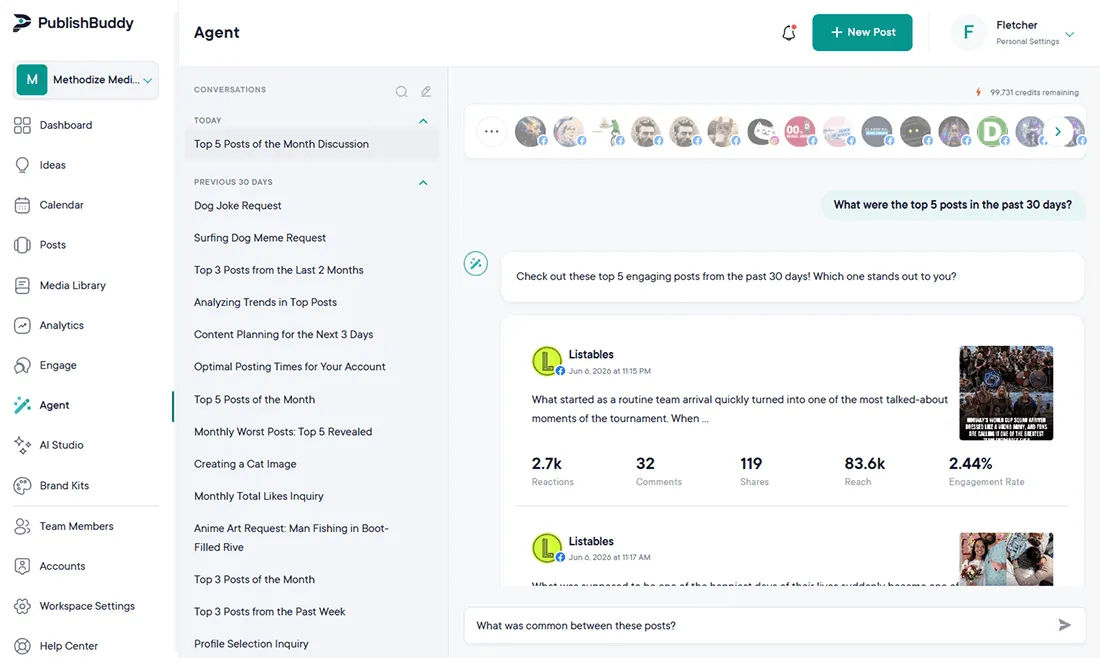
Our AI Agent is built into your workflow: it knows your connected accounts, brand voice, and scheduling context. It drafts and refines posts for each platform's rules, not generic chat in a separate tab. It can also pull from your media library and past top-performing posts to keep suggestions on-brand.
Will my scheduled posts publish automatically and reliably?
Yes. Once a post is scheduled, PublishBuddy publishes it directly to each platform at the time you set, with no reminders to tap or manual reposting. If a platform ever rejects something, you're notified right away with the reason so you can fix it fast, and everything stays visible on one shared calendar.
Do you support my platform?
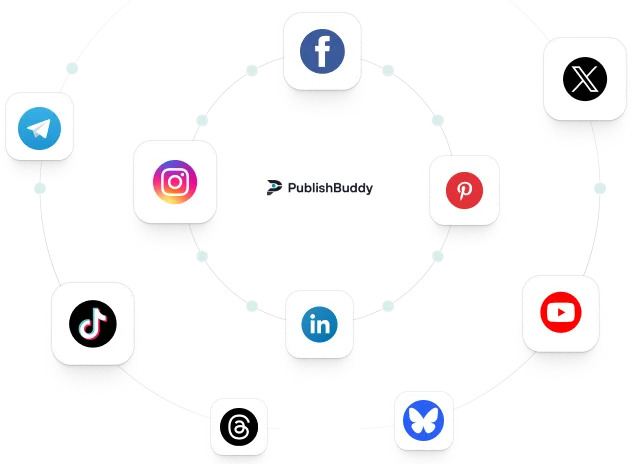
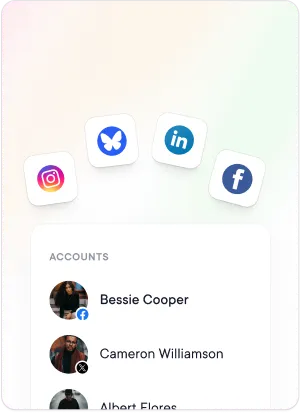
We currently support Facebook, Instagram, X (Twitter), LinkedIn, Pinterest, TikTok, YouTube, Telegram, Threads, and Bluesky. More platforms are on the roadmap. Tell us which one matters most to you.
Is it safe to connect my social accounts?
Yes. You connect through each network's official login, or for Bluesky with an app password made just for apps. We never see your account passwords, and we only ask for the permissions needed to schedule and analyze your posts. You can remove an account from PublishBuddy at any time, and revoke our access in the network's own settings.
Your social media. One platform. See what's working. Do more of it.
Join creators, agencies, and businesses who manage their social media smarter. Start for Free, no credit card, no commitment.